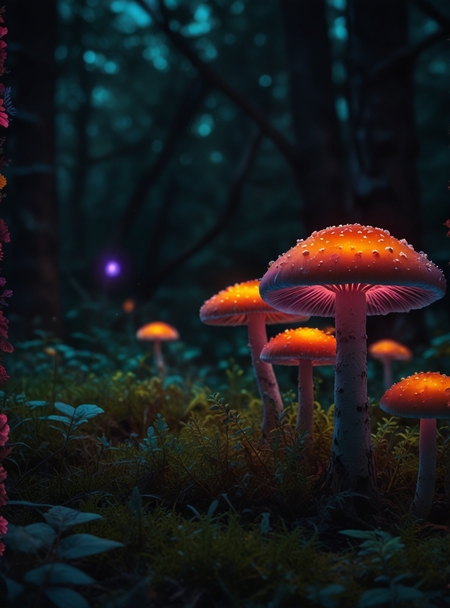
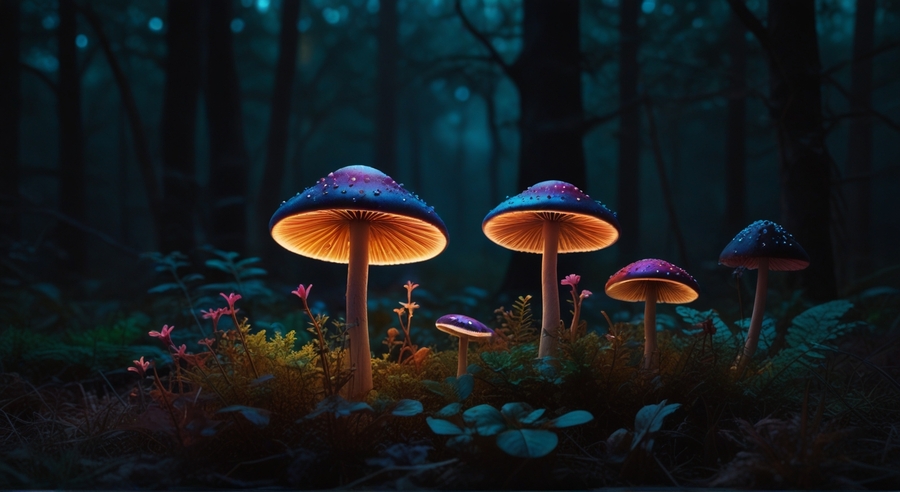
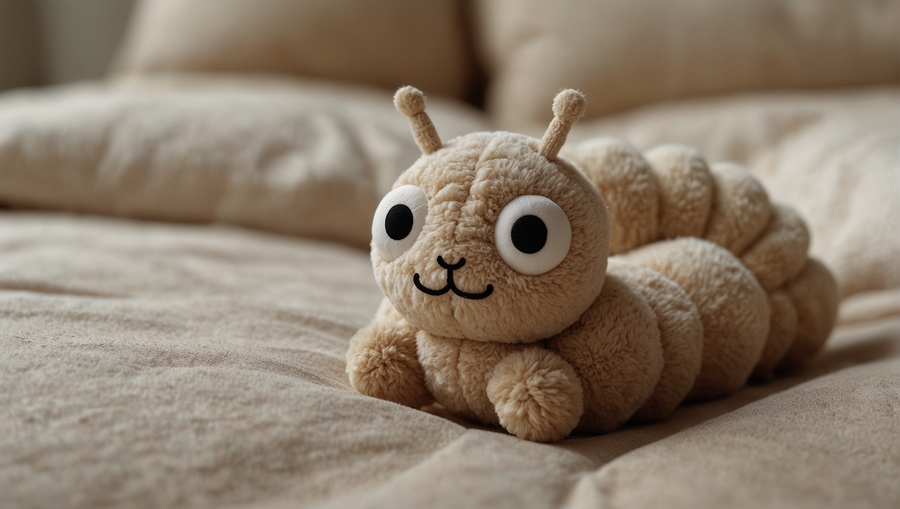
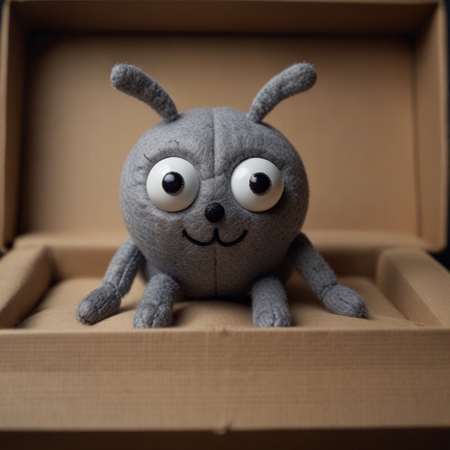
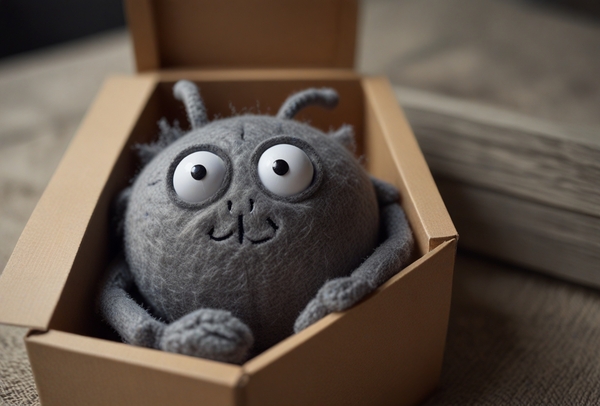
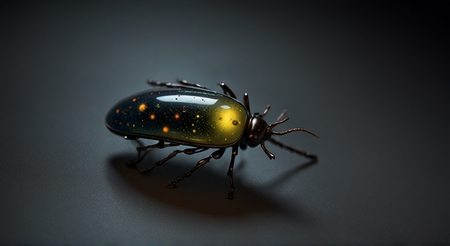
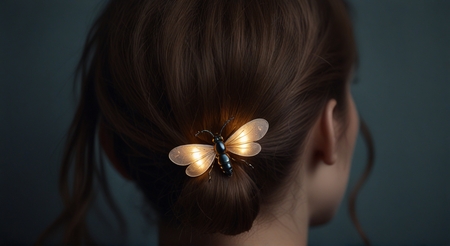
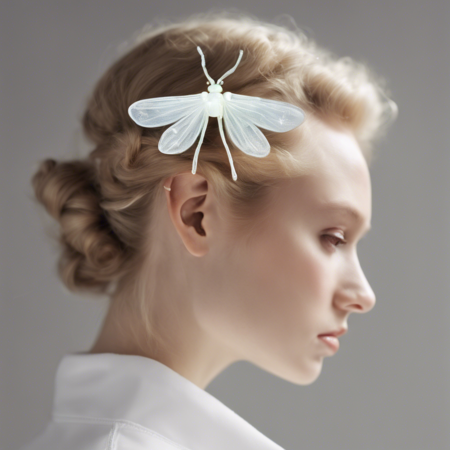
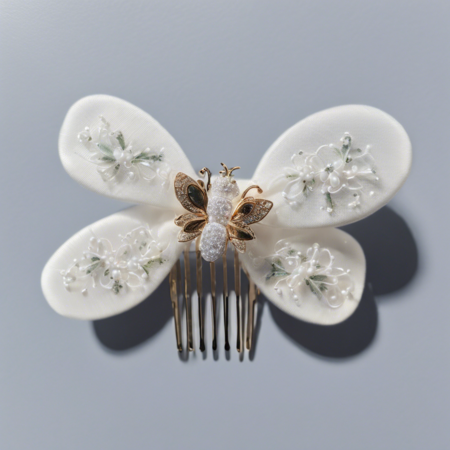
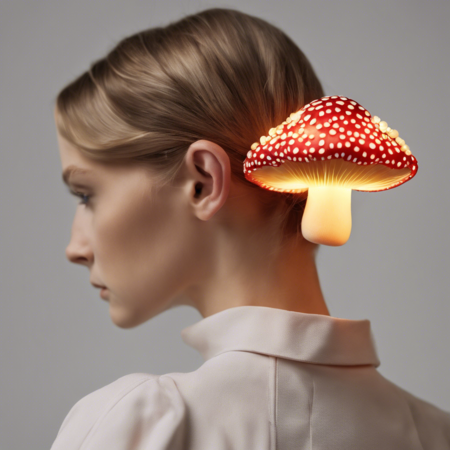
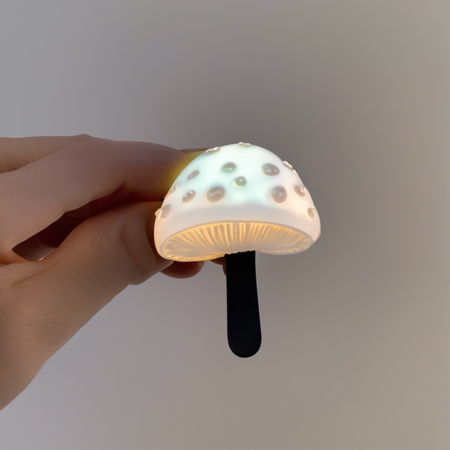
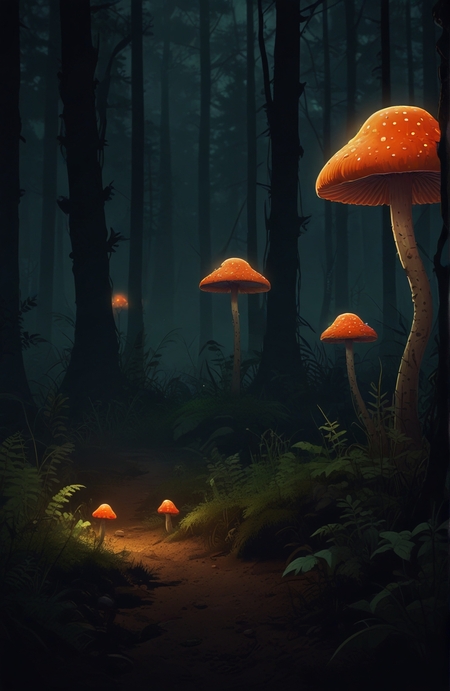
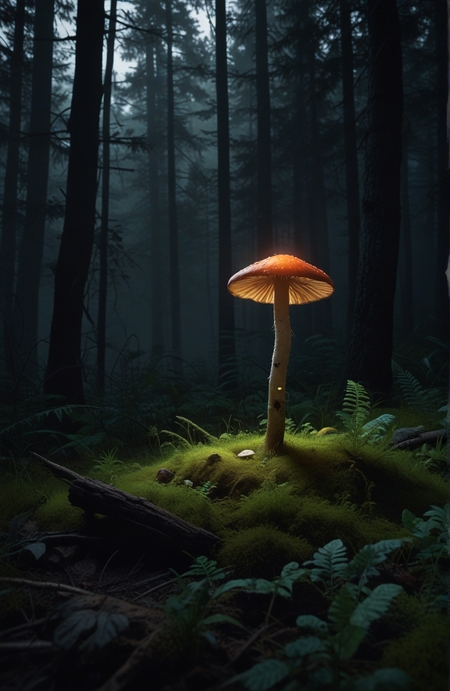
Данный проект направлен на генерацию различной продукции по мотивам игры «Блоходед». По этой причине при создании промптов я решила не использовать большое количество описаний, чтобы сгенерированные изображения получились более необычными и индивидуальными, но все же я устанавливала некоторые нужные мне рамки в промпте для получения подходящих для атмосферы изображений, что будет более раскрыто далее в моей работе.
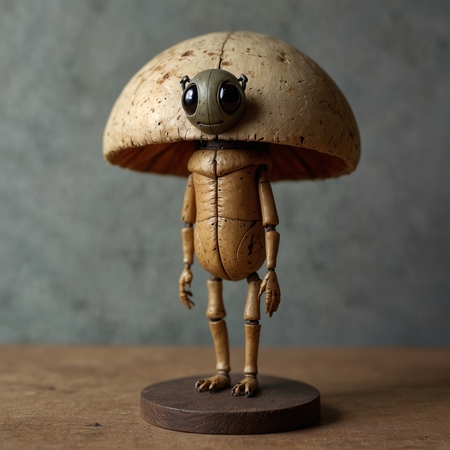
doll in the shape of an insect with an old human face, sitting on a stand in the shape of a mushroom
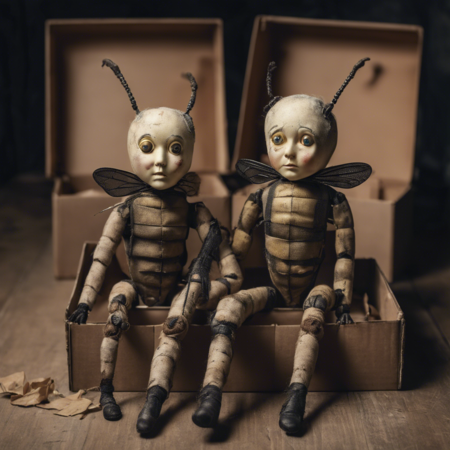
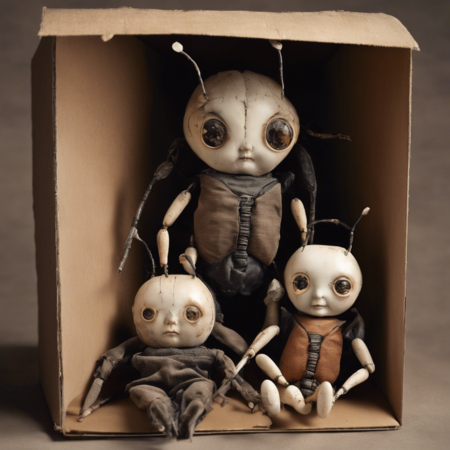
2 dolls in the form of an insect with an old human face, lying in boxes
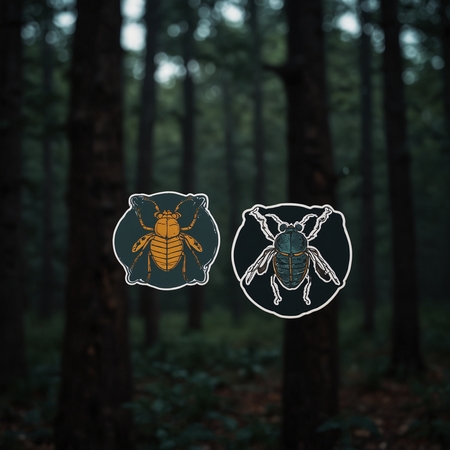
two minimalistic stickers with an image of an insect with old human faces, against the backdrop of a dark forest
Original size 1536x640
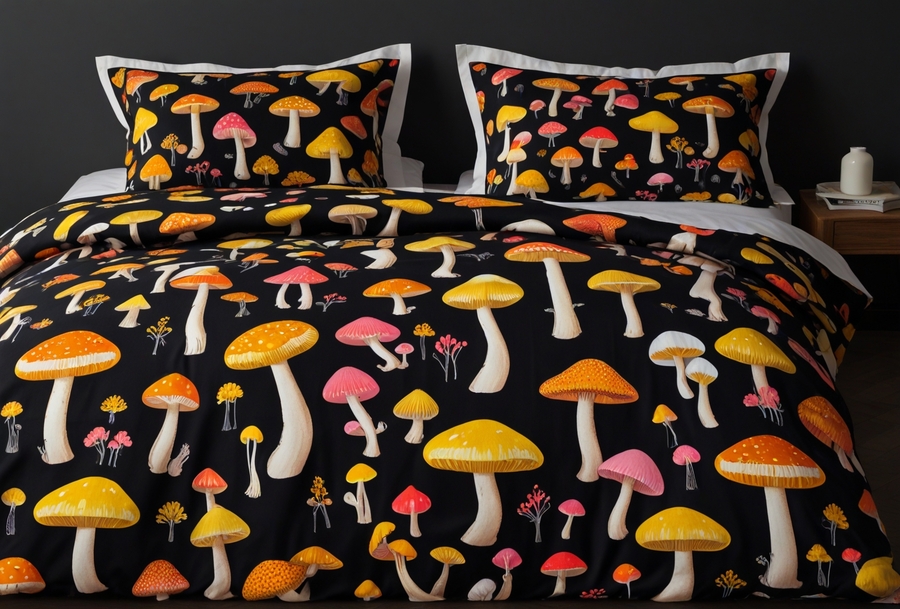
bed linen with a pattern of white, yellow, pink, green glowing toadstool mushrooms against the backdrop of a dark forest
Original size 1536x1040
Original size 1536x640
Original size 1024x1024
Original size 1024x1024
Original size 1360x768
Original size 2376x1344
logo for a game about an old flea who lives in a dark forest. Glowing mushrooms grow there. the game is called
Original size 1536x1416
Minimalistic plakat for a game about an old flea who lives in a dark forest. Glowing mushrooms grow there. the game is called: « блоходед»
Сгенерированная продукция по мотивам игры «Блоходед»
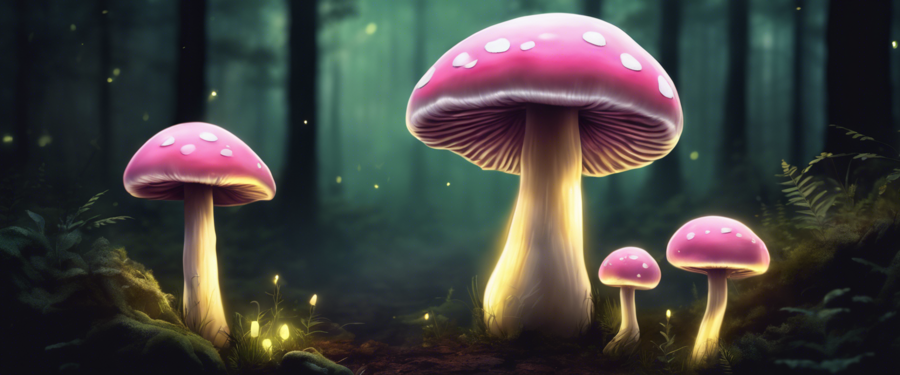
Екатерина Васильева создала генеративные изображения по мотивам игры «Блоходед». Проект включает в себя минималистичные стикеры, мягкие игрушки и логотип для игры с атмосферой тёмного леса и светящихся грибов.
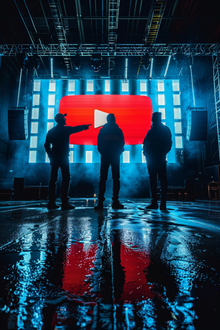
Дмитрий Андрияшкин провел интервью с Сергеем Сморовозом о современных трендах SEO продвижения YouTube каналов в 2024 году. В интервью обсуждались изменения алгоритмов платформы и новые инструменты аналитики для эффективного ведения контента.
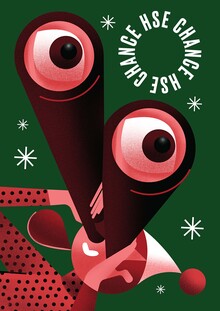
Мария Кулагина вместе с коллегами создала иллюстративную айдентику для телеграм-канала HSE CHANCE, объединяющую визуальные элементы для постов. Проект включает систему пиктограмм, обозначающих профессиональные области и темы карьеры, которые можно комбинировать в бесконечные композиции.
designschool.am
designschool.am — цифровая экосистема, объединяющая профессиональное портфолио для дизайнеров — студентов, выпускников и сотрудников программы «Коммуникационный дизайн» (совместный проект Российско-Армянского Университета и Школы дизайна НИУ ВШЭ), образовательную онлайн-платформу, площадку, агрегирующую международные онлайн-конкурсы в креативных индустриях и другие профессиональные инструменты.... Show more
We use cookies to improve the operation of the website and to enhance its usability. More detailed information on the use of cookies can be fo...
Show more
Press space bar to start a drag.
When dragging you can use the arrow keys to move the item around and escape to cancel.
Some screen readers may require you to be in focus mode or to use your pass through key
Press space bar to start a drag.
When dragging you can use the arrow keys to move the item around and escape to cancel.
Some screen readers may require you to be in focus mode or to use your pass through key
Press space bar to start a drag.
When dragging you can use the arrow keys to move the item around and escape to cancel.
Some screen readers may require you to be in focus mode or to use your pass through key
Press space bar to start a drag.
When dragging you can use the arrow keys to move the item around and escape to cancel.
Some screen readers may require you to be in focus mode or to use your pass through key
Press space bar to start a drag.
When dragging you can use the arrow keys to move the item around and escape to cancel.
Some screen readers may require you to be in focus mode or to use your pass through key
Press space bar to start a drag.
When dragging you can use the arrow keys to move the item around and escape to cancel.
Some screen readers may require you to be in focus mode or to use your pass through key
Press space bar to start a drag.
When dragging you can use the arrow keys to move the item around and escape to cancel.
Some screen readers may require you to be in focus mode or to use your pass through key
Press space bar to start a drag.
When dragging you can use the arrow keys to move the item around and escape to cancel.
Some screen readers may require you to be in focus mode or to use your pass through key
Press space bar to start a drag.
When dragging you can use the arrow keys to move the item around and escape to cancel.
Some screen readers may require you to be in focus mode or to use your pass through key