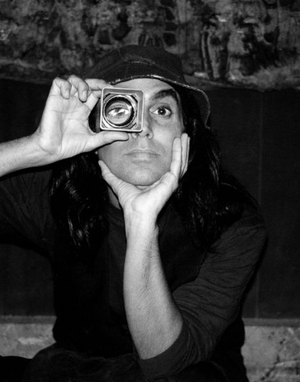
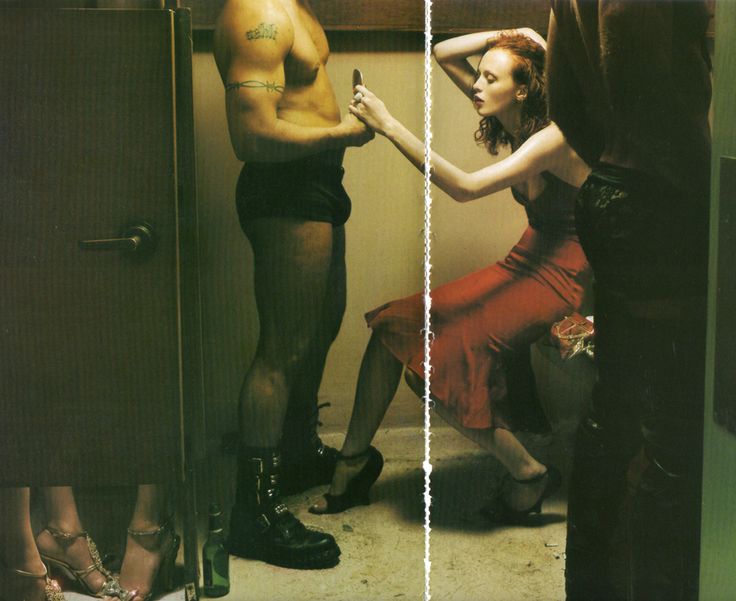
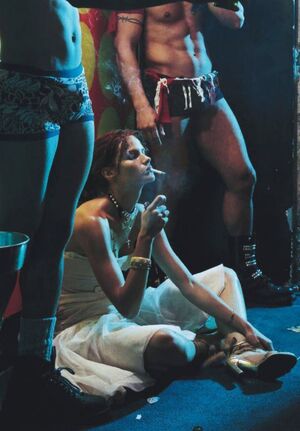
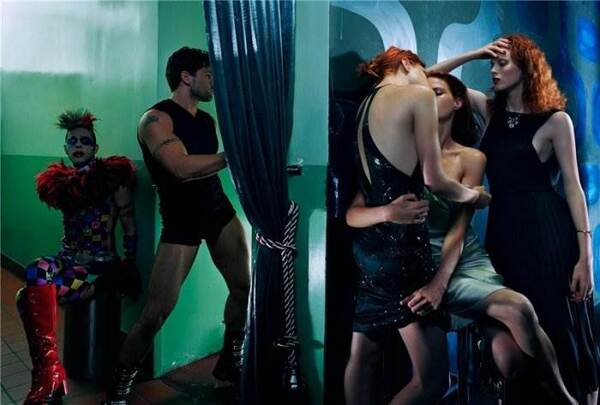
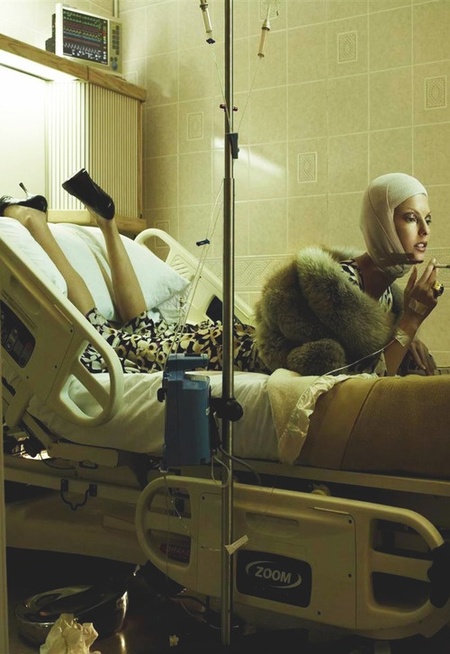
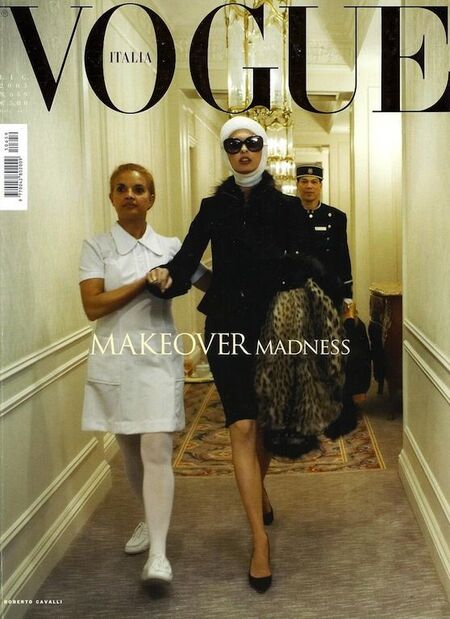
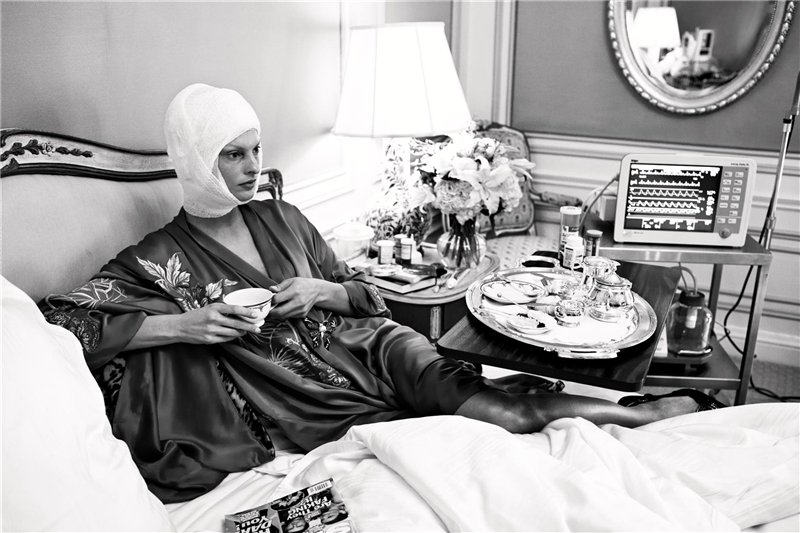
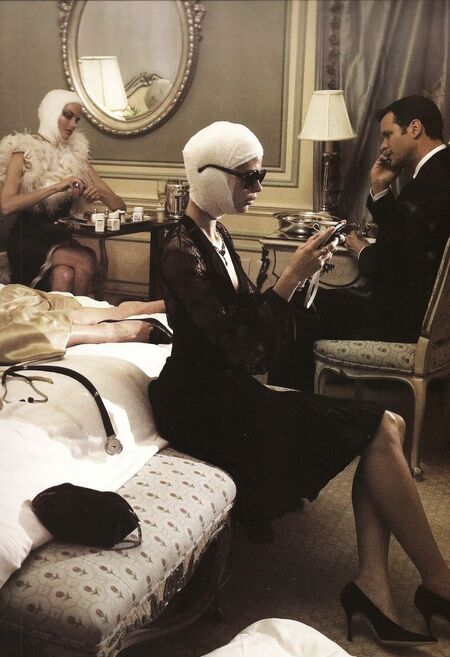
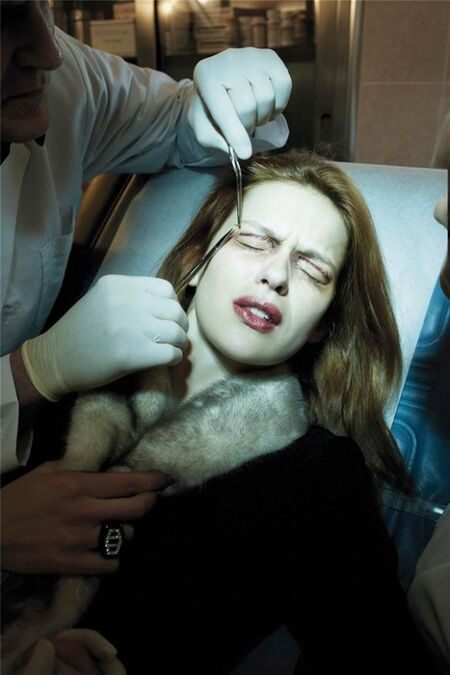
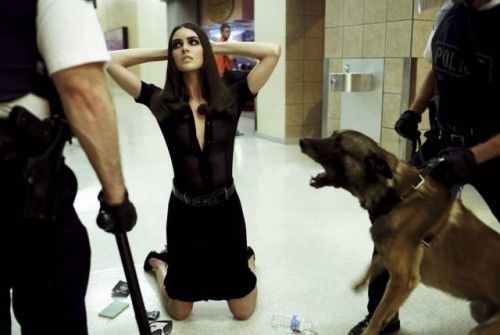
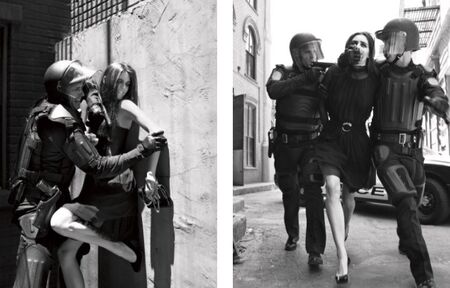
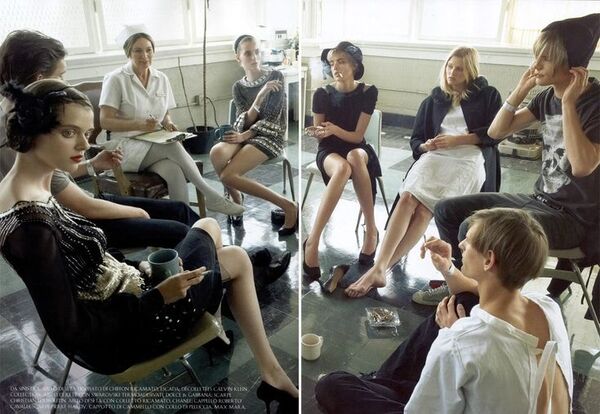
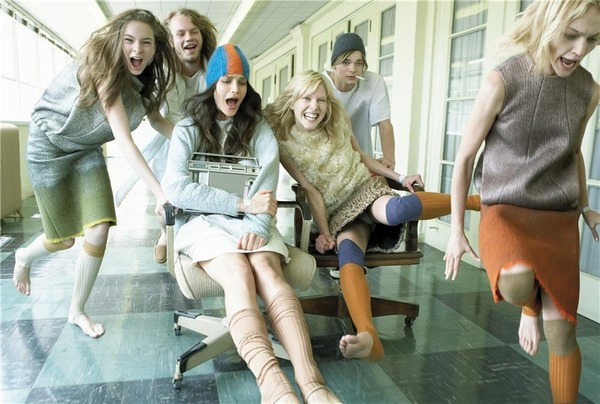
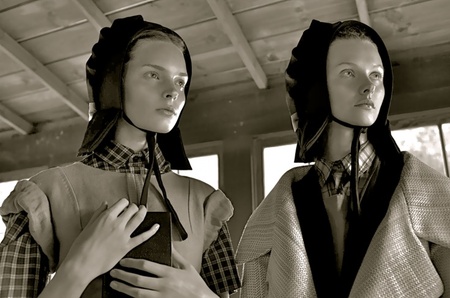
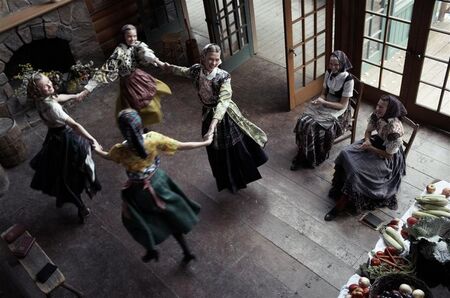
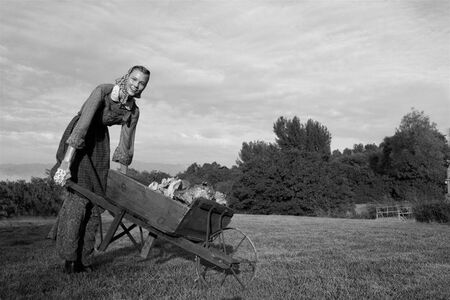
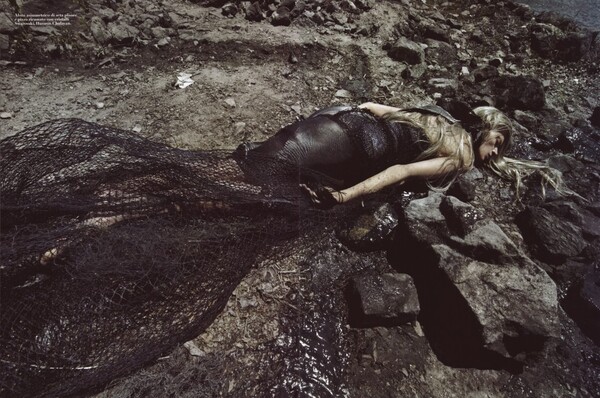
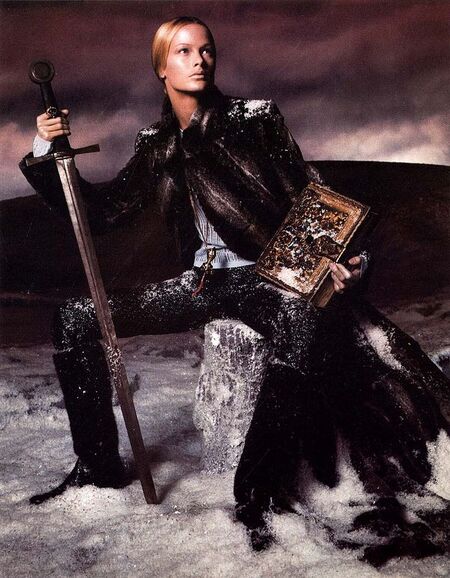
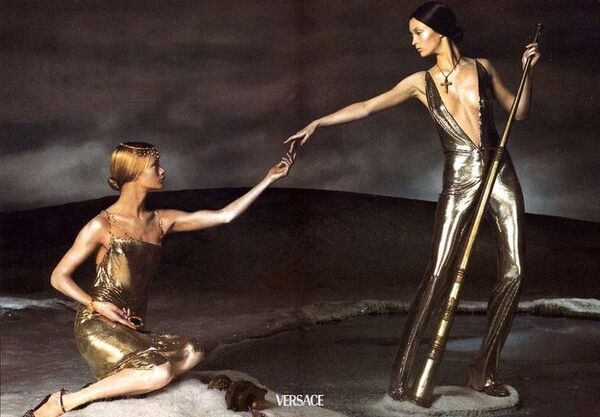
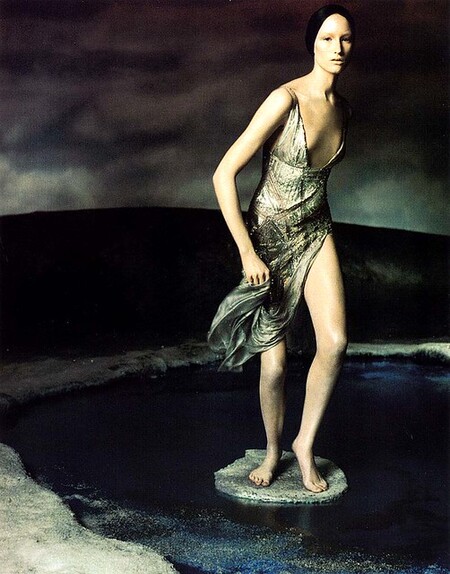
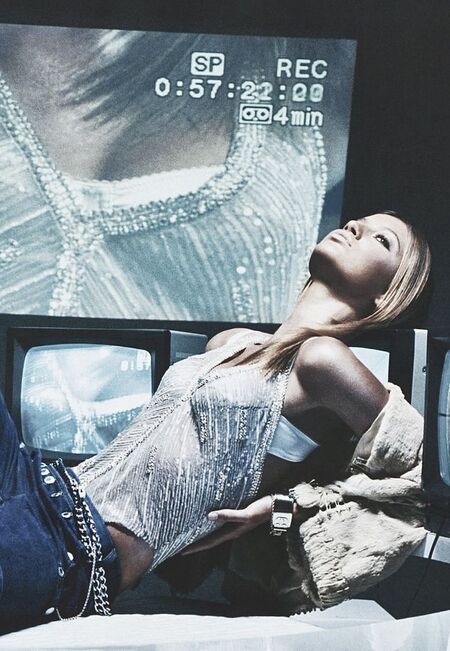
Стивен Майзель — американский фэшн-фотограф, работающий с 1980-х гг. по наши дни. Среди его работ — съемки для американского, британского и итальянского Vogue (ему принадлежит наибольшее количество обложек для журнала), Prada, Versace и Dolce & Gabbana.
Особенно выразительными считаются те его фотографии, на которых в композиции участвует большое количество людей.
Оксана Зуева подготовила текст о творчестве Стивена Майзеля, американского фэшн-фотографа, известного съемками для Vogue и других модных брендов. Проект подчеркивает его особенность — создание композиций с большим количеством людей, обладающих нарративностью и психологической глубиной.
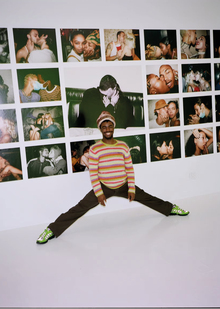
Мария Турчина создала текст о фотографе и режиссере Тайрелле Хэмптоне, описывающий его стиль и подход к работе. Проект включает в себя анализ его фотографий, акцентирующих яркие цвета, динамику и неожиданные ракурсы.
Амалия Вульф создала проект о фотографе Дэнни Касирье, представляя его работу и стиль через тексты и визуальные элементы. Проект включает описание его портретной фотографии, акцентов на естественную красоту и нестандартные движения в кадре.
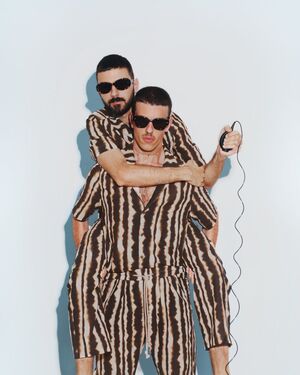
Александра Шафранова представила проект о творческом дуэте Scandebergs, состоящем из итальянских фотографов и арт-директоров, живущих в Лондоне. Проект включает в себя съемки для брендов Gucci, Prada и BVLGARI, а также исследования вымышленной вселенной с использованием кинематографического подхода.
Валерия Туханова подготовила научный доклад о влиянии ценовых сегментов товаров легкой промышленности на выбор уникальных потребителей. Проект SMARTEX-2024 объединяет ведущих российских университетов и отраслевых компаний для обсуждения теоретических основ «умного» текстиля.
designschool.am
designschool.am — цифровая экосистема, объединяющая профессиональное портфолио для дизайнеров — студентов, выпускников и сотрудников программы «Коммуникационный дизайн» (совместный проект Российско-Армянского Университета и Школы дизайна НИУ ВШЭ), образовательную онлайн-платформу, площадку, агрегирующую международные онлайн-конкурсы в креативных индустриях и другие профессиональные инструменты.... Show more
We use cookies to improve the operation of the website and to enhance its usability. More detailed information on the use of cookies can be fo...
Show more
Press space bar to start a drag.
When dragging you can use the arrow keys to move the item around and escape to cancel.
Some screen readers may require you to be in focus mode or to use your pass through key
Press space bar to start a drag.
When dragging you can use the arrow keys to move the item around and escape to cancel.
Some screen readers may require you to be in focus mode or to use your pass through key
Press space bar to start a drag.
When dragging you can use the arrow keys to move the item around and escape to cancel.
Some screen readers may require you to be in focus mode or to use your pass through key
Press space bar to start a drag.
When dragging you can use the arrow keys to move the item around and escape to cancel.
Some screen readers may require you to be in focus mode or to use your pass through key
Press space bar to start a drag.
When dragging you can use the arrow keys to move the item around and escape to cancel.
Some screen readers may require you to be in focus mode or to use your pass through key
Press space bar to start a drag.
When dragging you can use the arrow keys to move the item around and escape to cancel.
Some screen readers may require you to be in focus mode or to use your pass through key
Press space bar to start a drag.
When dragging you can use the arrow keys to move the item around and escape to cancel.
Some screen readers may require you to be in focus mode or to use your pass through key
Press space bar to start a drag.
When dragging you can use the arrow keys to move the item around and escape to cancel.
Some screen readers may require you to be in focus mode or to use your pass through key
Press space bar to start a drag.
When dragging you can use the arrow keys to move the item around and escape to cancel.
Some screen readers may require you to be in focus mode or to use your pass through key
Press space bar to start a drag.
When dragging you can use the arrow keys to move the item around and escape to cancel.
Some screen readers may require you to be in focus mode or to use your pass through key
Press space bar to start a drag.
When dragging you can use the arrow keys to move the item around and escape to cancel.
Some screen readers may require you to be in focus mode or to use your pass through key
Press space bar to start a drag.
When dragging you can use the arrow keys to move the item around and escape to cancel.
Some screen readers may require you to be in focus mode or to use your pass through key
Press space bar to start a drag.
When dragging you can use the arrow keys to move the item around and escape to cancel.
Some screen readers may require you to be in focus mode or to use your pass through key
Press space bar to start a drag.
When dragging you can use the arrow keys to move the item around and escape to cancel.
Some screen readers may require you to be in focus mode or to use your pass through key
Press space bar to start a drag.
When dragging you can use the arrow keys to move the item around and escape to cancel.
Some screen readers may require you to be in focus mode or to use your pass through key
Press space bar to start a drag.
When dragging you can use the arrow keys to move the item around and escape to cancel.
Some screen readers may require you to be in focus mode or to use your pass through key
Press space bar to start a drag.
When dragging you can use the arrow keys to move the item around and escape to cancel.
Some screen readers may require you to be in focus mode or to use your pass through key
Press space bar to start a drag.
When dragging you can use the arrow keys to move the item around and escape to cancel.
Some screen readers may require you to be in focus mode or to use your pass through key