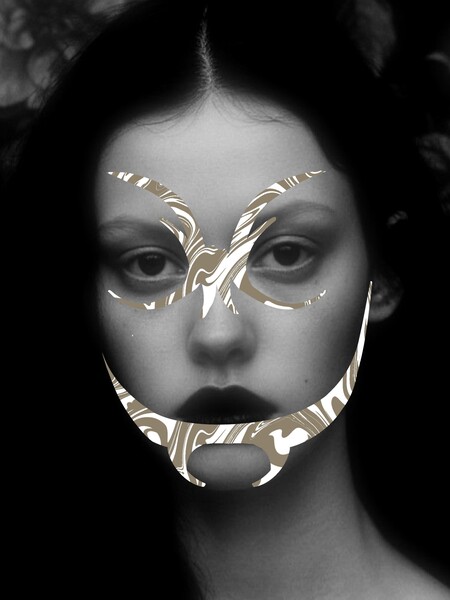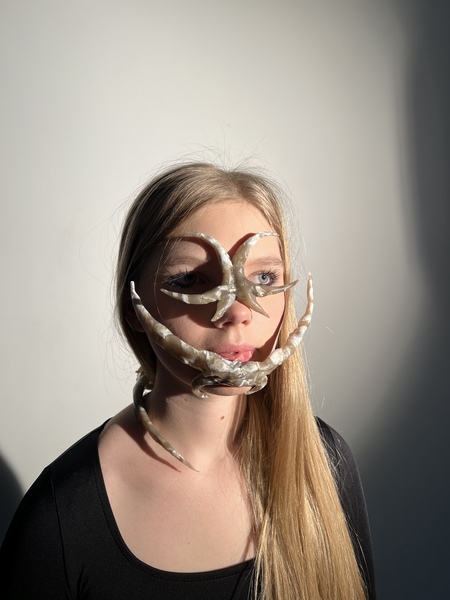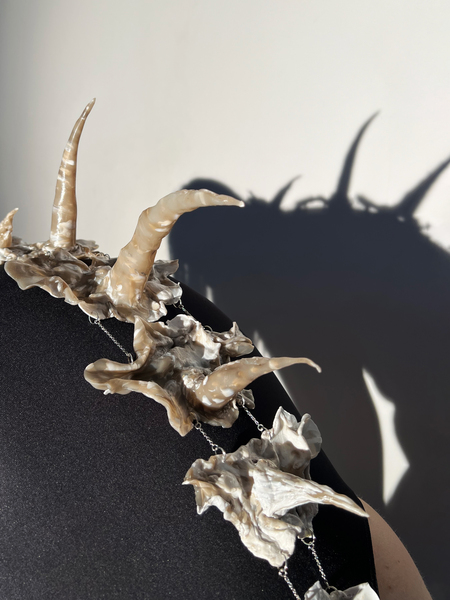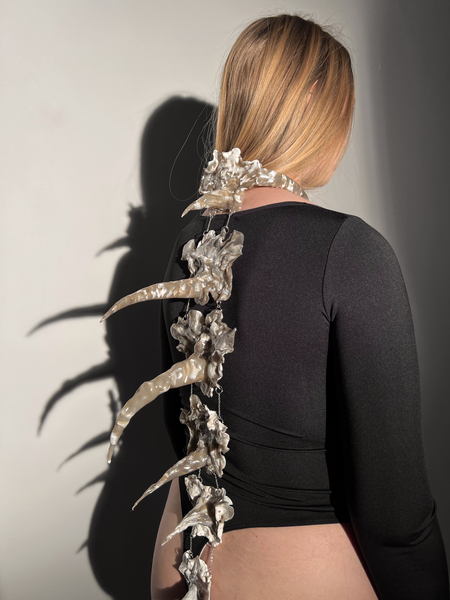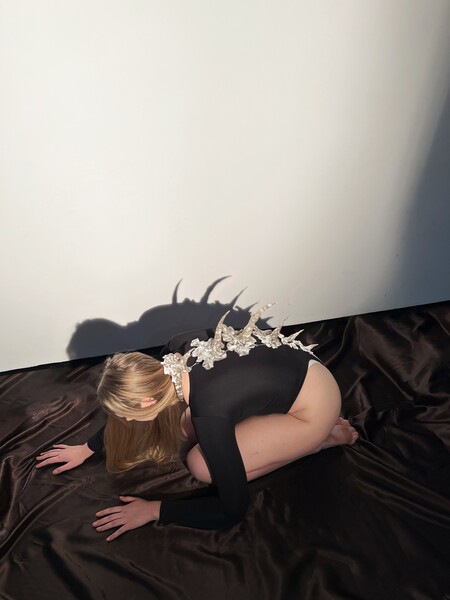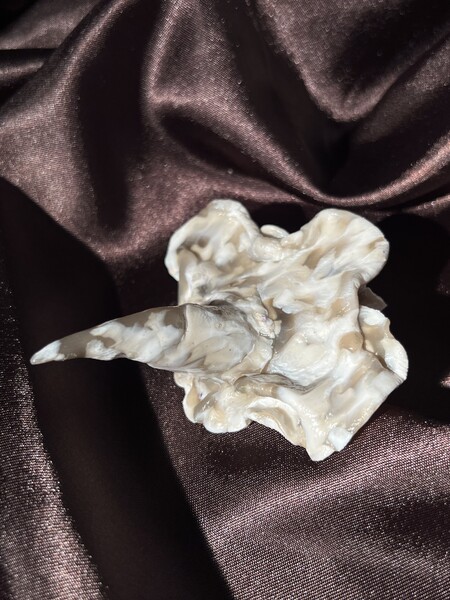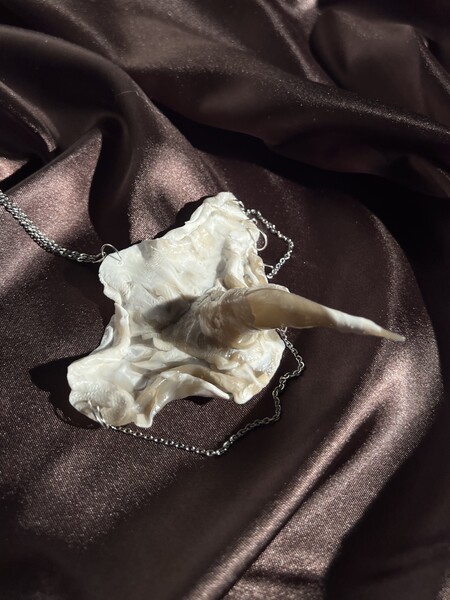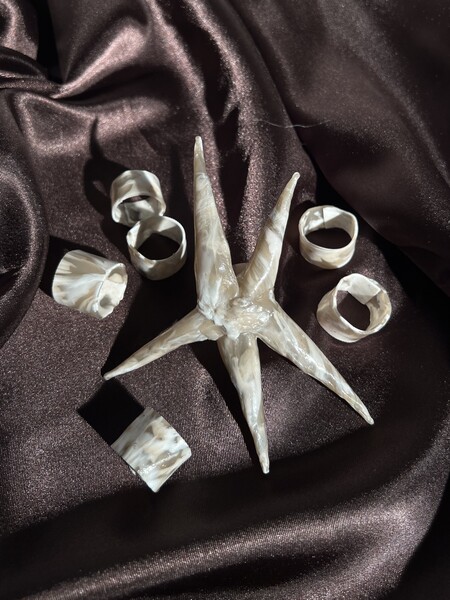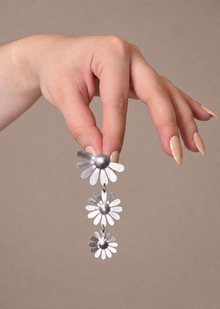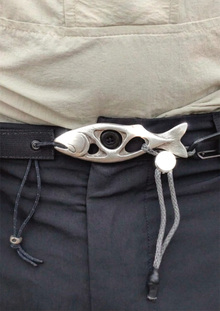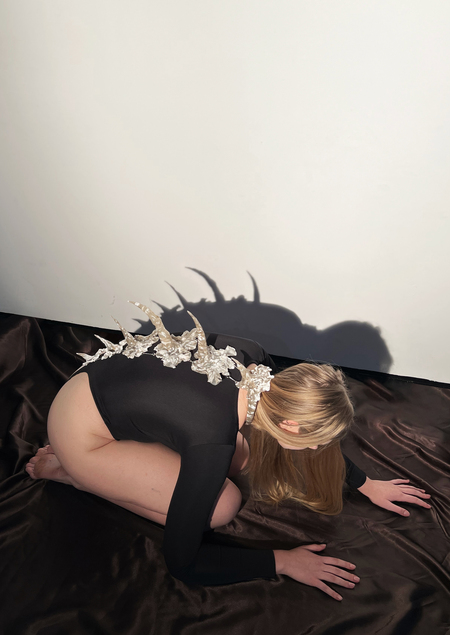
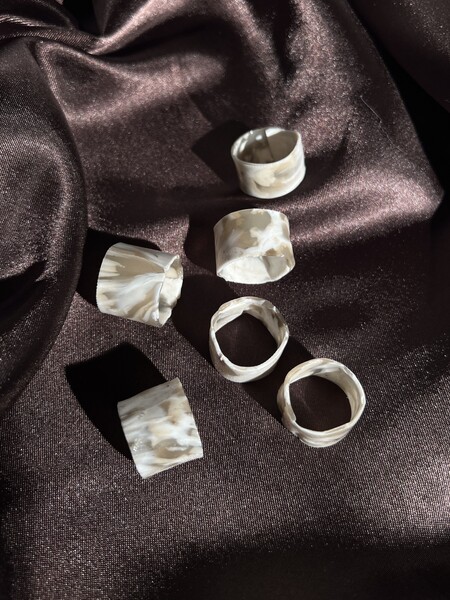
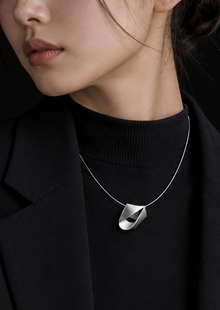
Проект «ARACHNE» — вольная интерпретация мифа об Арахне, талантливой ткачихе, победившей в состязании с Афиной и превращённой в паука за свою дерзость и мастерство. В основе лежит её двойственная природа: сочетание грубости, дерзости и тонкости изящного мастерства. В элементах костюма и украшениях сочетается грубость сформованного вручную переработанного пластика и тонкость металлических цепочек и колец.
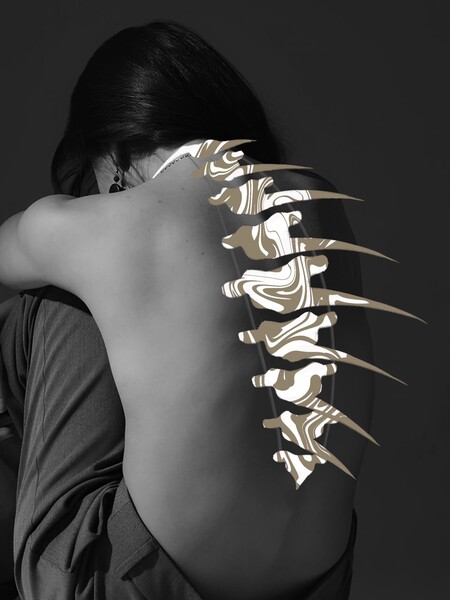
Визуальная основа — формы частей скелета и хитин членистоногих.
• Хребет — метафора решительности и внутреннего стержня
• Маска-челлюсть символизирует молчание, на которое была обречена Арахна
• Шипы — метафора непреклонности и способности постоять за себя
ЭСКИЗЫ
ТЕСТЫ
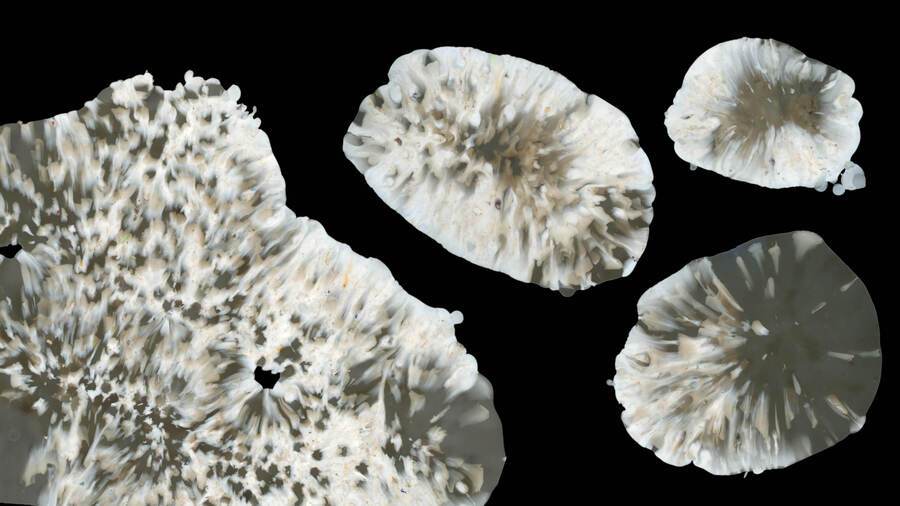
Исходный размер 3500x1969
ГОТОВЫЕ ИЗДЕЛИЯ
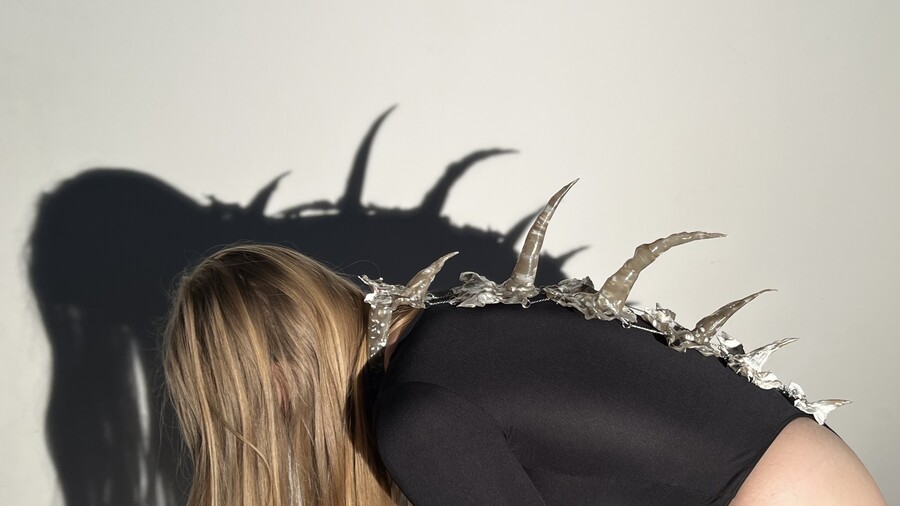
Исходный размер 3032x1706
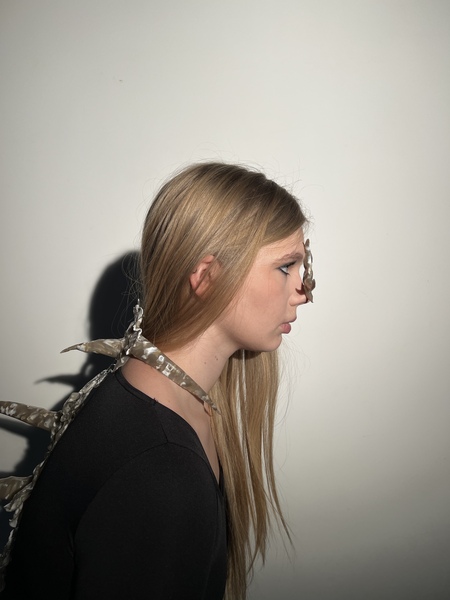
Исходный размер 4032x2268
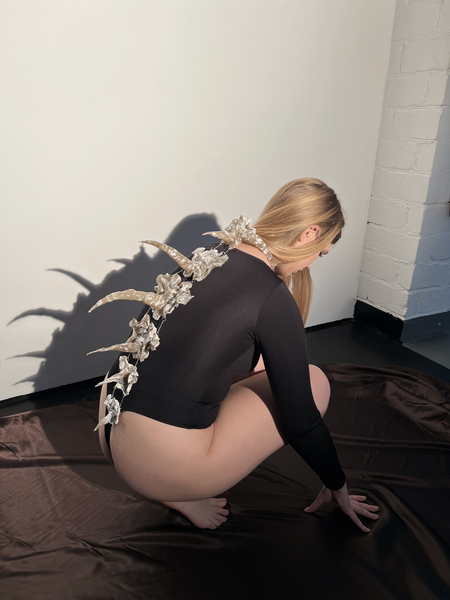
Исходный размер 3118x1754
Исходный размер 4032x2268
«ARACHNE» — костюм и украшения из переработанного пластика
Мы используем файлы cookies для улучшения работы сайта и большего удобства его использования. Более подробную информац...
Показать больше
Press space bar to start a drag.
When dragging you can use the arrow keys to move the item around and escape to cancel.
Some screen readers may require you to be in focus mode or to use your pass through key
Press space bar to start a drag.
When dragging you can use the arrow keys to move the item around and escape to cancel.
Some screen readers may require you to be in focus mode or to use your pass through key
Press space bar to start a drag.
When dragging you can use the arrow keys to move the item around and escape to cancel.
Some screen readers may require you to be in focus mode or to use your pass through key
Press space bar to start a drag.
When dragging you can use the arrow keys to move the item around and escape to cancel.
Some screen readers may require you to be in focus mode or to use your pass through key
Press space bar to start a drag.
When dragging you can use the arrow keys to move the item around and escape to cancel.
Some screen readers may require you to be in focus mode or to use your pass through key
Press space bar to start a drag.
When dragging you can use the arrow keys to move the item around and escape to cancel.
Some screen readers may require you to be in focus mode or to use your pass through key
Press space bar to start a drag.
When dragging you can use the arrow keys to move the item around and escape to cancel.
Some screen readers may require you to be in focus mode or to use your pass through key