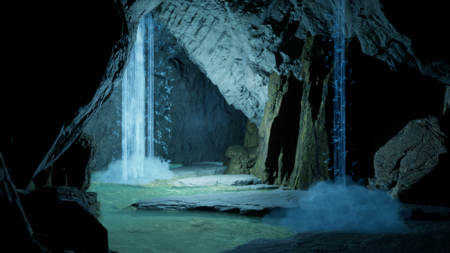
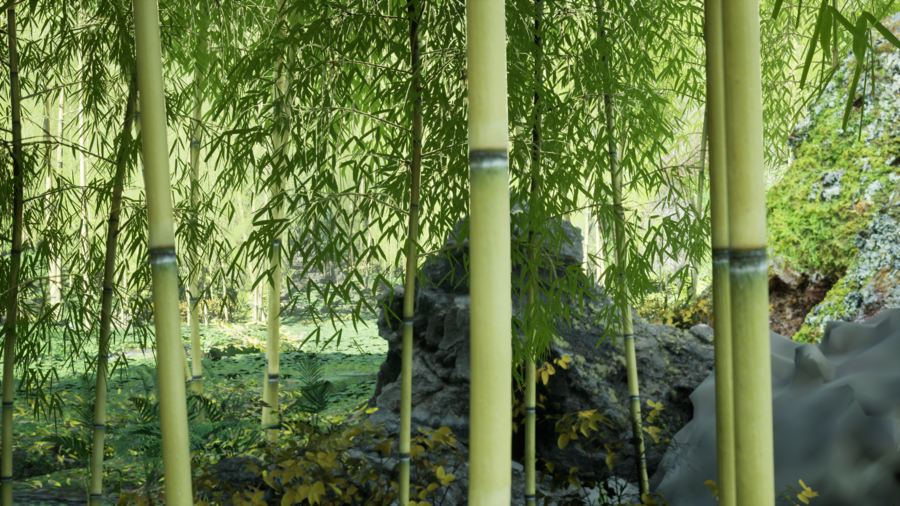
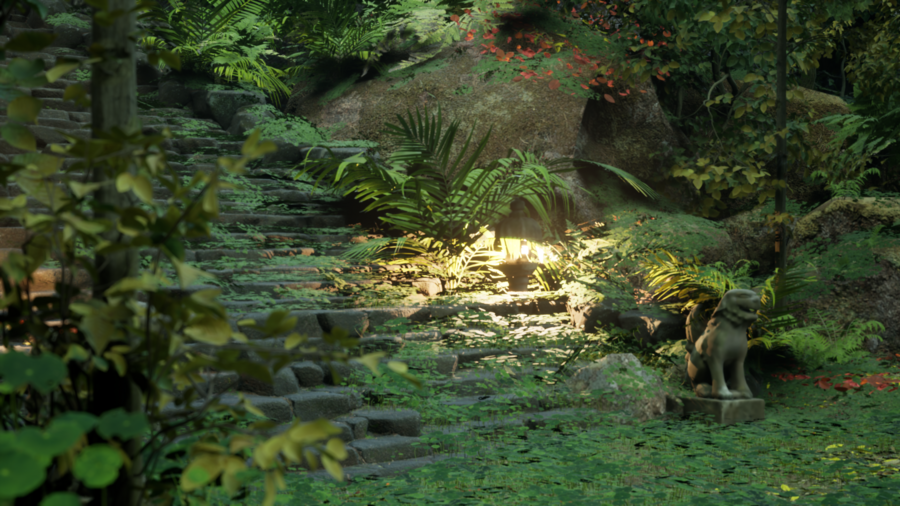
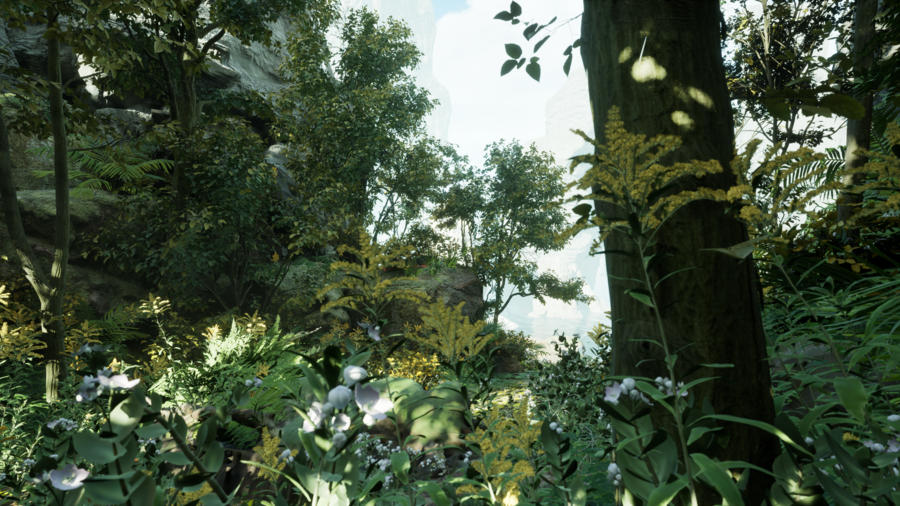
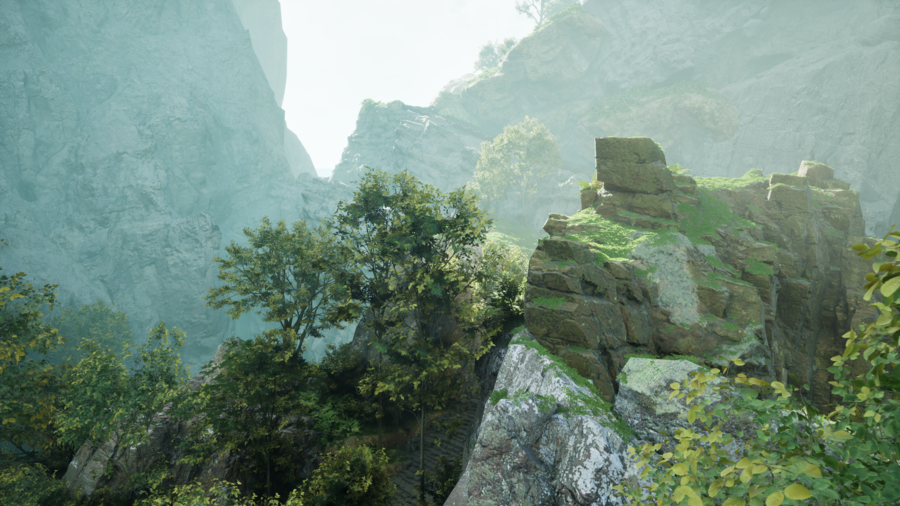
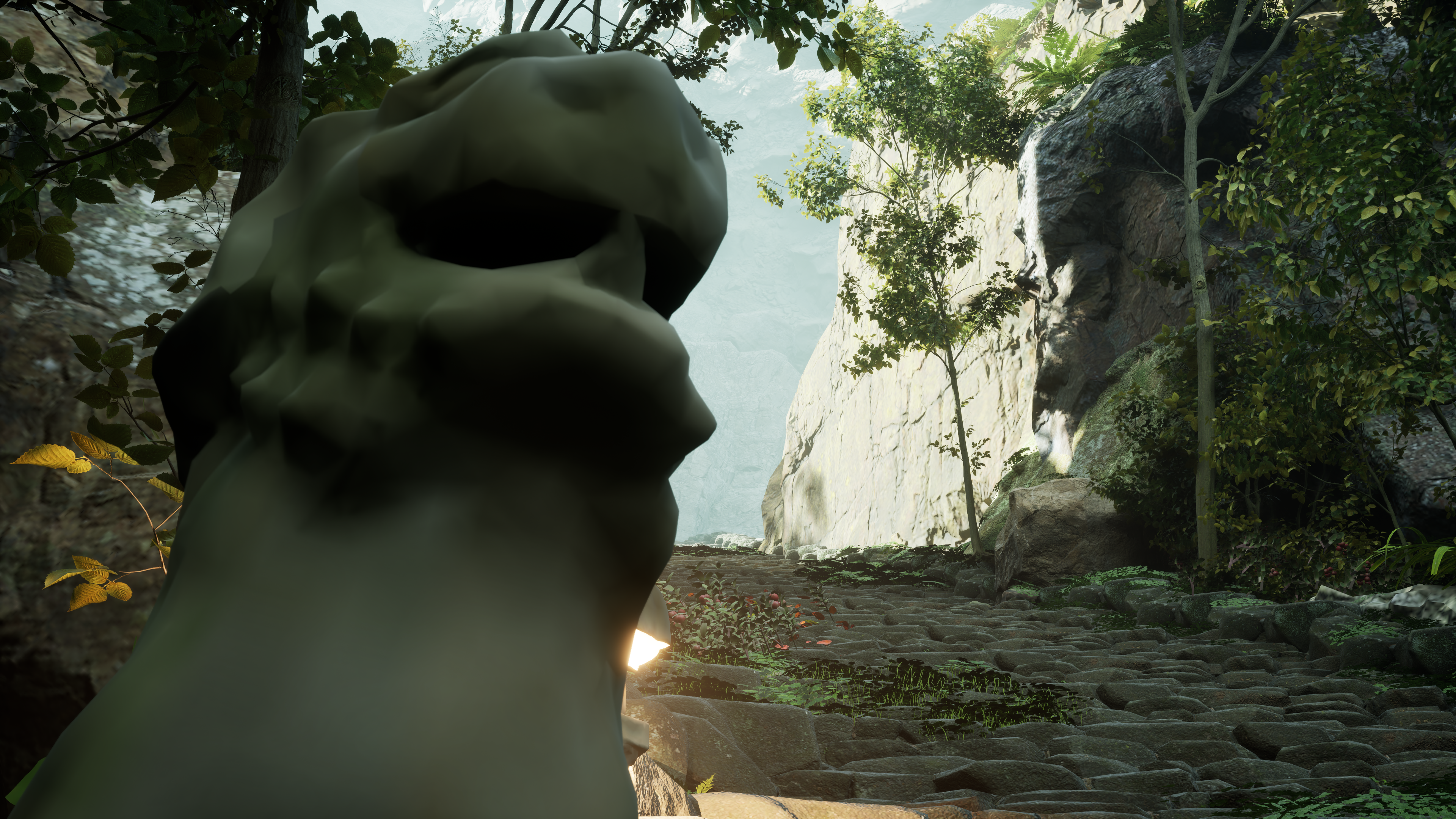
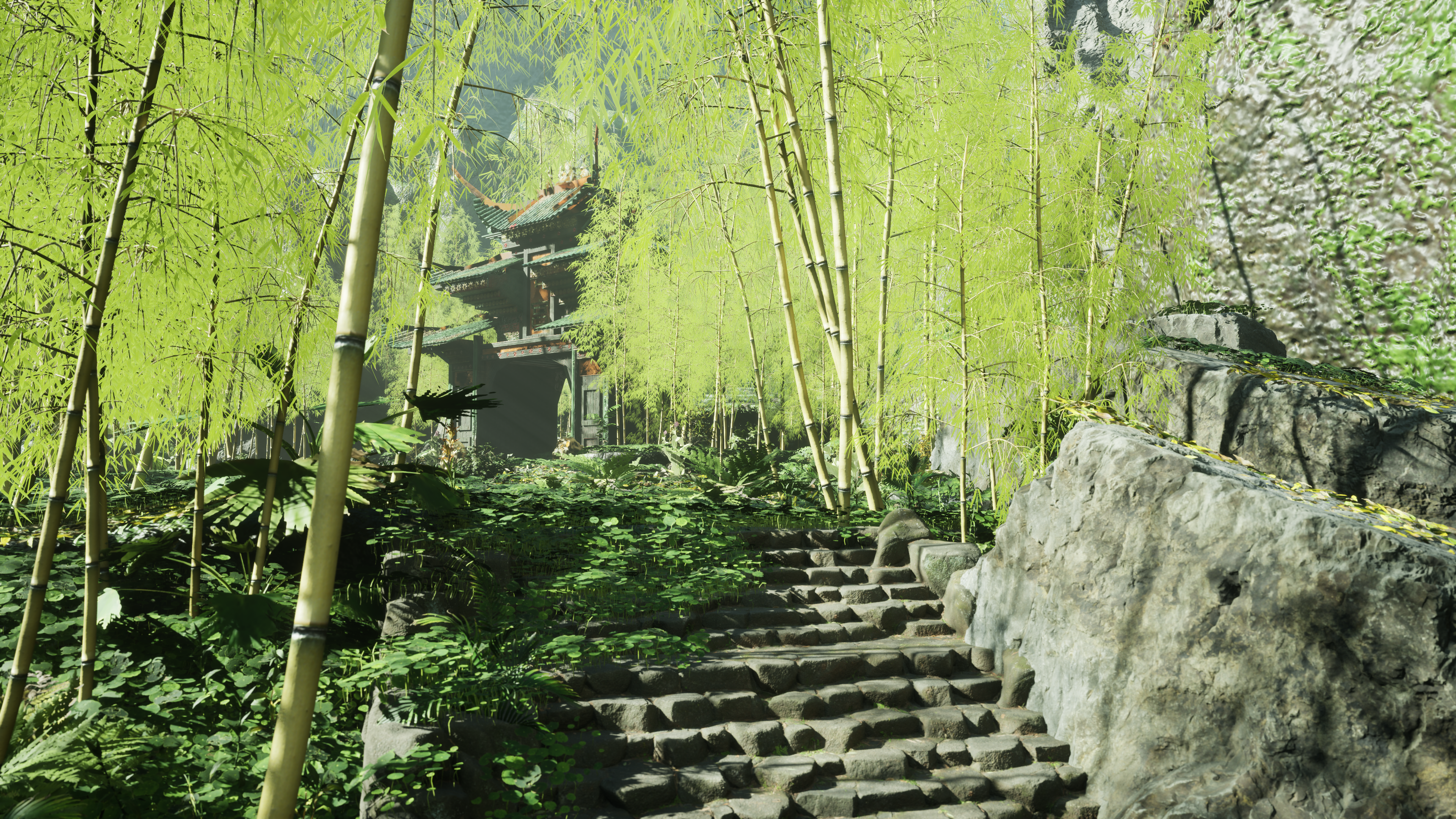
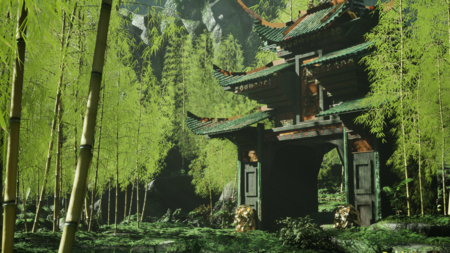
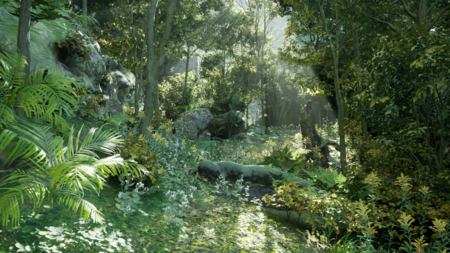
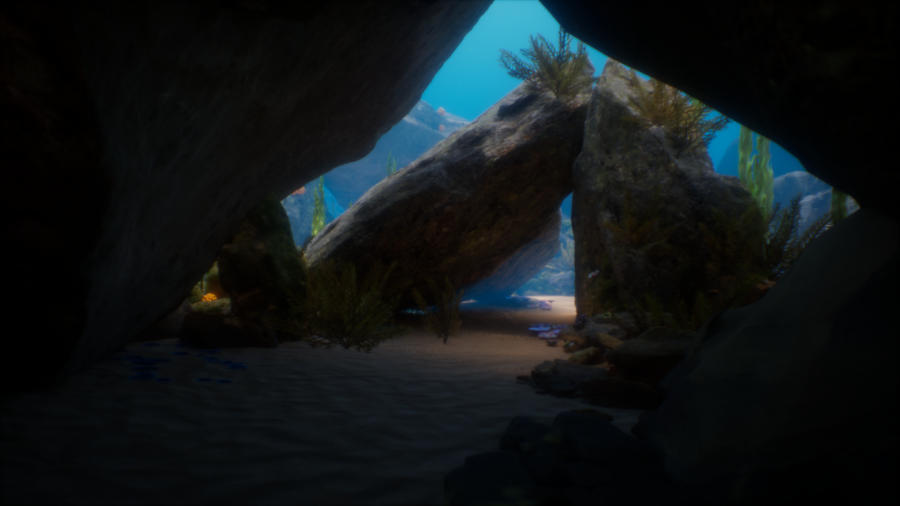
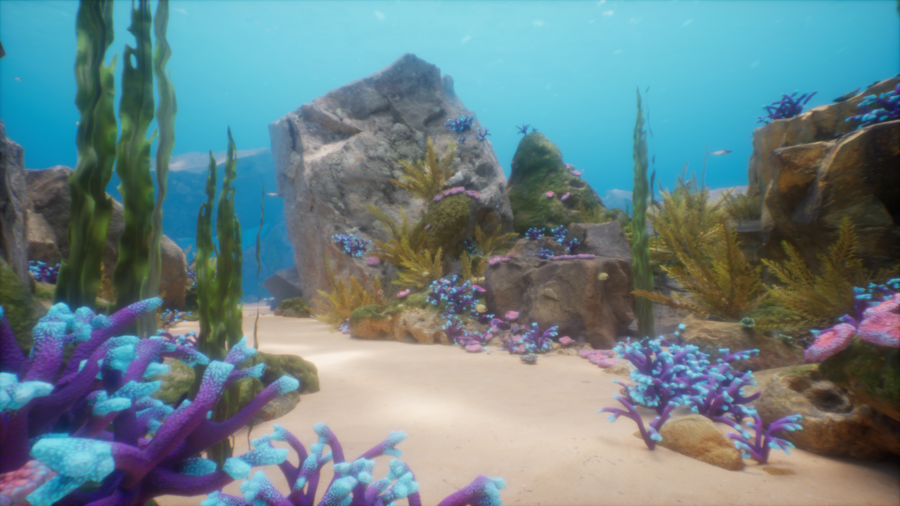
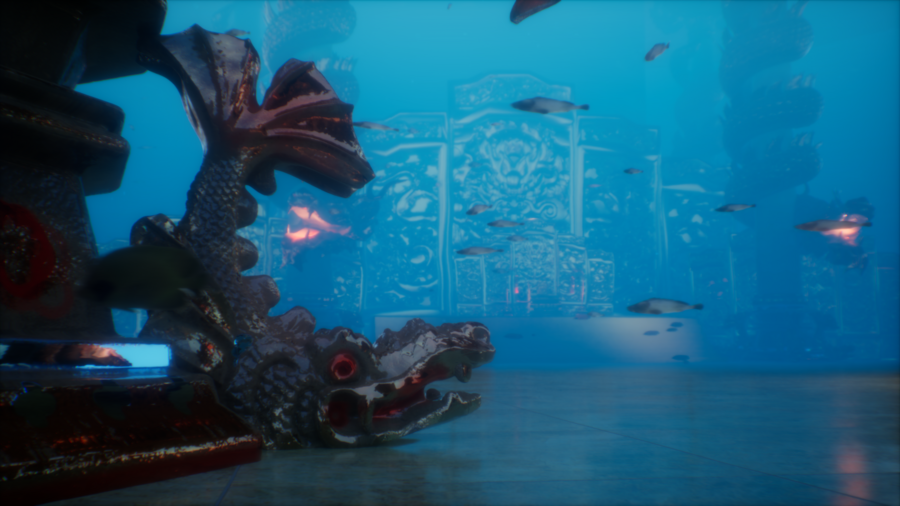
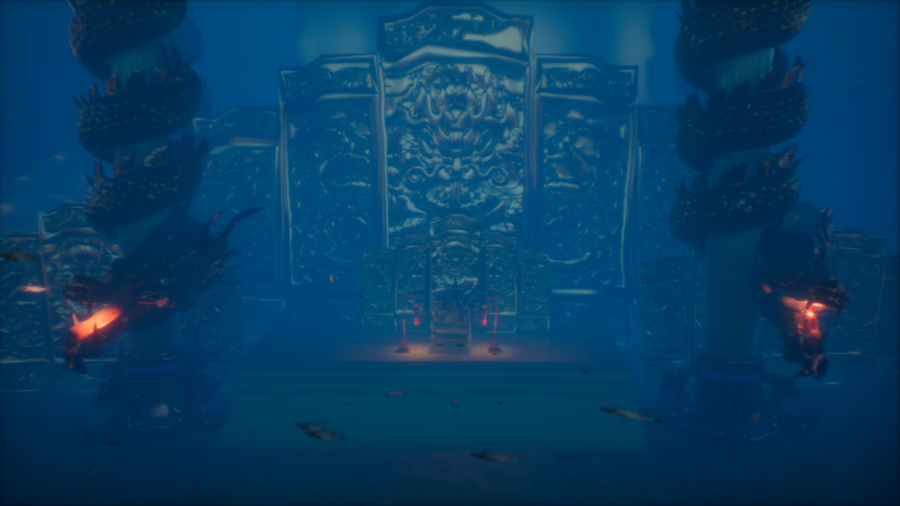
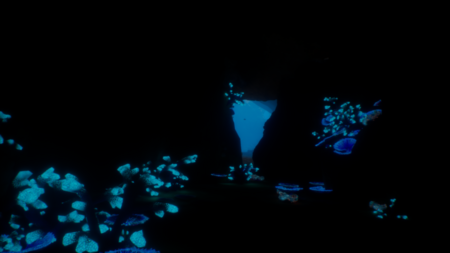
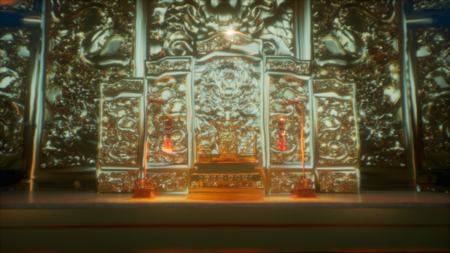
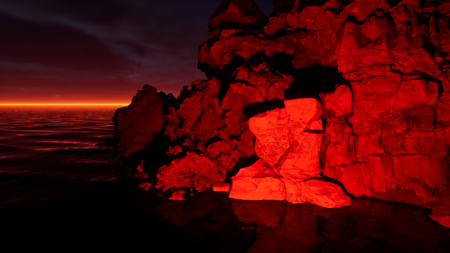
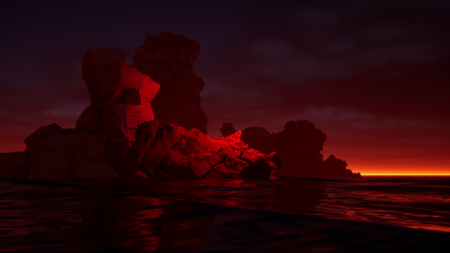
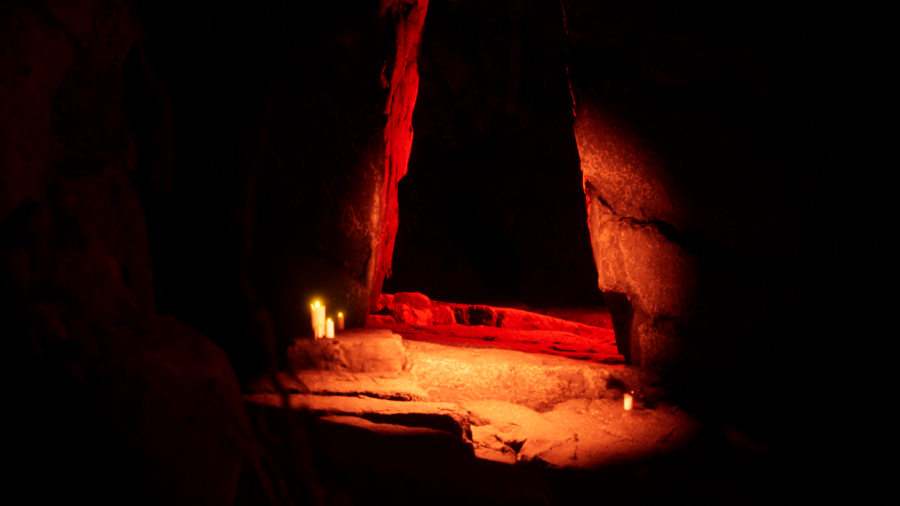
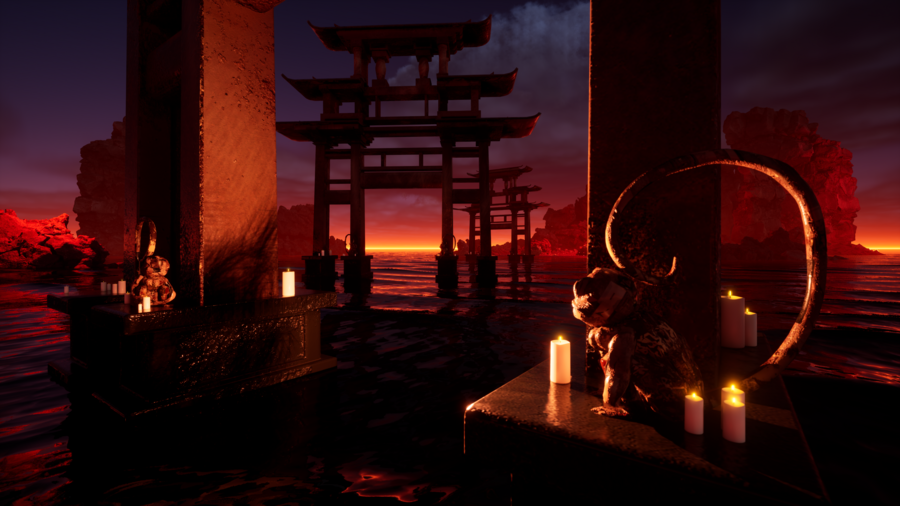
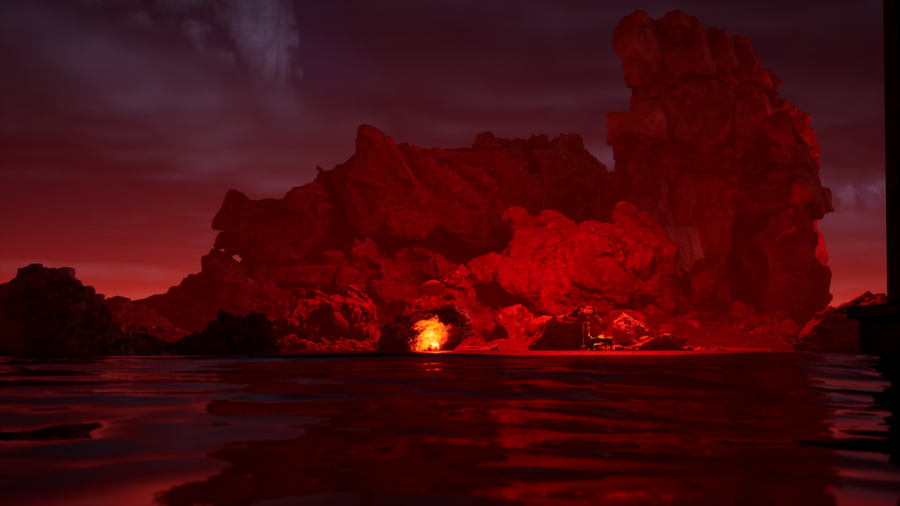
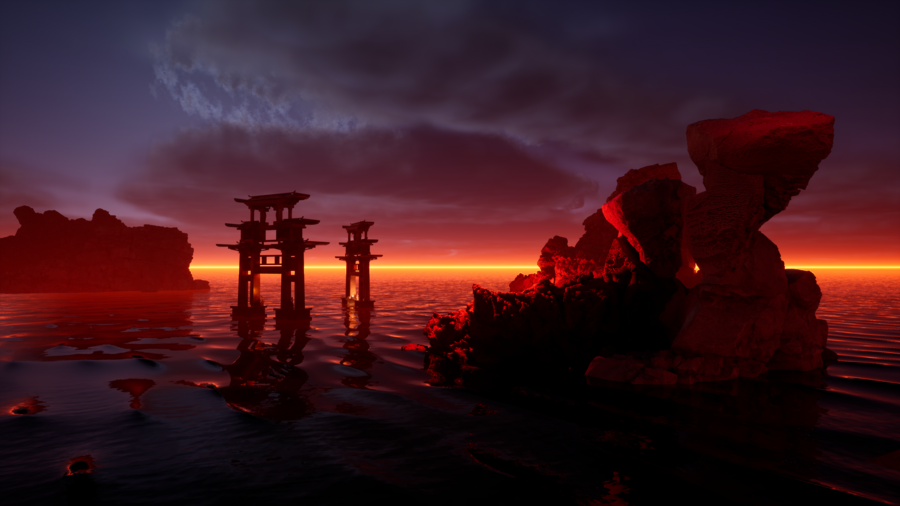
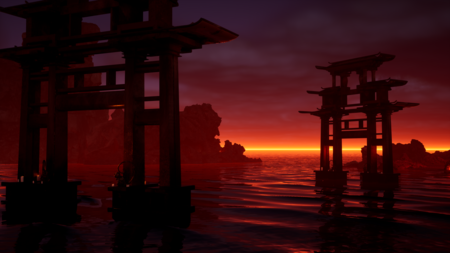
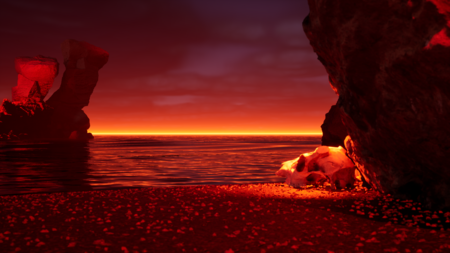
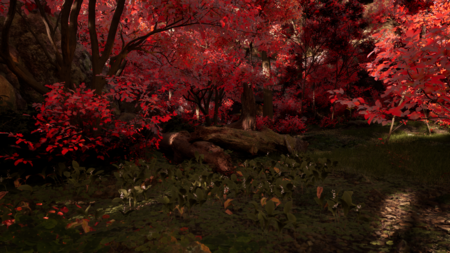
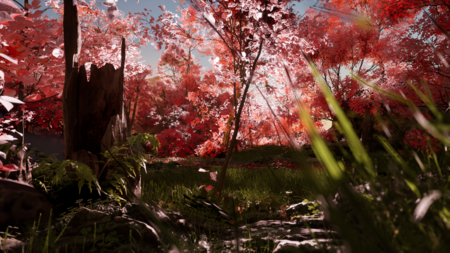
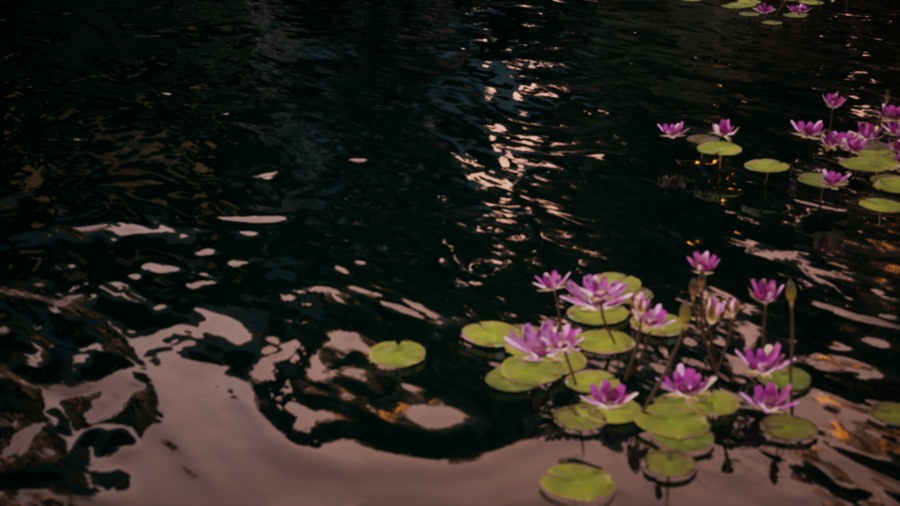
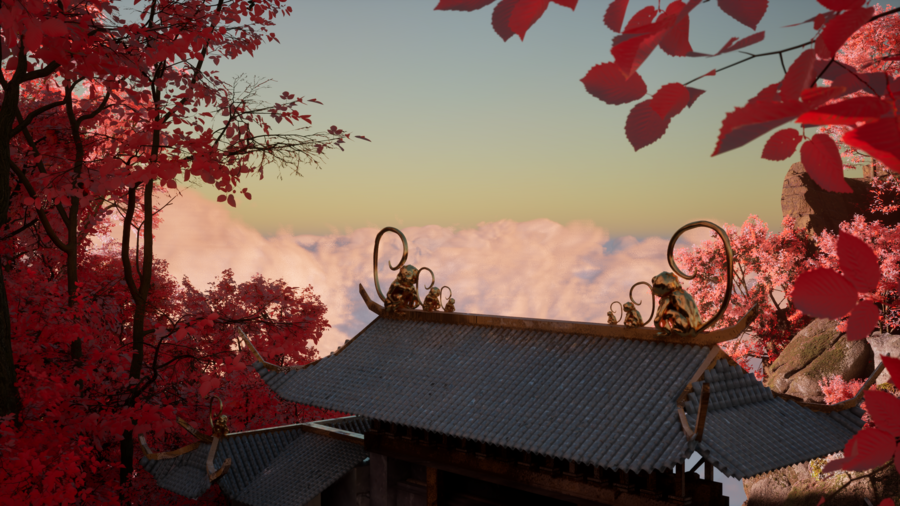
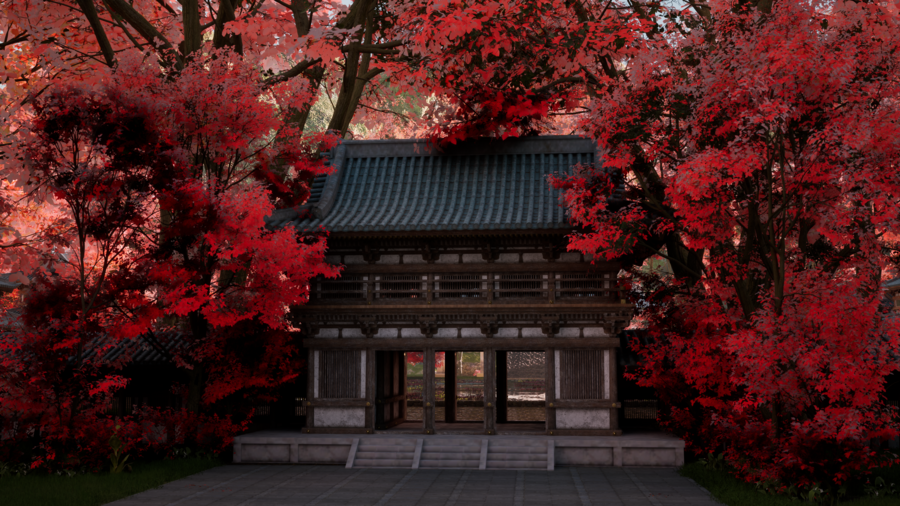
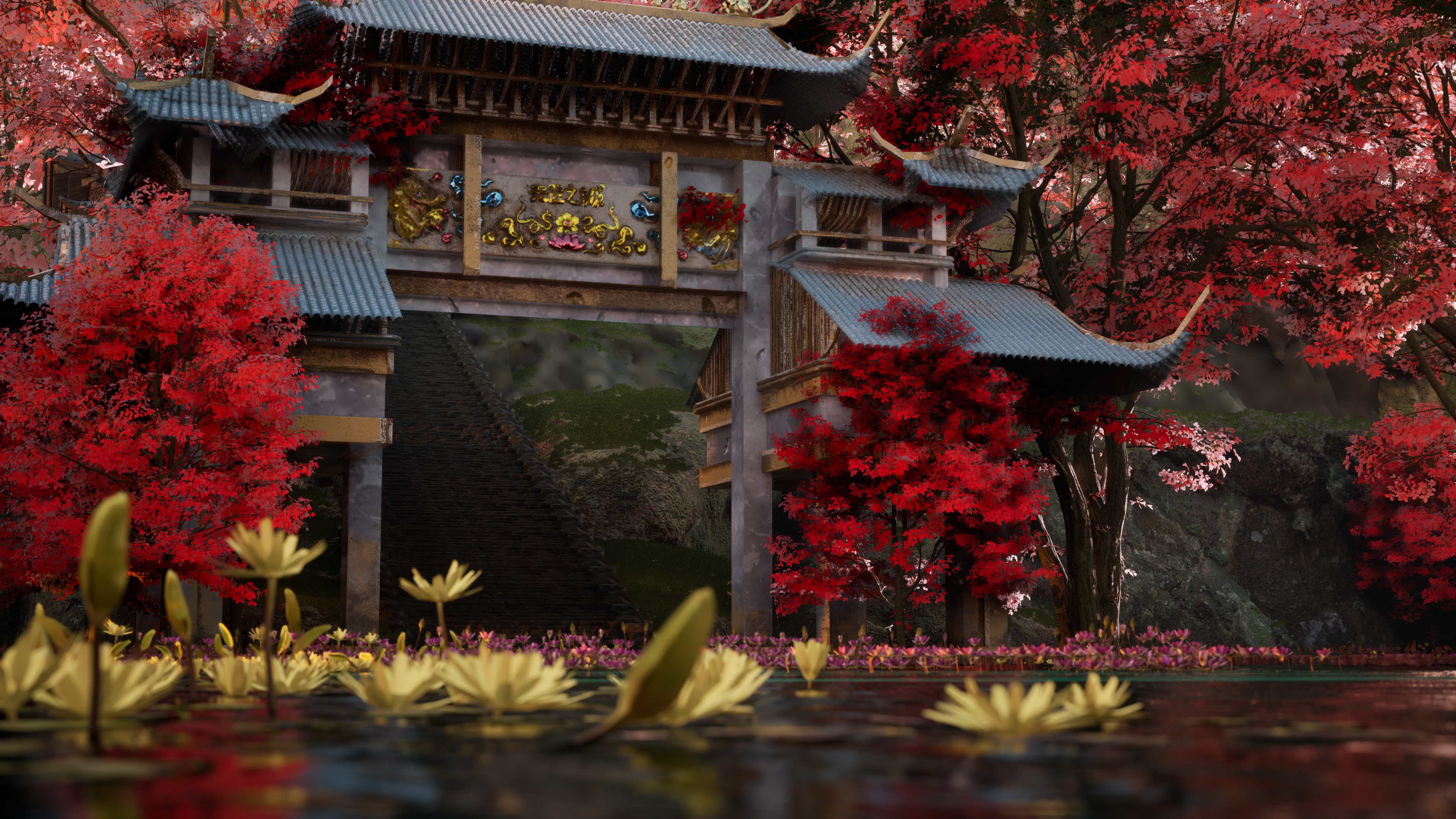
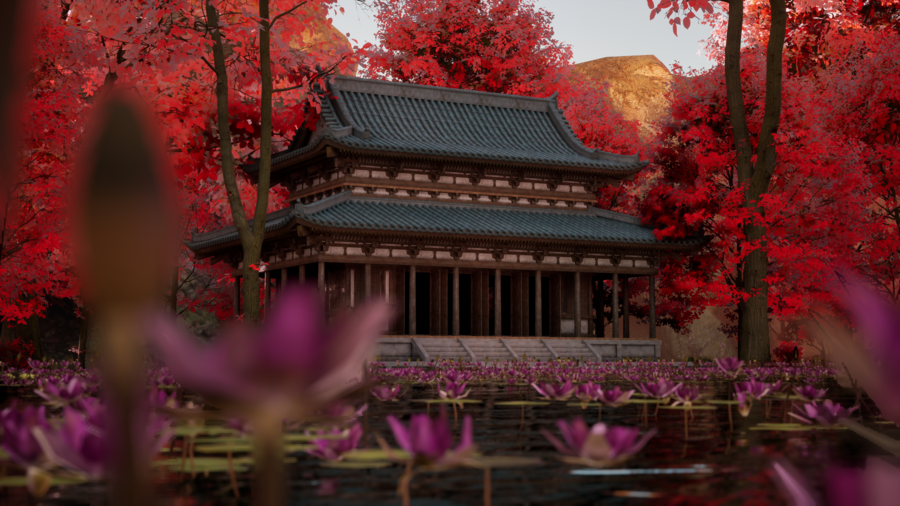
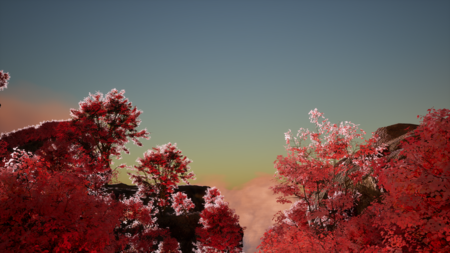
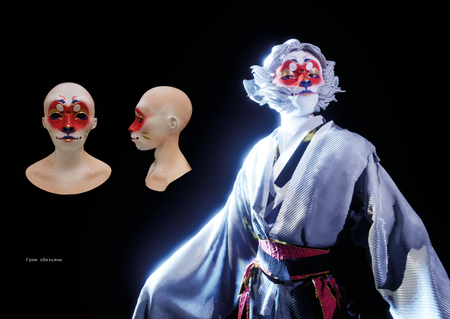
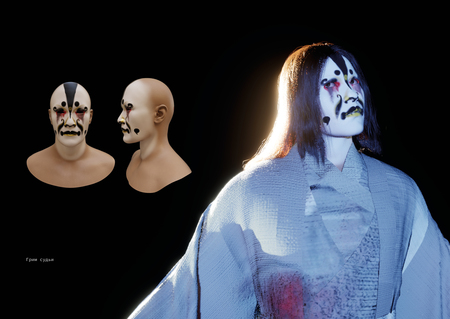
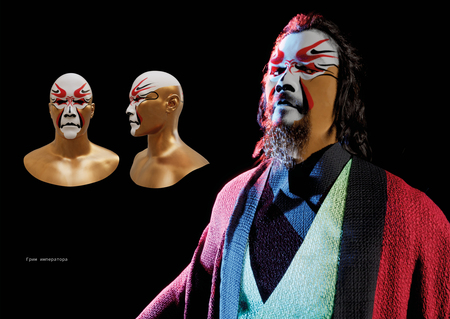
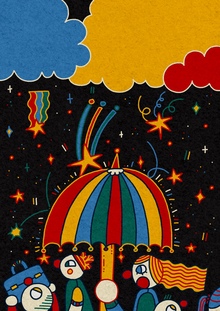
Дипломный проект — это создание серии виртуальных пространств по мотивам книги «Путешествие на Запад», а также разработка персонажей и элементов окружения. Задача — воссоздать пейзажи, описанные в книге, передать их настроение и атмосферу с помощью 3D-инструментов.
Виртуальное пространство по мотивам книги «Путешествие на Запад»
Вера Бабаханова создала виртуальное пространство по мотивам книги «Путешествие на Запад». Проект включает серию 3D-сцен, вдохновлённых описаниями пейзажей из произведения.
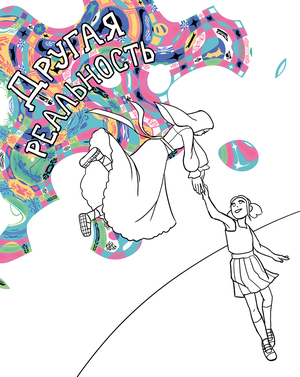
Алина Карцева создала визуальную новеллу «Океан снов» с повествованием от третьего лица и вариативностью сюжета. Проект погружает игрока в опасный мир сновидений — Междумирье, где ему придётся пройти через много испытаний и опасностей.
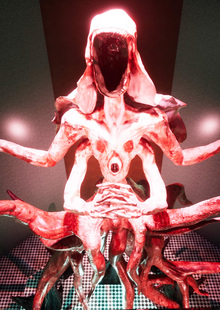
Полина Слепцова создала виртуальную выставку лавкрафтовских существ, где каждый зал соответствует ощущению и логике монстров. Проект включает интерактивные элементы, такие как взаимодействие с паучьим яйцом, вызывающее потерю освещения и необходимость двигаться дальше.
Арт-фестиваль «Привычность» создан Полиной Пруд для обсуждения незаметных аспектов повседневной жизни. Проект фокусируется на вещах и моментах, которые обычно ускользают из внимания, таких как пыльные книги или автоматическое продление подписки.
designschool.am
designschool.am — цифровая экосистема, объединяющая профессиональное портфолио для дизайнеров — студентов, выпускников и сотрудников программы «Коммуникационный дизайн» (совместный проект Российско-Армянского Университета и Школы дизайна НИУ ВШЭ), образовательную онлайн-платформу, площадку, агрегирующую международные онлайн-конкурсы в креативных индустриях и другие профессиональные инструменты.... Show more
We use cookies to improve the operation of the website and to enhance its usability. More detailed information on the use of cookies can be fo...
Show more
Press space bar to start a drag.
When dragging you can use the arrow keys to move the item around and escape to cancel.
Some screen readers may require you to be in focus mode or to use your pass through key
Press space bar to start a drag.
When dragging you can use the arrow keys to move the item around and escape to cancel.
Some screen readers may require you to be in focus mode or to use your pass through key
Press space bar to start a drag.
When dragging you can use the arrow keys to move the item around and escape to cancel.
Some screen readers may require you to be in focus mode or to use your pass through key
Press space bar to start a drag.
When dragging you can use the arrow keys to move the item around and escape to cancel.
Some screen readers may require you to be in focus mode or to use your pass through key
Press space bar to start a drag.
When dragging you can use the arrow keys to move the item around and escape to cancel.
Some screen readers may require you to be in focus mode or to use your pass through key
Press space bar to start a drag.
When dragging you can use the arrow keys to move the item around and escape to cancel.
Some screen readers may require you to be in focus mode or to use your pass through key
Press space bar to start a drag.
When dragging you can use the arrow keys to move the item around and escape to cancel.
Some screen readers may require you to be in focus mode or to use your pass through key
Press space bar to start a drag.
When dragging you can use the arrow keys to move the item around and escape to cancel.
Some screen readers may require you to be in focus mode or to use your pass through key
Press space bar to start a drag.
When dragging you can use the arrow keys to move the item around and escape to cancel.
Some screen readers may require you to be in focus mode or to use your pass through key
Press space bar to start a drag.
When dragging you can use the arrow keys to move the item around and escape to cancel.
Some screen readers may require you to be in focus mode or to use your pass through key