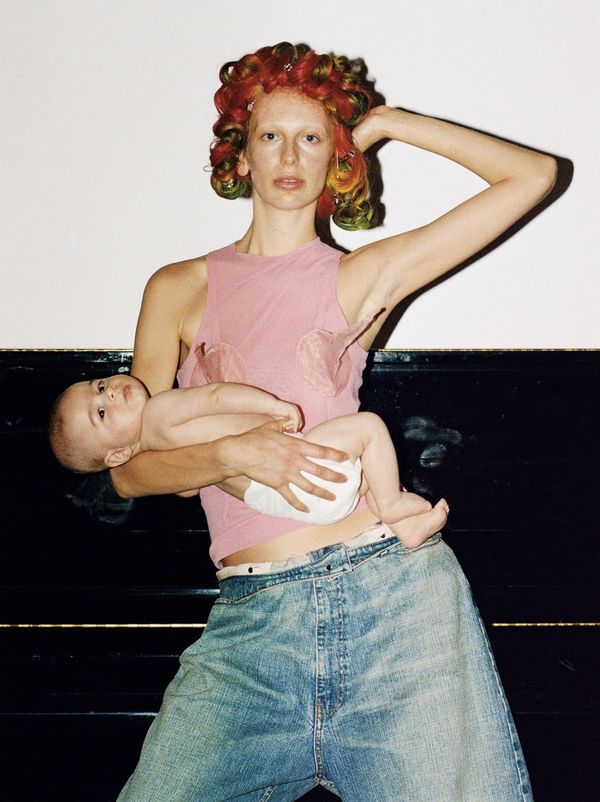
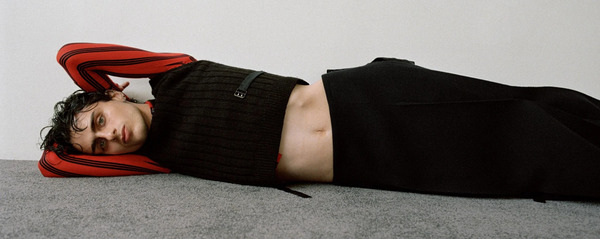
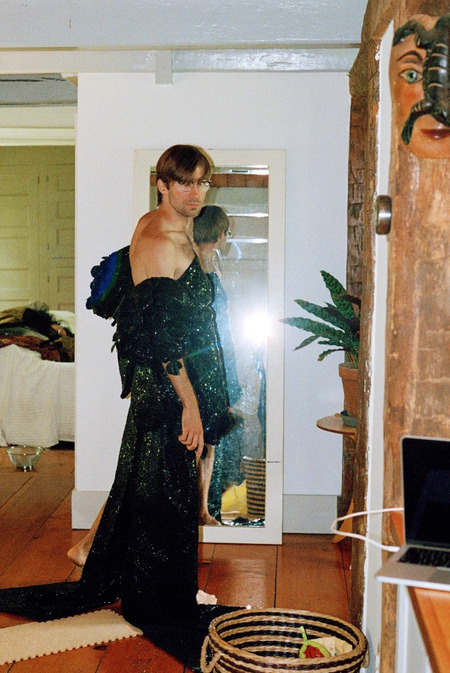
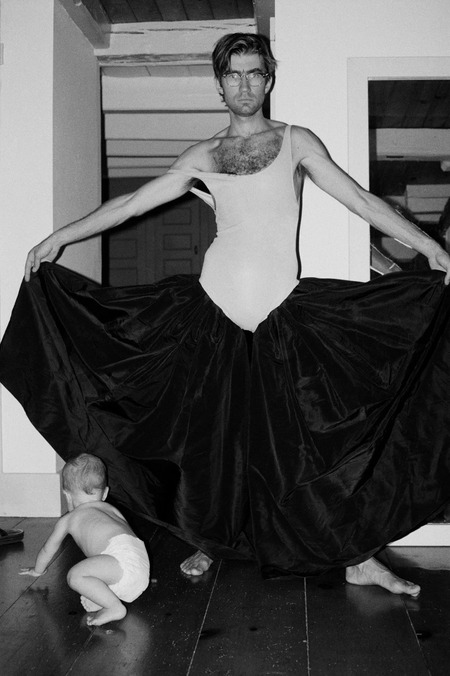
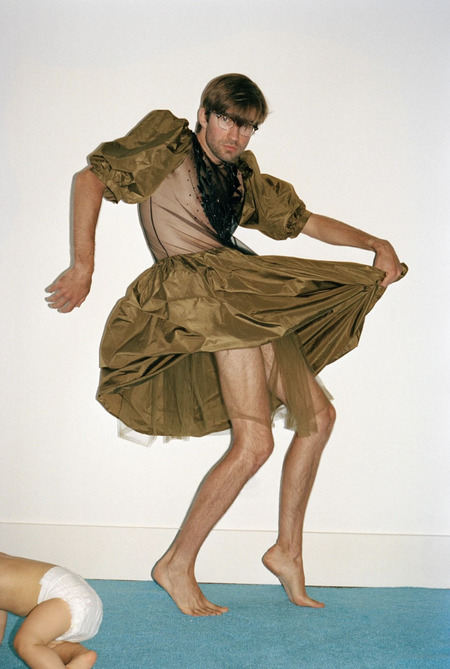
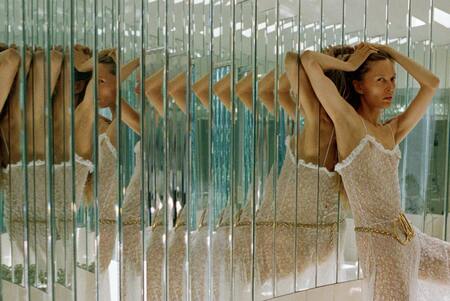
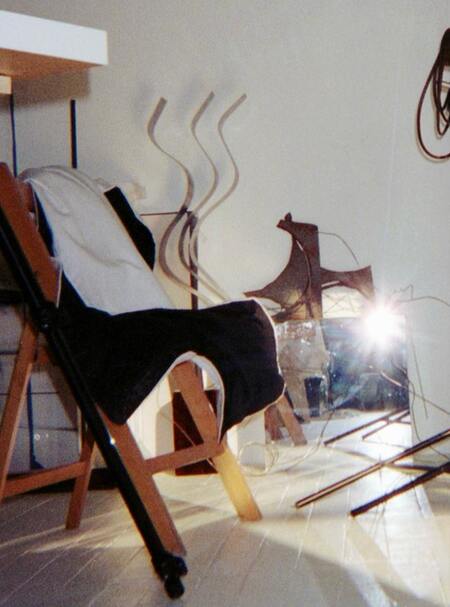
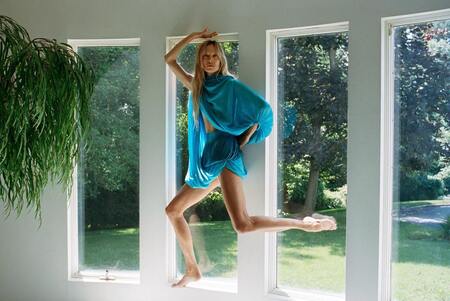
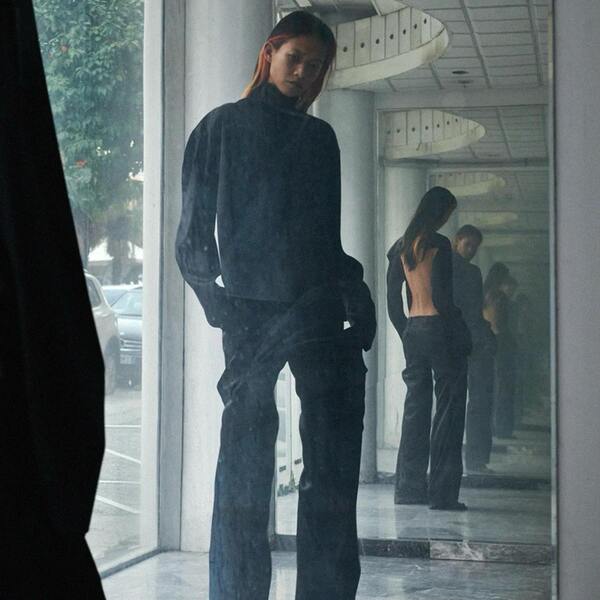
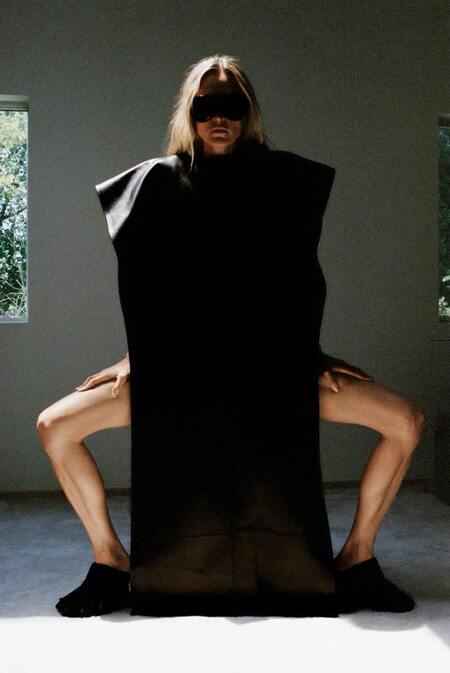
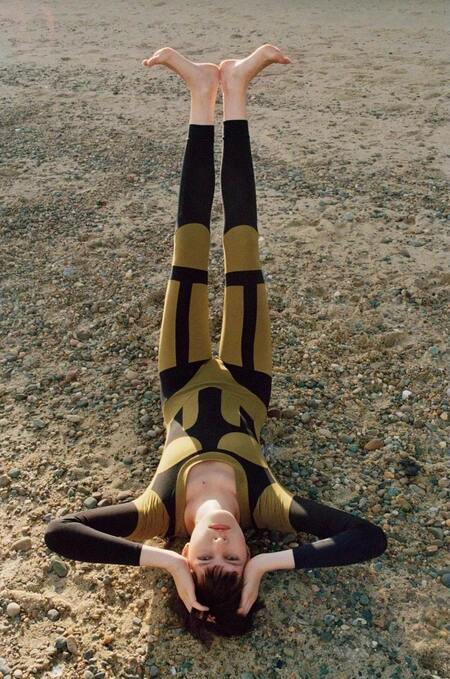
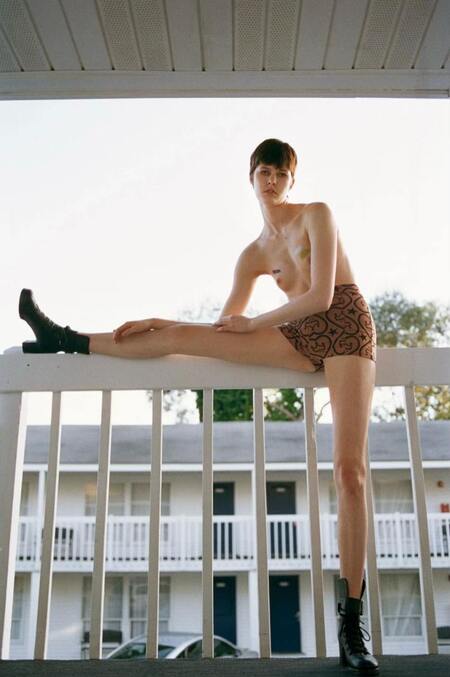
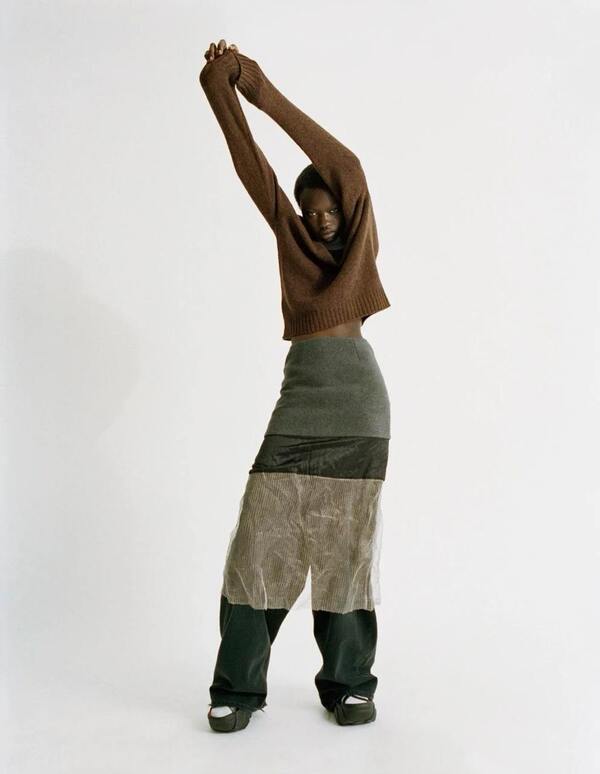
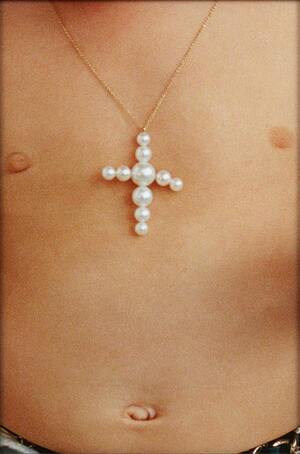
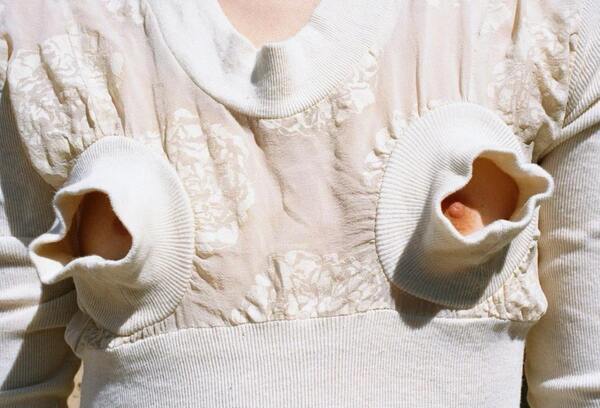
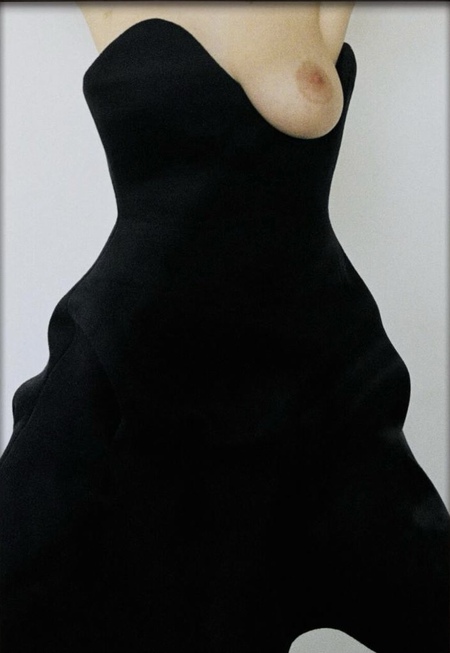
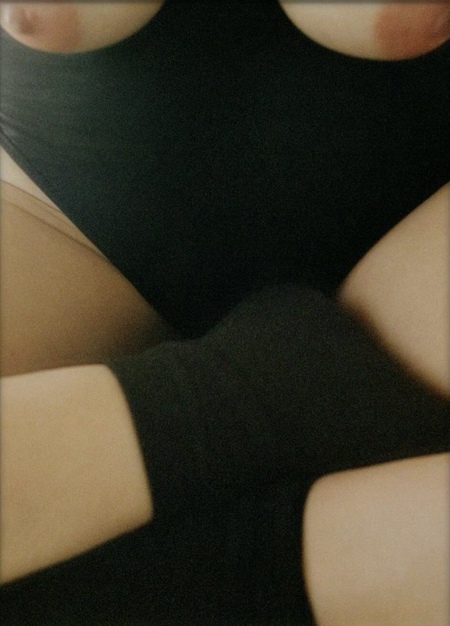
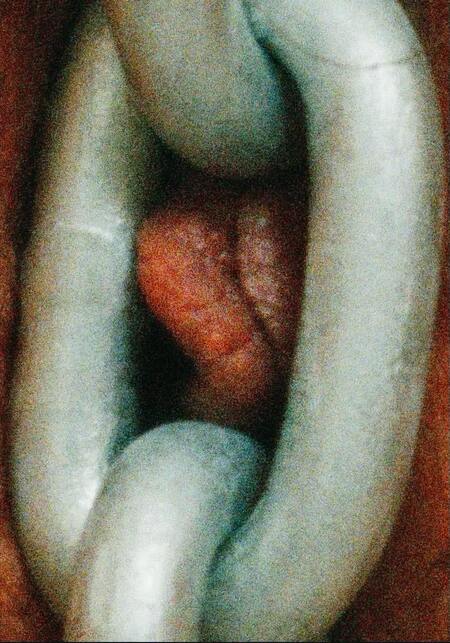
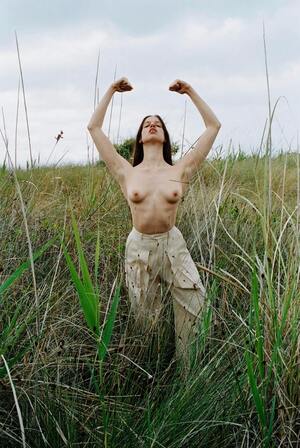
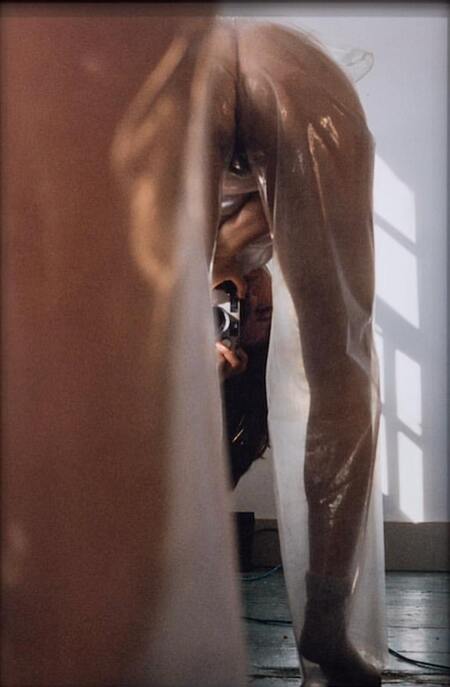
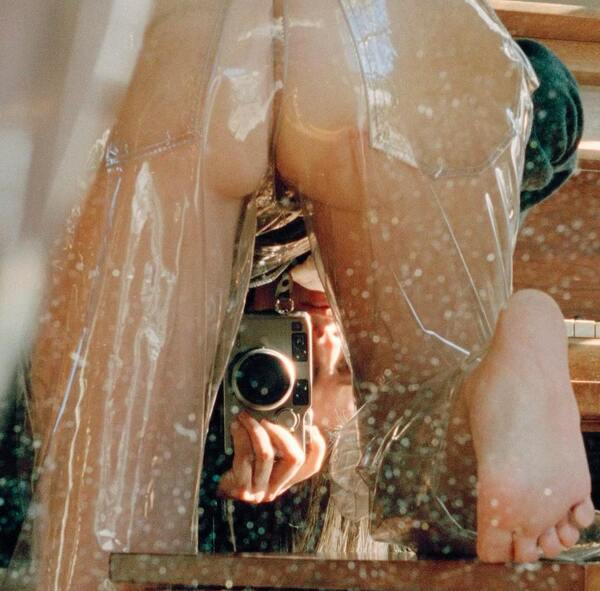
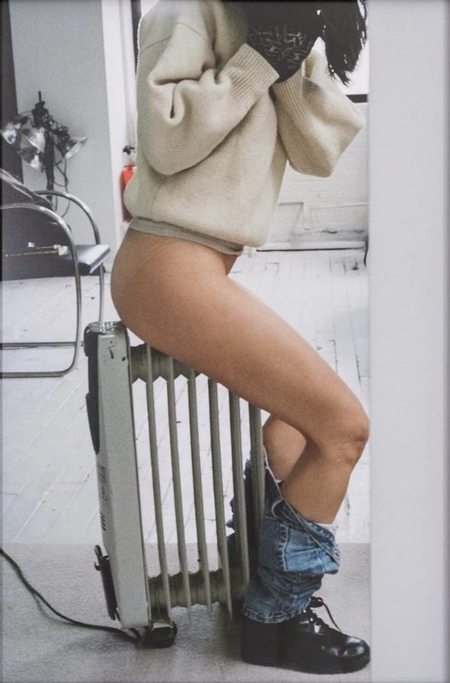
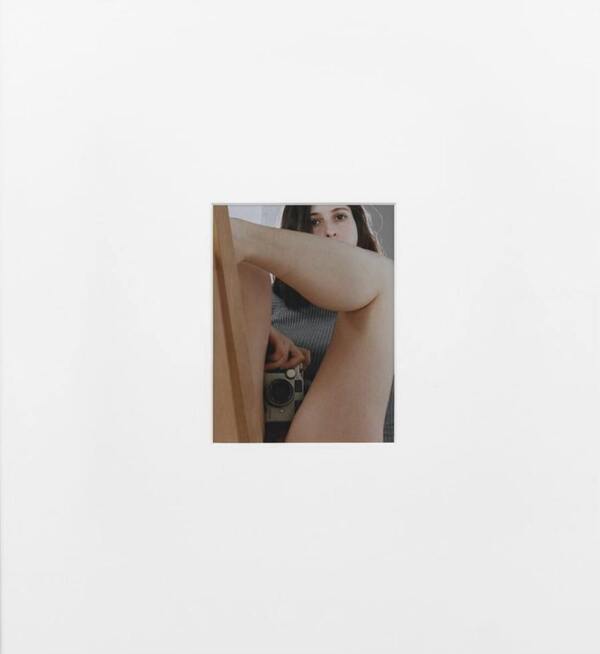
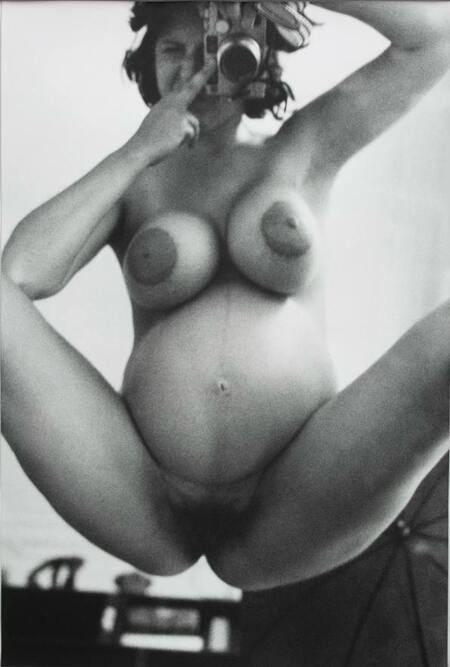
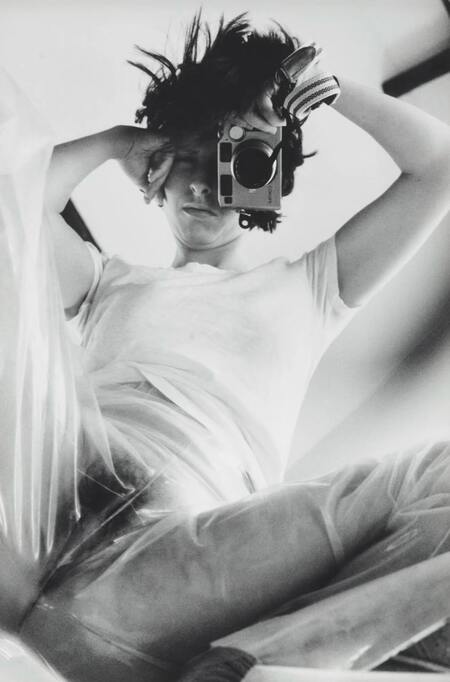
Талия Четрит — американский фотограф. Ее работы известны своими натюрмортами, портретами обнаженной натуры и использованием в своих работах скрытых аспектов и техник фотографической практики.
Калимат Гапизова подготовила визуальное исследование Талии Четрит. Проект включает тексты, посвящённые гендерной дуальности, геометрии, кропу и другим аспектам её фотографической практики.
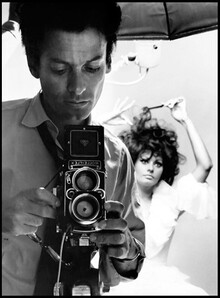
Анастасия Смирнова подготовила текст о фотографе Ричард Аведон, описывающий его подход к портретной и модной съёмке. Проект включает детали о его использовании черно-белого формата и работе с естественным светом в портретах обычных людей.
Ангелина Галеева подготовила исследование фотографа Джека Бриджленда. Проект включает анализ его использования драматичного света и ассоциаций с видеоиграми.
Yallo Fashion brand представила профайл, описывающий развитие нижегородского проекта с 2016 года. Проект известен индивидуальным подходом к пошиву одежды и отказом от сотрудничества с фабриками.
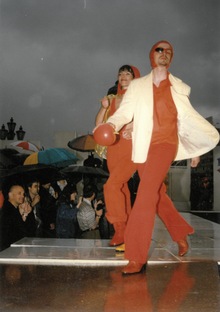
Интервью с Катей Павелко рассказывает о её карьере в модной индустрии 1990-2000-х годов, от работы в журнале «Не спать!» до позиции директора моды в Esquire и преподавания в Школе дизайна ВШЭ. Проект включает уникальные воспоминания о вечеринках, стилистике и влиянии западной моды на российскую сцену, а также личные истории из профессионального становления автора.
designschool.am
designschool.am — цифровая экосистема, объединяющая профессиональное портфолио для дизайнеров — студентов, выпускников и сотрудников программы «Коммуникационный дизайн» (совместный проект Российско-Армянского Университета и Школы дизайна НИУ ВШЭ), образовательную онлайн-платформу, площадку, агрегирующую международные онлайн-конкурсы в креативных индустриях и другие профессиональные инструменты.... Show more
We use cookies to improve the operation of the website and to enhance its usability. More detailed information on the use of cookies can be fo...
Show more
Press space bar to start a drag.
When dragging you can use the arrow keys to move the item around and escape to cancel.
Some screen readers may require you to be in focus mode or to use your pass through key
Press space bar to start a drag.
When dragging you can use the arrow keys to move the item around and escape to cancel.
Some screen readers may require you to be in focus mode or to use your pass through key
Press space bar to start a drag.
When dragging you can use the arrow keys to move the item around and escape to cancel.
Some screen readers may require you to be in focus mode or to use your pass through key
Press space bar to start a drag.
When dragging you can use the arrow keys to move the item around and escape to cancel.
Some screen readers may require you to be in focus mode or to use your pass through key
Press space bar to start a drag.
When dragging you can use the arrow keys to move the item around and escape to cancel.
Some screen readers may require you to be in focus mode or to use your pass through key
Press space bar to start a drag.
When dragging you can use the arrow keys to move the item around and escape to cancel.
Some screen readers may require you to be in focus mode or to use your pass through key
Press space bar to start a drag.
When dragging you can use the arrow keys to move the item around and escape to cancel.
Some screen readers may require you to be in focus mode or to use your pass through key
Press space bar to start a drag.
When dragging you can use the arrow keys to move the item around and escape to cancel.
Some screen readers may require you to be in focus mode or to use your pass through key
Press space bar to start a drag.
When dragging you can use the arrow keys to move the item around and escape to cancel.
Some screen readers may require you to be in focus mode or to use your pass through key
Press space bar to start a drag.
When dragging you can use the arrow keys to move the item around and escape to cancel.
Some screen readers may require you to be in focus mode or to use your pass through key
Press space bar to start a drag.
When dragging you can use the arrow keys to move the item around and escape to cancel.
Some screen readers may require you to be in focus mode or to use your pass through key
Press space bar to start a drag.
When dragging you can use the arrow keys to move the item around and escape to cancel.
Some screen readers may require you to be in focus mode or to use your pass through key
Press space bar to start a drag.
When dragging you can use the arrow keys to move the item around and escape to cancel.
Some screen readers may require you to be in focus mode or to use your pass through key
Press space bar to start a drag.
When dragging you can use the arrow keys to move the item around and escape to cancel.
Some screen readers may require you to be in focus mode or to use your pass through key
Press space bar to start a drag.
When dragging you can use the arrow keys to move the item around and escape to cancel.
Some screen readers may require you to be in focus mode or to use your pass through key
Press space bar to start a drag.
When dragging you can use the arrow keys to move the item around and escape to cancel.
Some screen readers may require you to be in focus mode or to use your pass through key
Press space bar to start a drag.
When dragging you can use the arrow keys to move the item around and escape to cancel.
Some screen readers may require you to be in focus mode or to use your pass through key
Press space bar to start a drag.
When dragging you can use the arrow keys to move the item around and escape to cancel.
Some screen readers may require you to be in focus mode or to use your pass through key
Press space bar to start a drag.
When dragging you can use the arrow keys to move the item around and escape to cancel.
Some screen readers may require you to be in focus mode or to use your pass through key
Press space bar to start a drag.
When dragging you can use the arrow keys to move the item around and escape to cancel.
Some screen readers may require you to be in focus mode or to use your pass through key