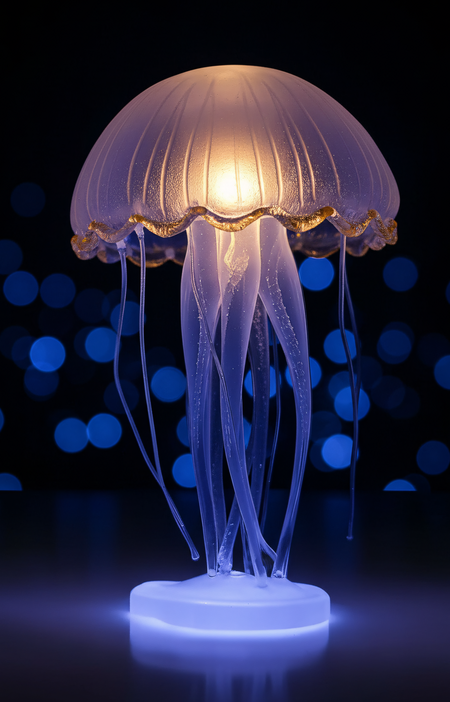
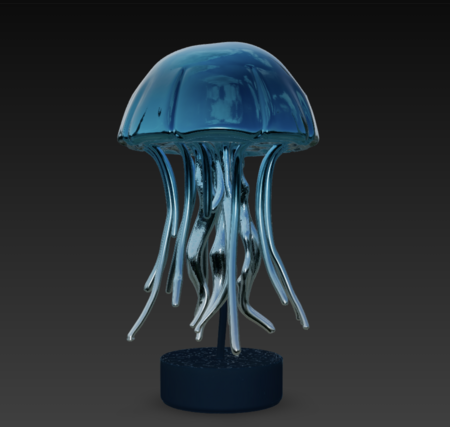
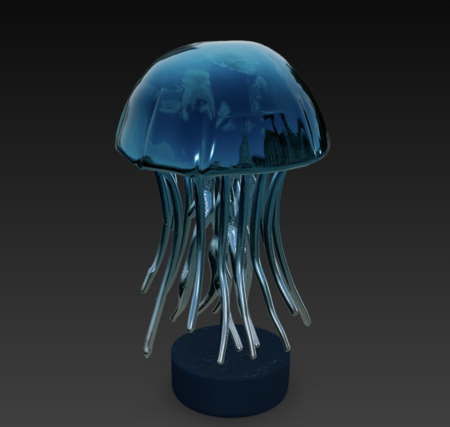
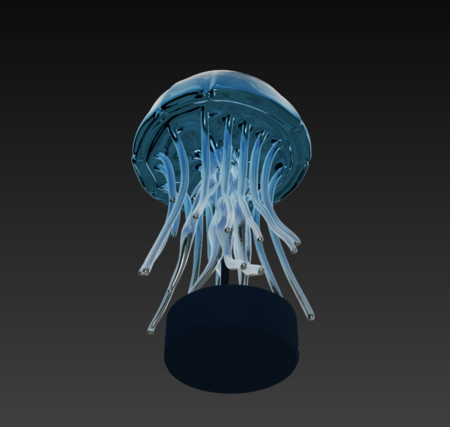
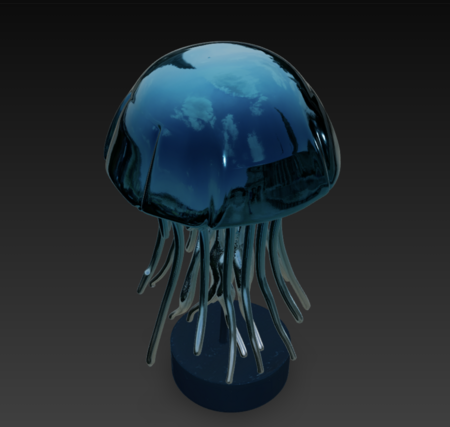
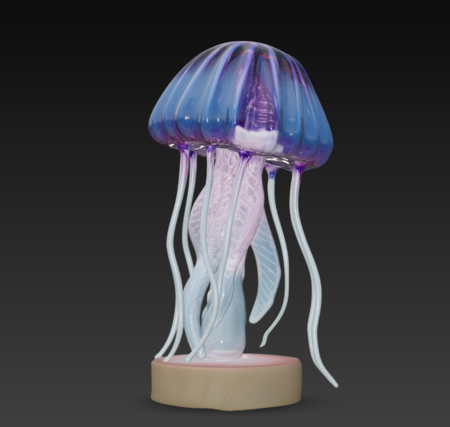
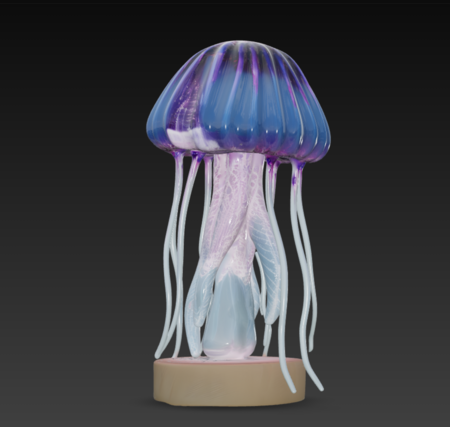
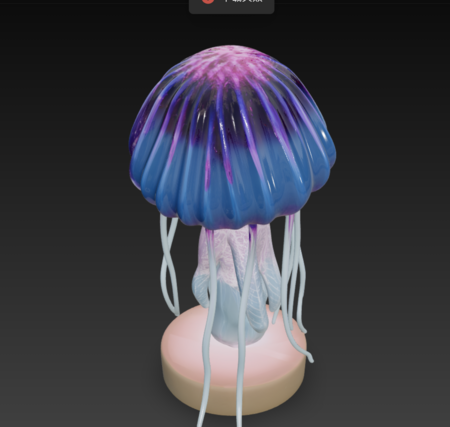
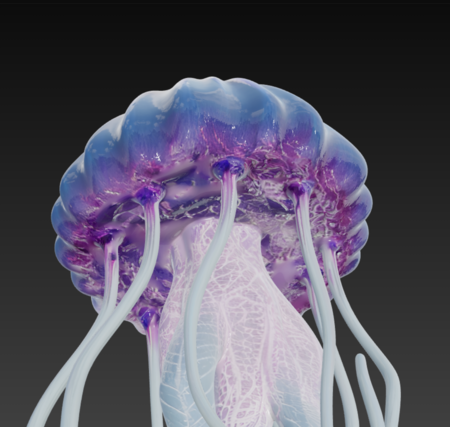
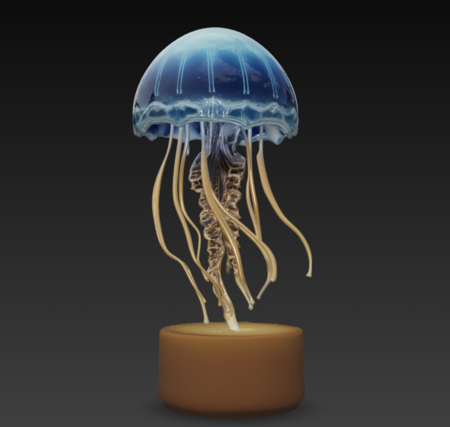
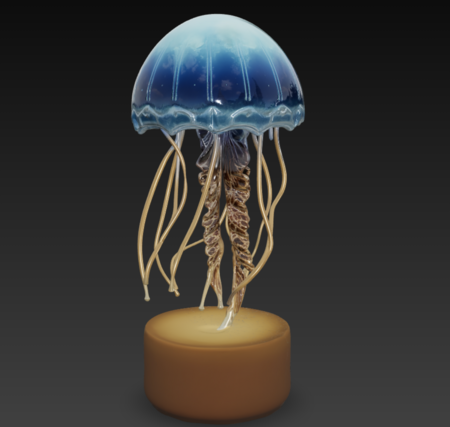
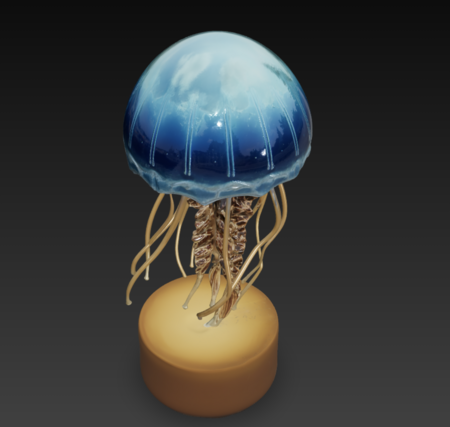
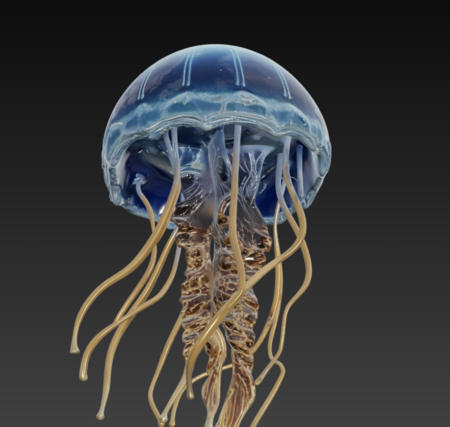
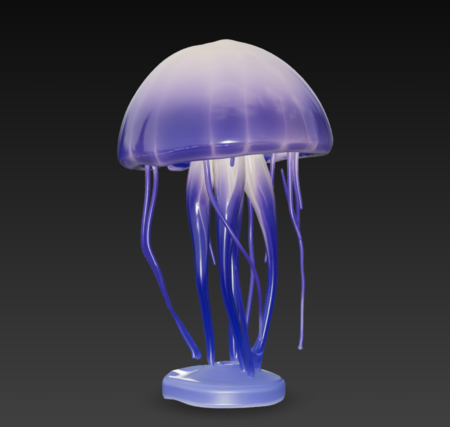
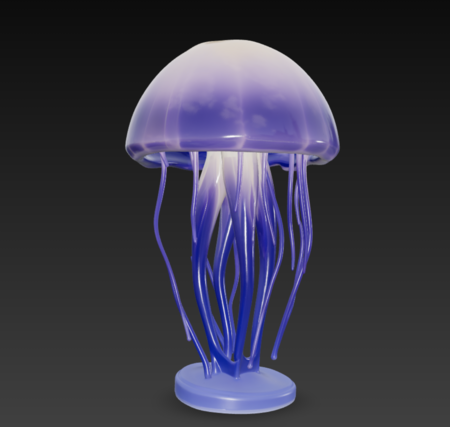
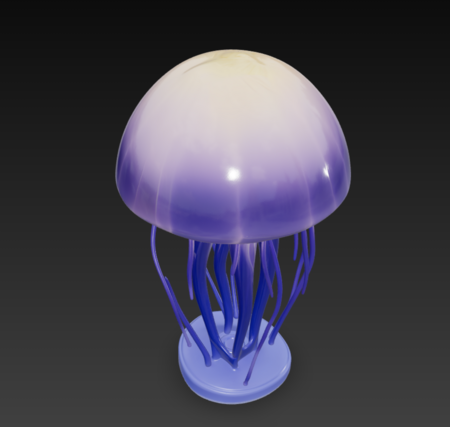
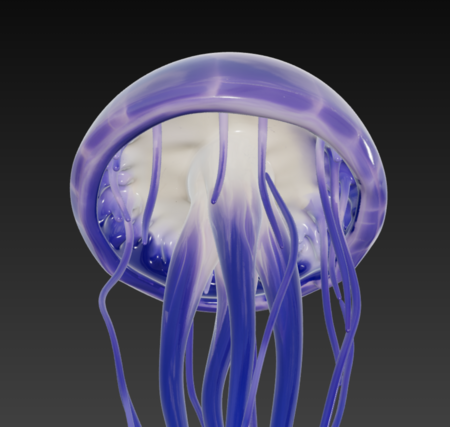
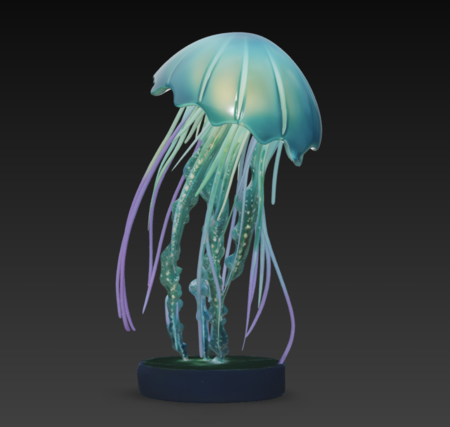
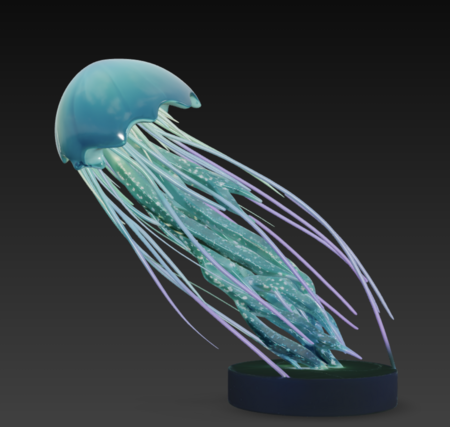
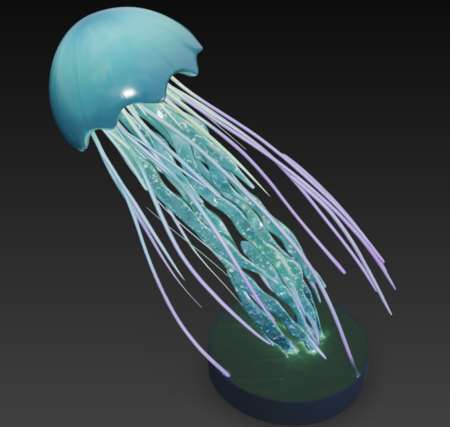
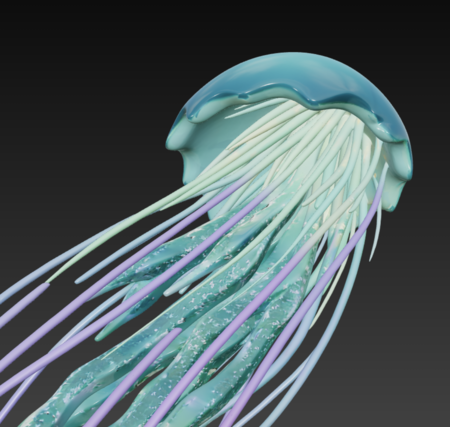
La Mer Nocturne («Морской ноктюрн») — это бренд интерьерных ночников в форме разноцветных медуз. Серия ламп была вдохновлена ночной жизнью на глубинах океана, где в темноте становится видно неоновое свечение медуз. Нежный свет легко успокаивает и переносит пользователя в мир фантазий и грез.
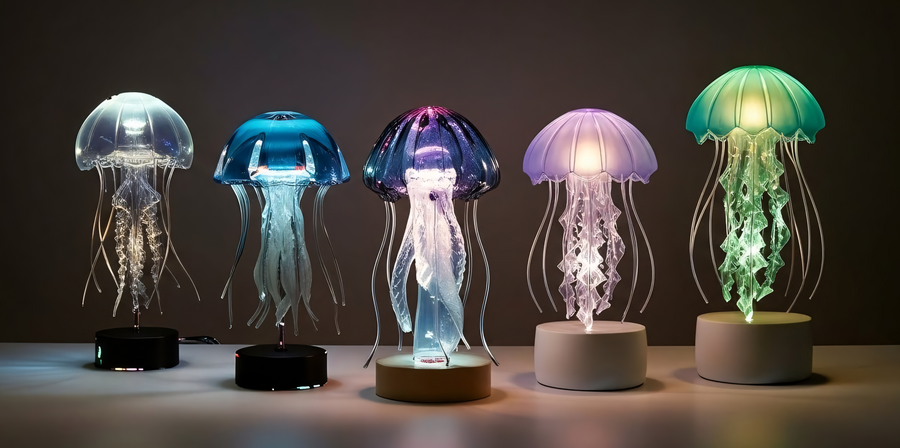
Original size 2498x1244
Whisk: the selected lamps together in a row on a white table, dark ambient lighting
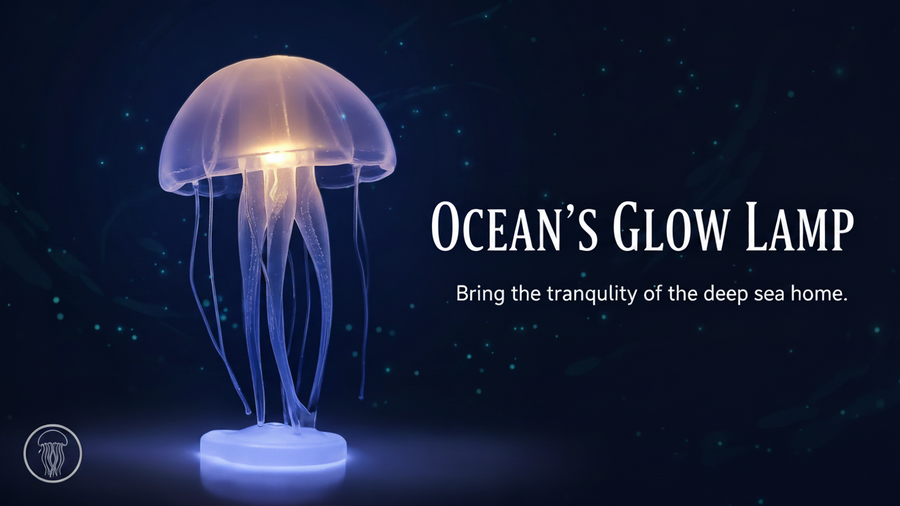
Original size 1344x756
Whisk: the jellyfish lamp in a creative ad poster, add special effects
Модели
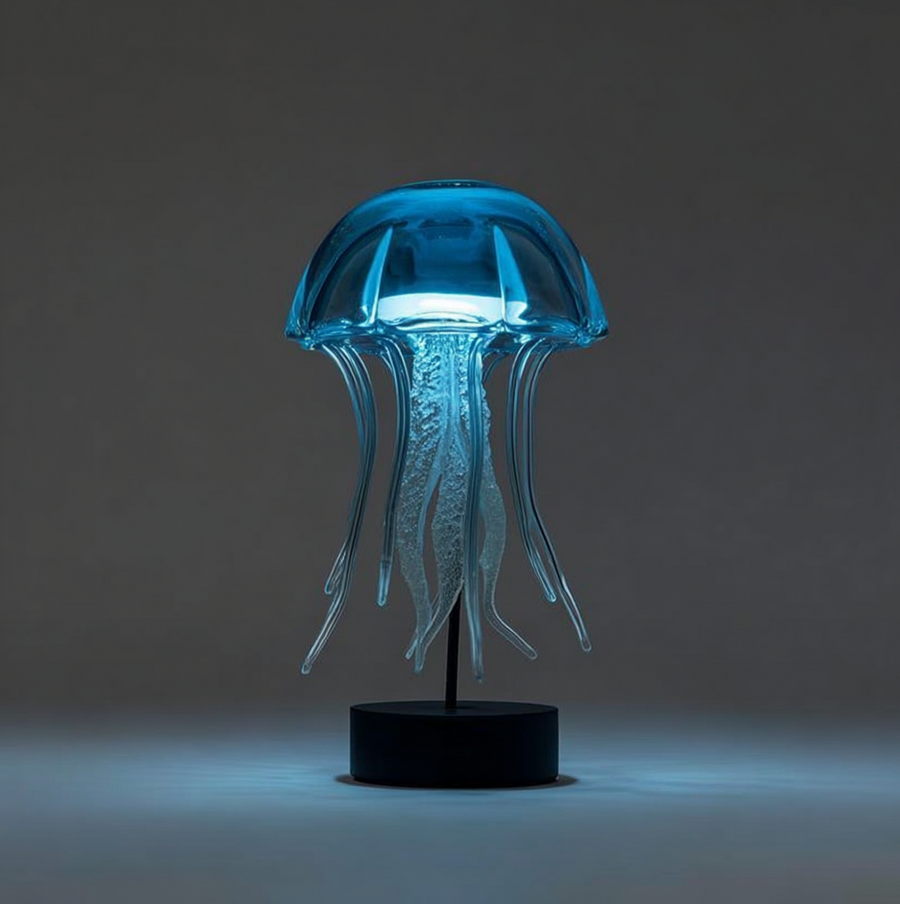
Azure
Original size 1017x1021
MJ: a a simple 3d model of a symmetric glass jellyfish lamp
Original size 1220x1158
Viola
Original size 1025x1017
MJ: a a simple 3d model of a symmetric glass jellyfish lamp
Original size 1220x1158
Solaire
Original size 1026x1015
MJ: a a simple 3d model of a symmetric glass jellyfish lamp
Original size 1220x1158
Reve
Original size 1009x1006
MJ: a a simple 3d model of a symmetric glass jellyfish lamp
Original size 1220x1158
Pulse
Original size 1020x1021
MJ: a a simple 3d model of a green glass jellyfish lamp
Валерия Челебий создала проект La Mer Nocturne — серию интерьерных ночников в форме медуз с неоновым свечением. Проект включает подробные технические спецификации для 3D-печати и производства ламп из фотополимерной смолы и пластика.
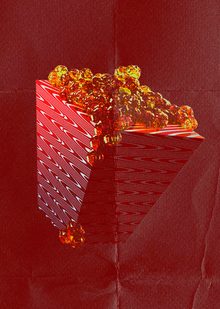
Автор создала ёлочную игрушку в виде стаканчика с попкорном для молодёжного пространства в винтажной стилистике с кинотеатральной тематикой. Игрушка выполнена в стилизованной форме с намеренным упрощением, чтобы отразить атмосферу кинотеатра через художественное восприятие.
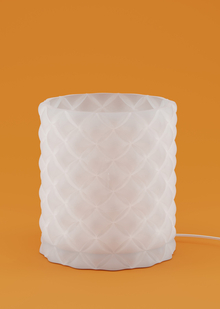
Алиса Гурова создала лампу для бренда 3D-печатных ламп Mana Fabric, объединив традиционное плетение, современные технологии и параметрический дизайн. Проект включает 3D-модель и описание размеров и особенностей изделия, напечатанного без поддержек.
designschool.am — цифровая экосистема, объединяющая профессиональное портфолио для дизайнеров — студентов, выпускников и сотрудников программы «Коммуникационный дизайн» (совместный проект Российско-Армянского Университета и Школы дизайна НИУ ВШЭ), образовательную онлайн-платформу, площадку, агрегирующую международные онлайн-конкурсы в креативных индустриях и другие профессиональные инструменты.... Show more
We use cookies to improve the operation of the website and to enhance its usability. More detailed information on the use of cookies can be fo...
Show more
Press space bar to start a drag.
When dragging you can use the arrow keys to move the item around and escape to cancel.
Some screen readers may require you to be in focus mode or to use your pass through key
Press space bar to start a drag.
When dragging you can use the arrow keys to move the item around and escape to cancel.
Some screen readers may require you to be in focus mode or to use your pass through key
Press space bar to start a drag.
When dragging you can use the arrow keys to move the item around and escape to cancel.
Some screen readers may require you to be in focus mode or to use your pass through key
Press space bar to start a drag.
When dragging you can use the arrow keys to move the item around and escape to cancel.
Some screen readers may require you to be in focus mode or to use your pass through key
Press space bar to start a drag.
When dragging you can use the arrow keys to move the item around and escape to cancel.
Some screen readers may require you to be in focus mode or to use your pass through key
Press space bar to start a drag.
When dragging you can use the arrow keys to move the item around and escape to cancel.
Some screen readers may require you to be in focus mode or to use your pass through key
Press space bar to start a drag.
When dragging you can use the arrow keys to move the item around and escape to cancel.
Some screen readers may require you to be in focus mode or to use your pass through key
Press space bar to start a drag.
When dragging you can use the arrow keys to move the item around and escape to cancel.
Some screen readers may require you to be in focus mode or to use your pass through key
Press space bar to start a drag.
When dragging you can use the arrow keys to move the item around and escape to cancel.
Some screen readers may require you to be in focus mode or to use your pass through key
Press space bar to start a drag.
When dragging you can use the arrow keys to move the item around and escape to cancel.
Some screen readers may require you to be in focus mode or to use your pass through key