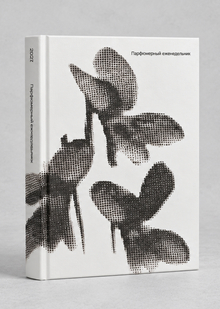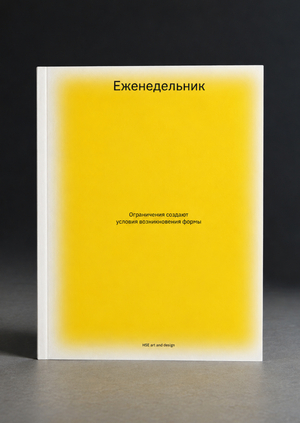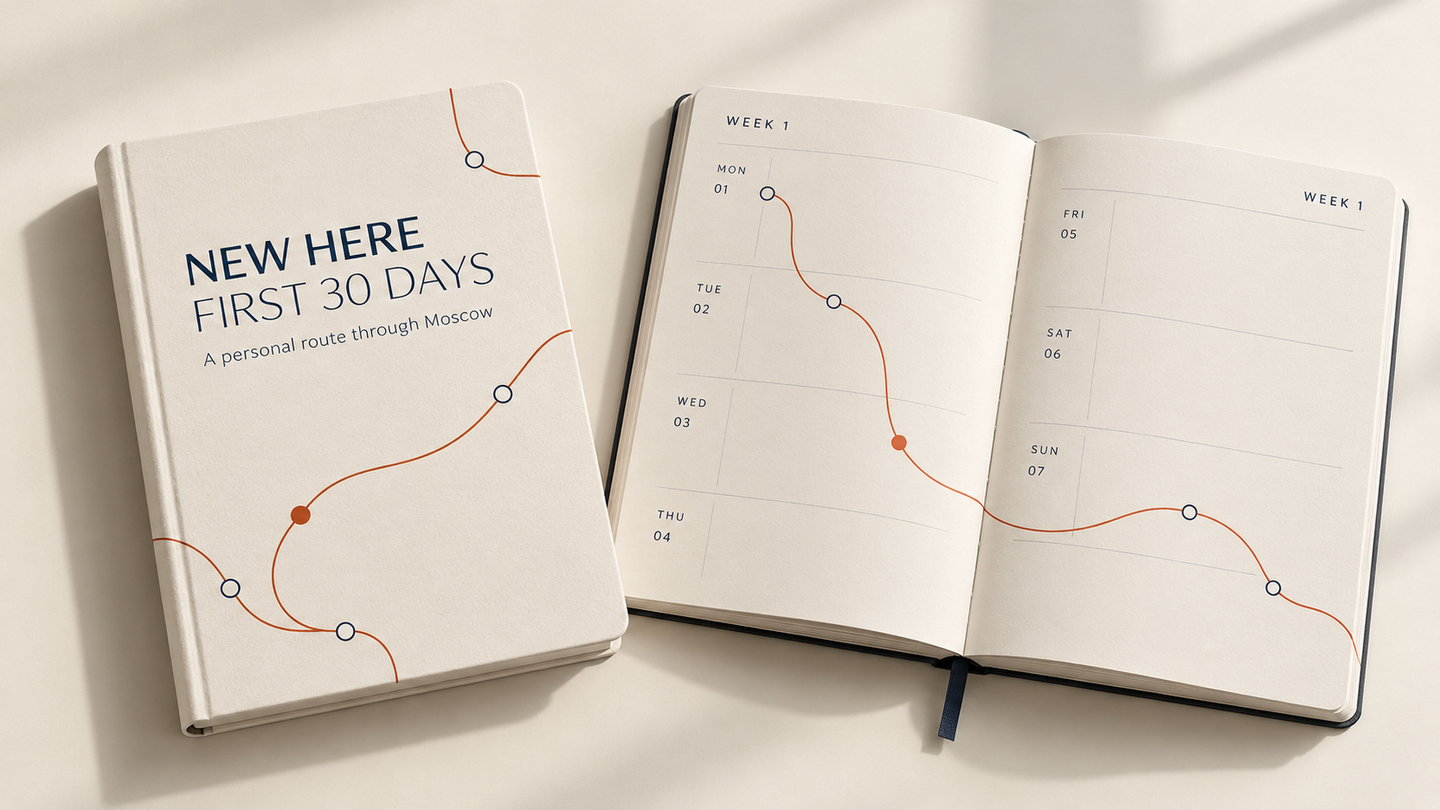
NEW HERE — First 30 Days — a timeless weekly planner designed for international students new to Moscow. You can use it to organize your immediate tasks, record important contacts, and gradually map out your own city itinerary. This project continues the digital initiative NEW HERE: Moscow and focuses on the first month after arrival.
The Adaptation Challenge
The first few days in a new city are comprised of numerous small tasks. One needs to figure out housing, locate the correct university department, establish connections, and map the route to school. Information comes from emails, chats, and conversations. The individual must synthesize this information into specific actions and deadlines independently.The core of this project is a scenario where a student is aware of several necessary tasks but doesn’t know where to begin or whom to approach. A weekly planner provides a space to record the next step, a clarified deadline, and questions that remain unanswered.This is our project hypothesis. We can test it with a prototype: by asking students to organize a few of their own tasks and observing whether the planner fields help them select the action for the coming day.
Why is a physical object necessary?
It is convenient to keep a short weekly plan visible on paper, take notes during conversations, and refer back to them without searching through correspondence. The filled pages preserve a personal history of the first month: where the person went, what they learned, and which places they wanted to remember.
For NEW HERE, the physical object becomes an everyday tool. Personal notes remain in the planner, while the digital project provides access to explanations and sources. Such an item could be included in the university’s welcome kit after coordinating with the institution.
Concept for an undated weekly planner
The first 30 days are counted starting from the date chosen by the owner. You can begin on any day of the week. The structure includes four seven-day blocks and a separate spread for days 29–30. The user fills in the dates themselves.
Each week has a theme designed to prompt reflection on different aspects of life in the city. You can swap the themes and move the tasks as needed. Confirmed deadlines are immediately integrated into your personal calendar, regardless of the weekly theme.
Instead of promising to «master it in a month,» the weekly planner allows you to observe your own pace. At the end, you can leave unfinished tasks and continue your journey later. The primary language of the first version is simple English; Russian is used alongside the names of places and organizations a person encounters in the city.
Visual System
The graphic language is constructed using lines and route stations. The line unites works of the same theme, and the station denotes a selected action. The empty circle can be filled in after completion. For waiting for a response, there is the text marker WAIT, and for rescheduling, there is a new date field. Color aids navigation, but the labels retain their meaning even in black and white. Dark blue is used for text and primary graphics; milky white is used for the paper background; and terracotta is used for accents and the current point on the route. Writing fields remain light. The precise shades and font pair should be transferred from the approved NEW HERE style during layout.
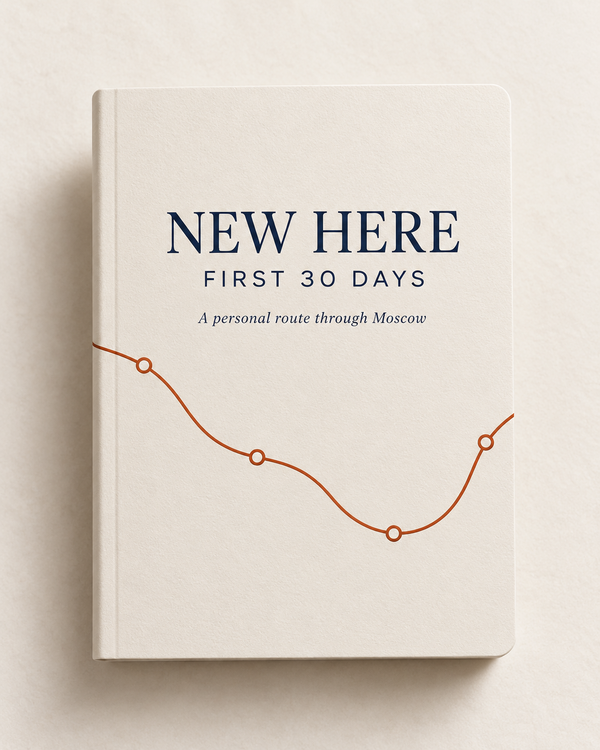
The cover features the title NEW HERE: Moscow, the subtitle First 30 Days, and a line of unfilled stations. Inside, the individual adds their own annotations to the scheme. Thus, the graphic evolves along with the use of the object.
Construction
For the first prototype, we propose an A5 format, 148 × 210 mm: it is portable and can be laid flat on a desk. The working volume includes 32 interior pages and a separate four-page cover. Binding with two staples along the crease allows it to function as a simple booklet. The ease of unfolding and writing at the crease will be tested on a paper sample.
Proposed materials: uncoated paper measuring 100–120 g/m² for the text block and 250–300 g/m² for the cover. A light paper tint will support the color palette without requiring solid background fills. Paper density, grain direction, and the need for scoring will be finalized with the printer based on a trial sample.
Each week has two spreads. The first is for dates and brief plans; the second is for tasks, questions, and free notes. The main area of the page remains open for writing. The cover features the title and a graphic itinerary; the inner sides can be left blank.
Key Turning Points
Five spreads demonstrate how to use the item. The English captions are intended for the layout.
My 30-Day Route, Pages 4 and 5
On the left is the start date, priorities, and the question, «What do I need to clarify first?» On the right is a schematic with topic lines and space for signatures. The student fills in the necessary actions and completes the map over the course of a month.
Signatures: My first 30 days · My start date · My next step. Next to each task, you can indicate the date and the source where it was clarified.
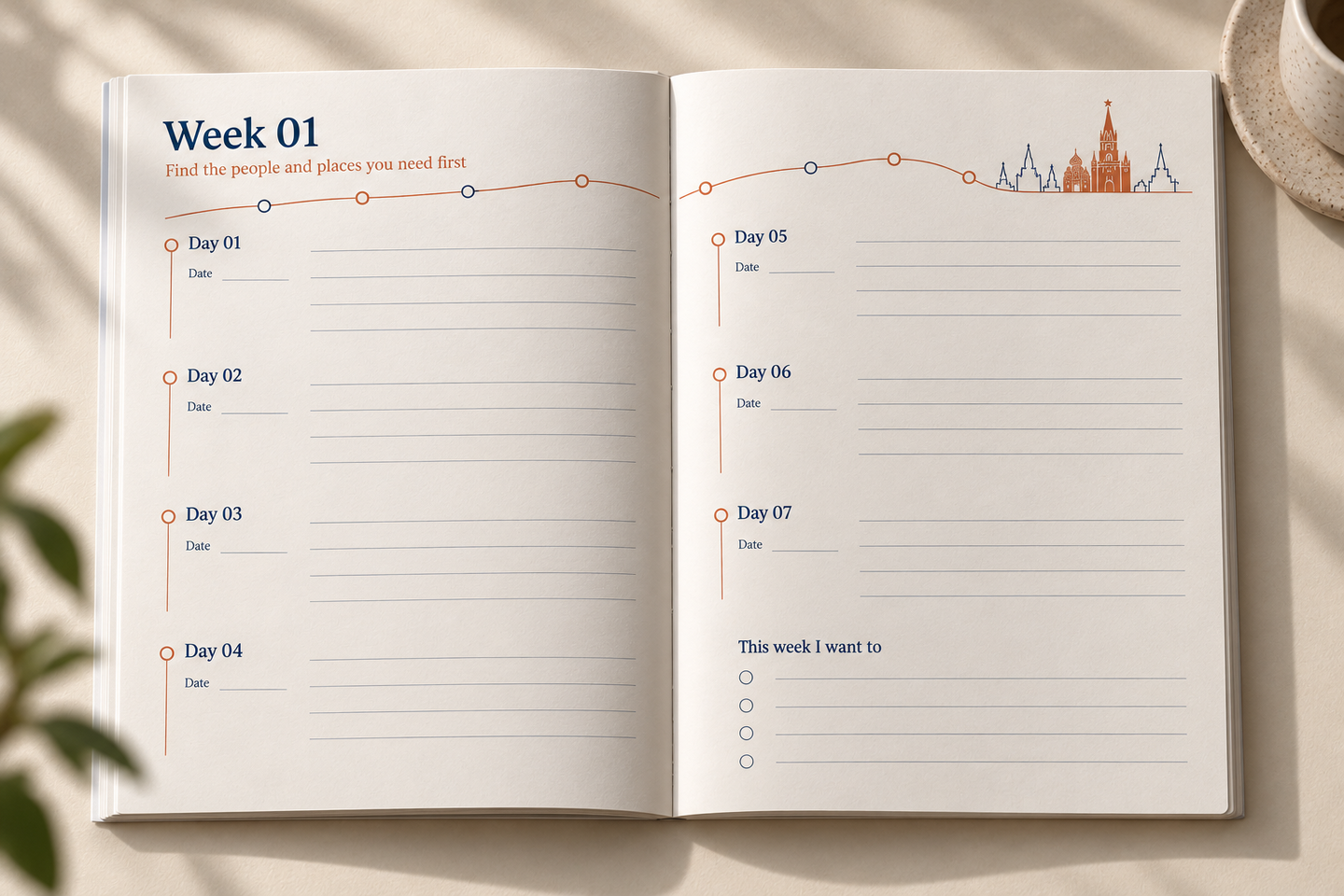
Weekly Plan, pages 8 and 9
Days 1–4 are located on the left, and days 5–7 along with the week’s main priority are on the right. Each day has a date and several lines. You can start with any day of the week; the continuous counter runs until Day 28.Labels: Week 01 · Day 01 · Date · This week I want to. A brief thematic prompt remains on the page, such as «Find the people and places you need first.»
Tasks and Help pages 10 and 11
The left page contains several open tasks. For each task, there is a designated action, date if necessary, and a status indicator. The right side features questions, the person or organization to contact, the expected response, and notes. One QR code links to the corresponding section of the digital project.Labels: My next steps · Date to check · Who can help? · Waiting for · Notes. A hypothetical entry like, «Ask the international office where to find my arrival checklist, ” is suitable for demonstration. It should be marked as an example entry.
Pages 24 and 25 of the last two days