This project is a student project at the School of Design or a research project at the School of Design. This project is not commercial and serves educational purposes
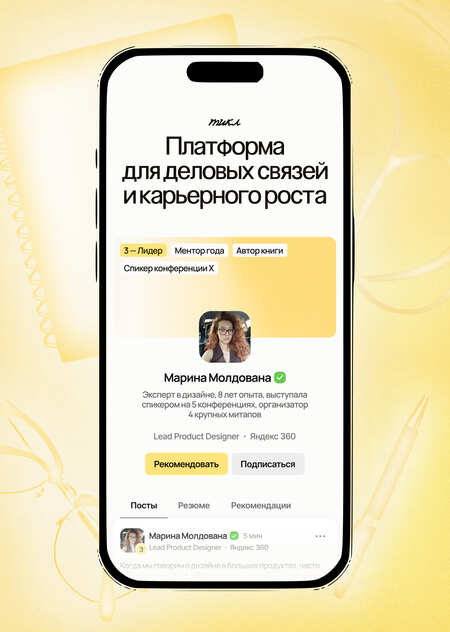
Тикл это социальная сеть для развития и поддержания деловых связей и карьерного роста через систему уровней.

Original size 1200x500
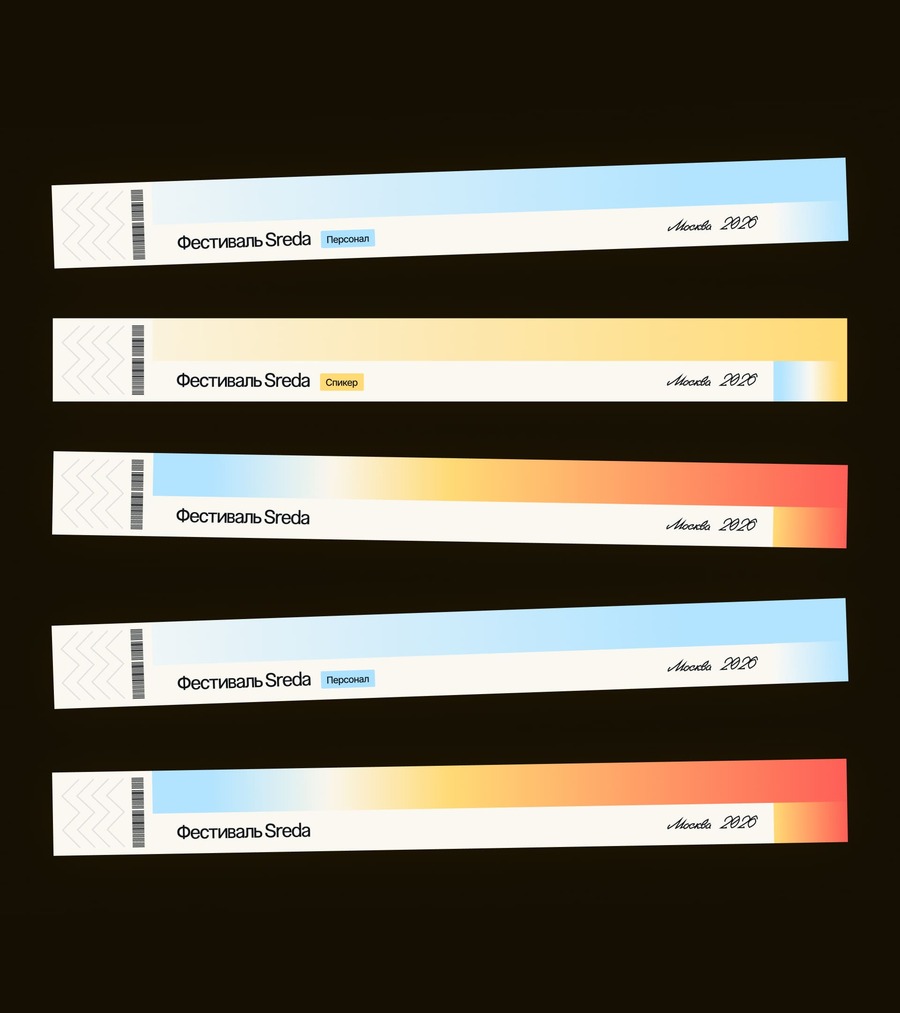
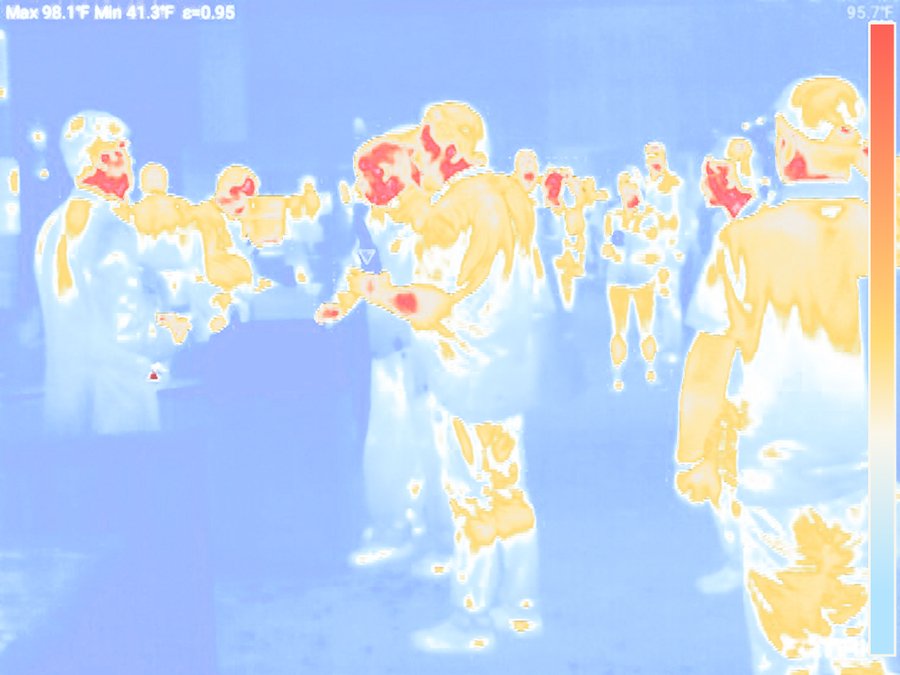
Метафора это тепловая карта.
Новички холодные, их профиль еще слабый, а связей мало. Опытные специалисты теплые, они уже оставляют заметный след, их присутствие ощущается в сообществе. Эксперты и лидеры горячие, к ним тянутся за советом и помощью.
Айдентика
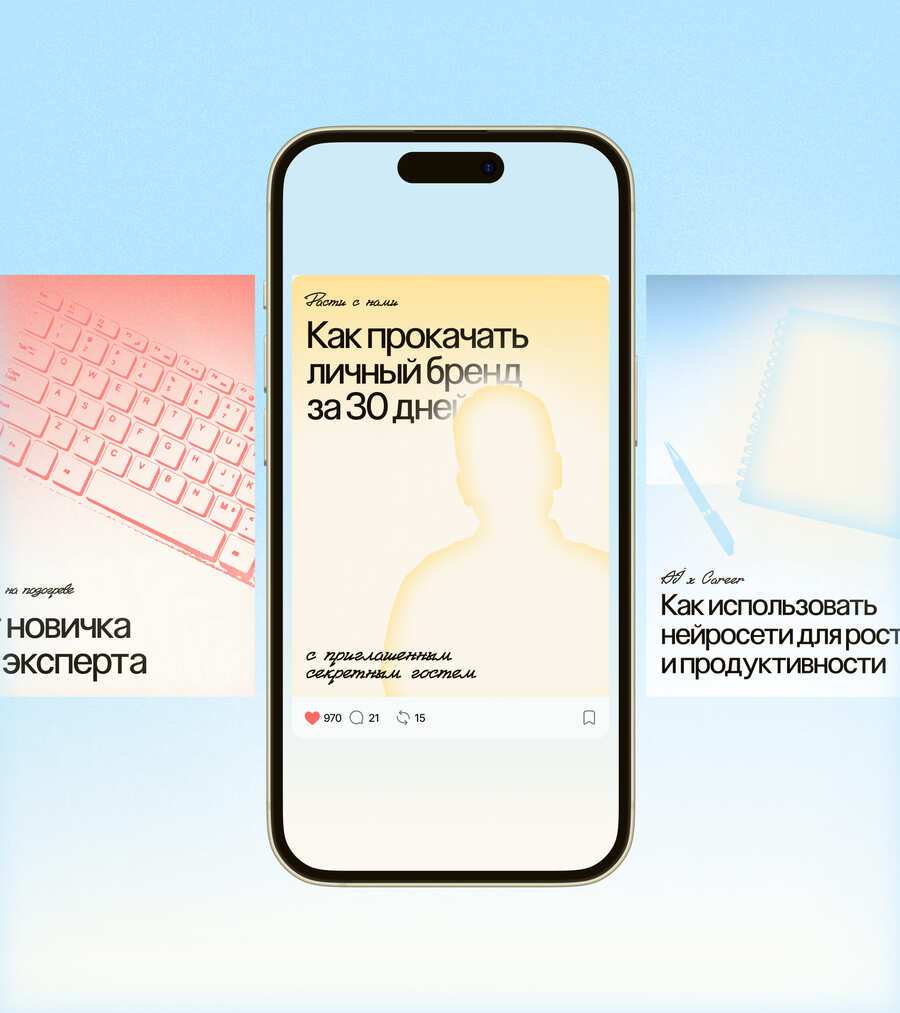
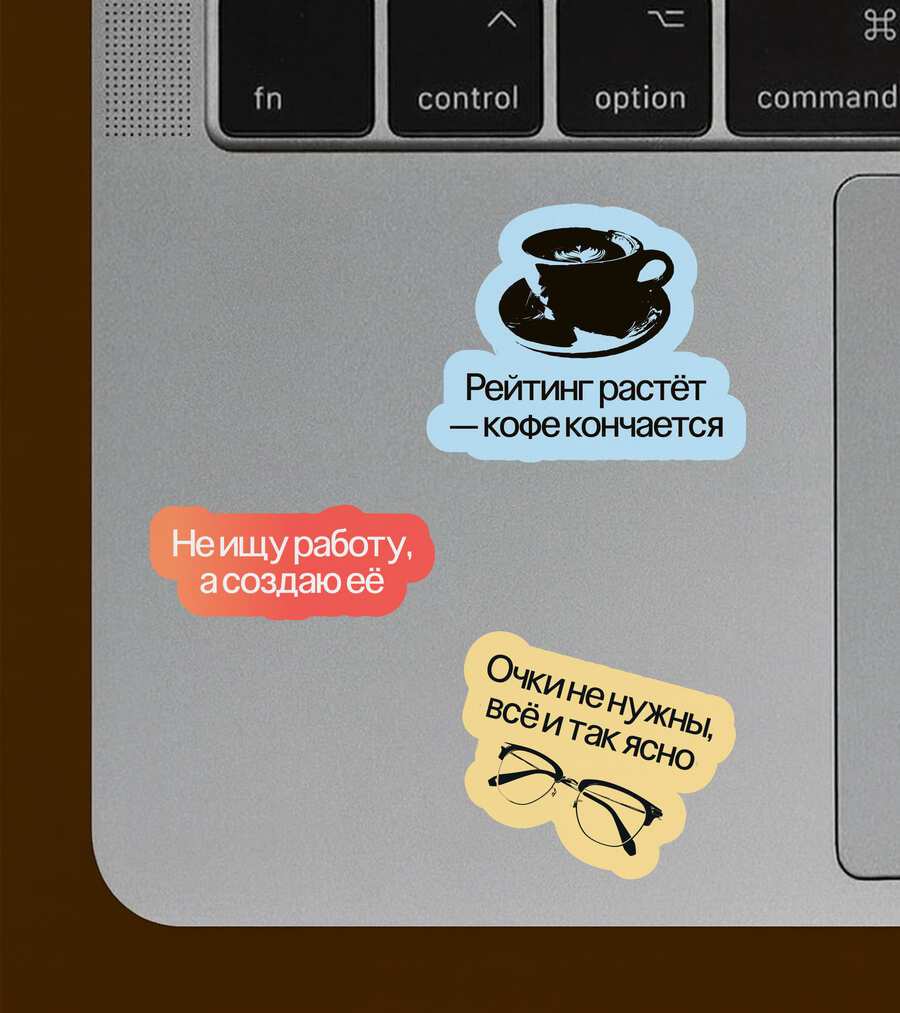
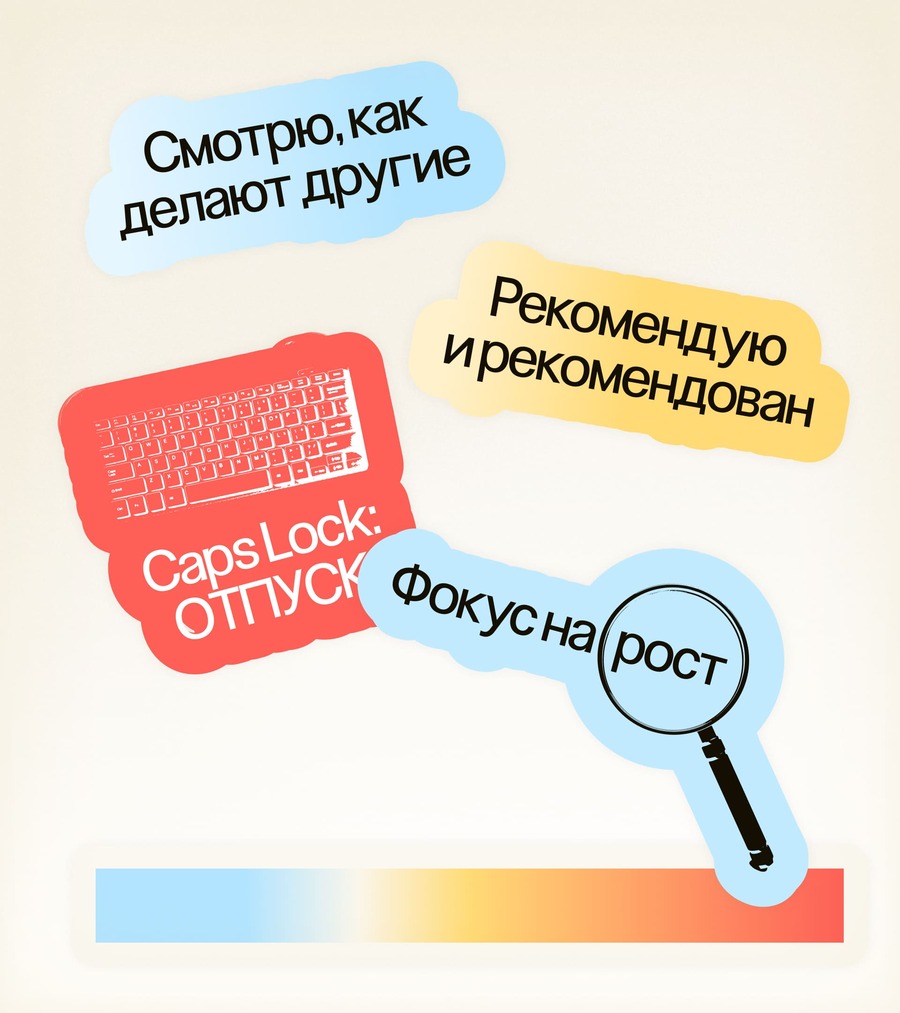
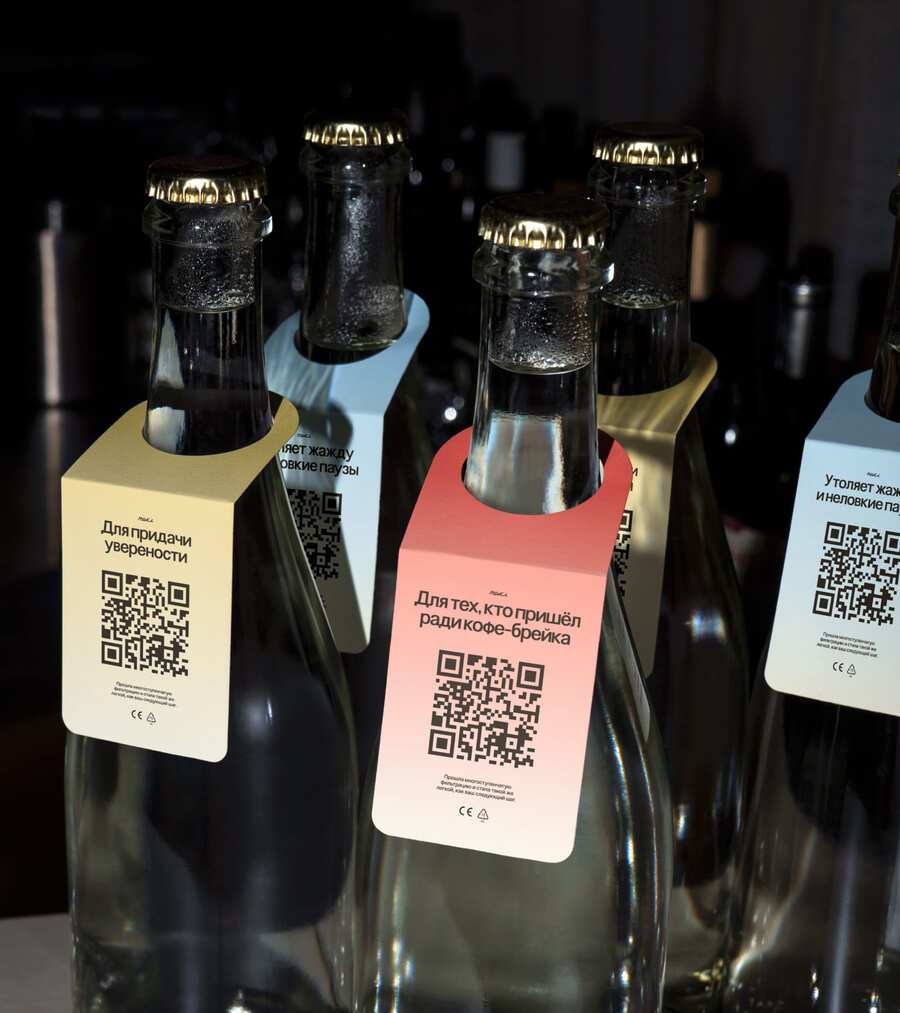
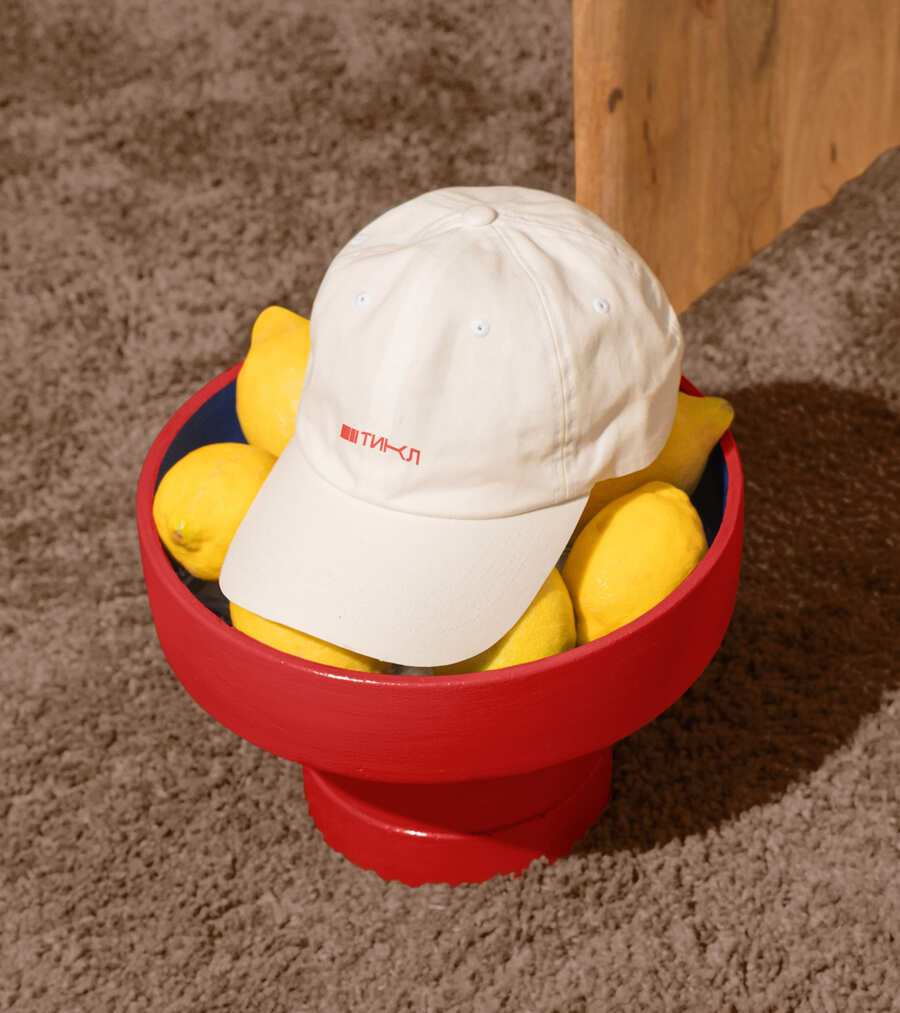
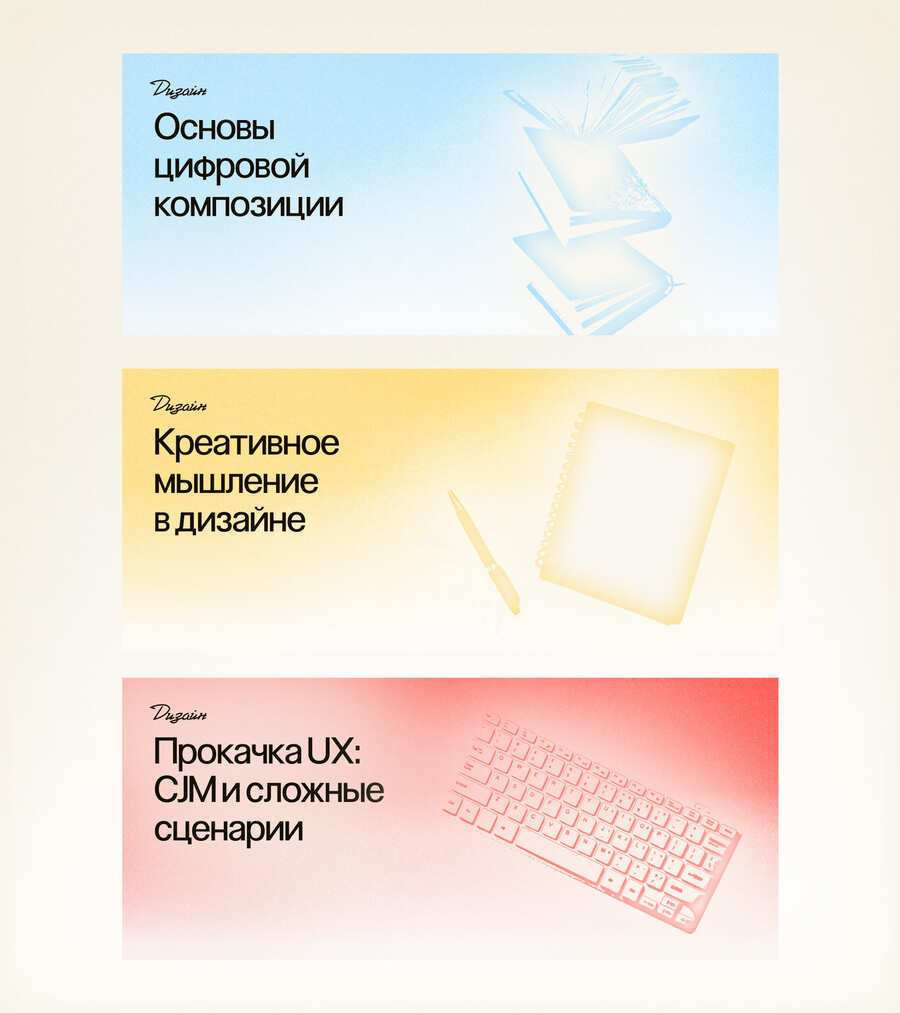
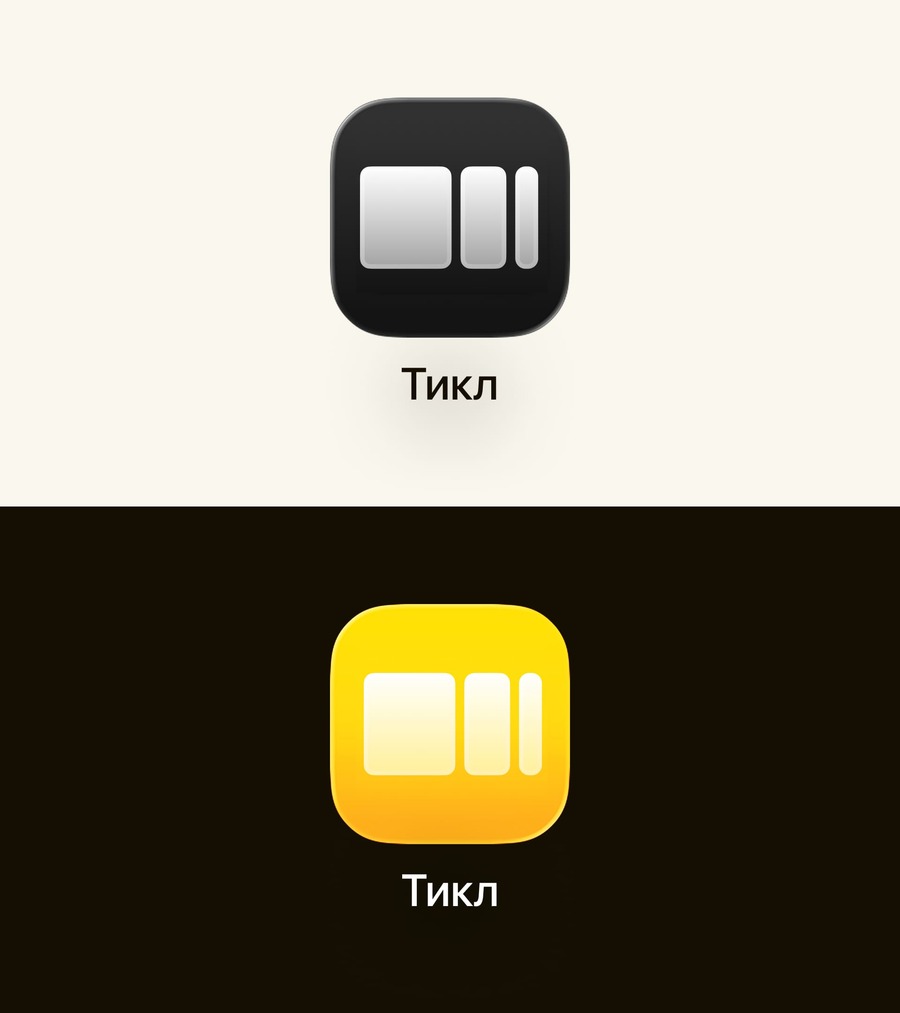
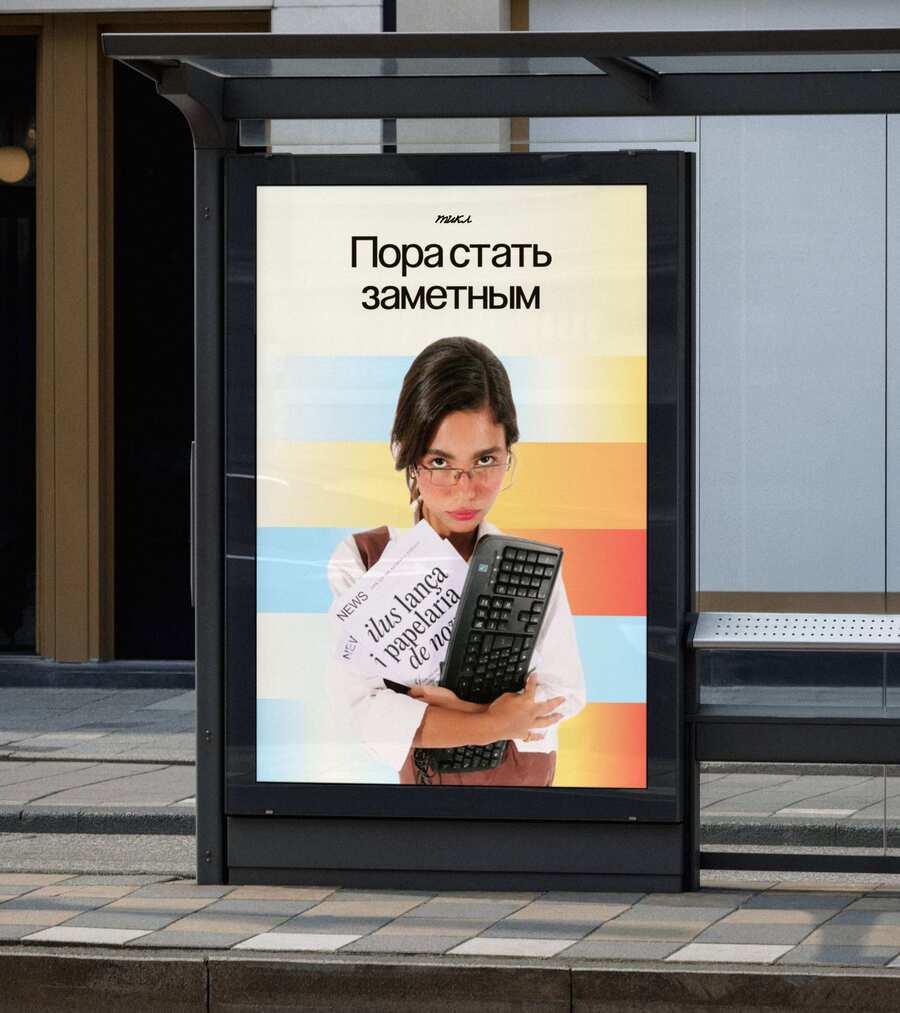
Айдентика яркая, активная, задача создать узнаваемый, уверенный и честный образ цифрового профессионала, который вызывает доверие и мотивирует к участию.
Она ориентирована на фрилансеров, опытных экспертов и молодых специалистов, стремящихся к развитию и признанию в комьюнити.
Original size 2072x1218
Original size 2198x1230
Original size 3840x1200
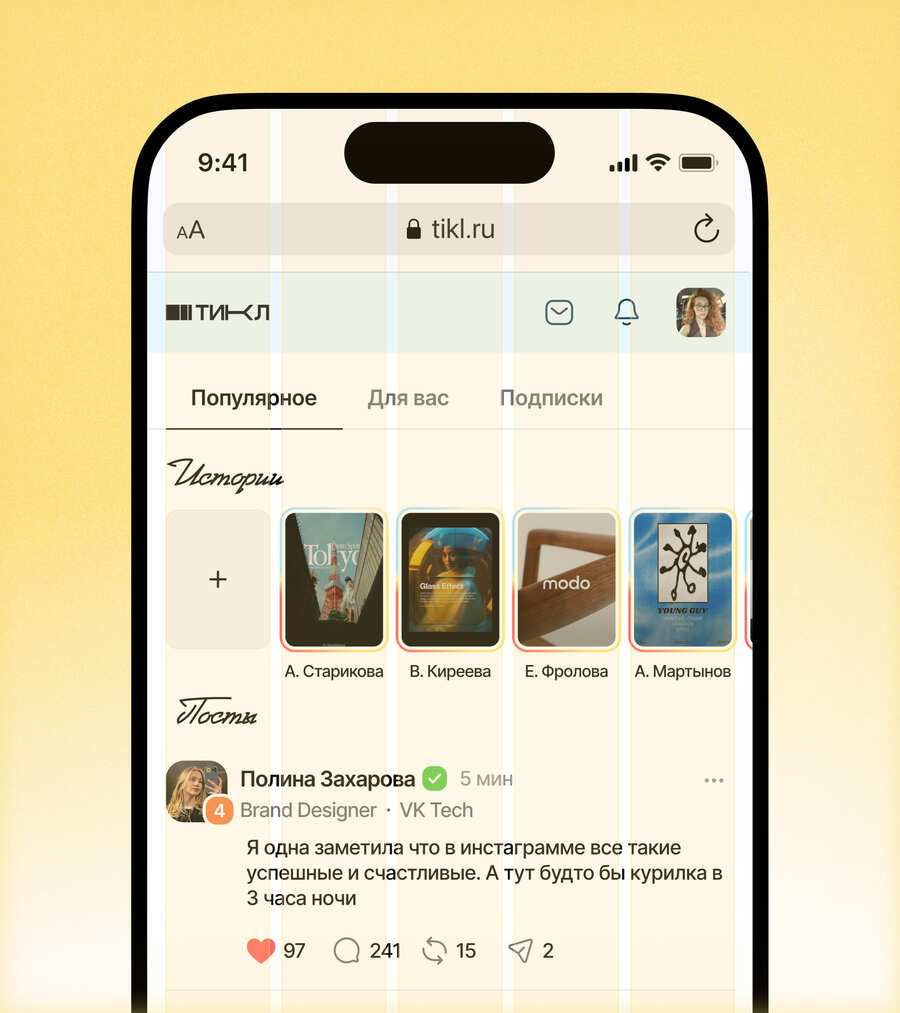
Интерфейс
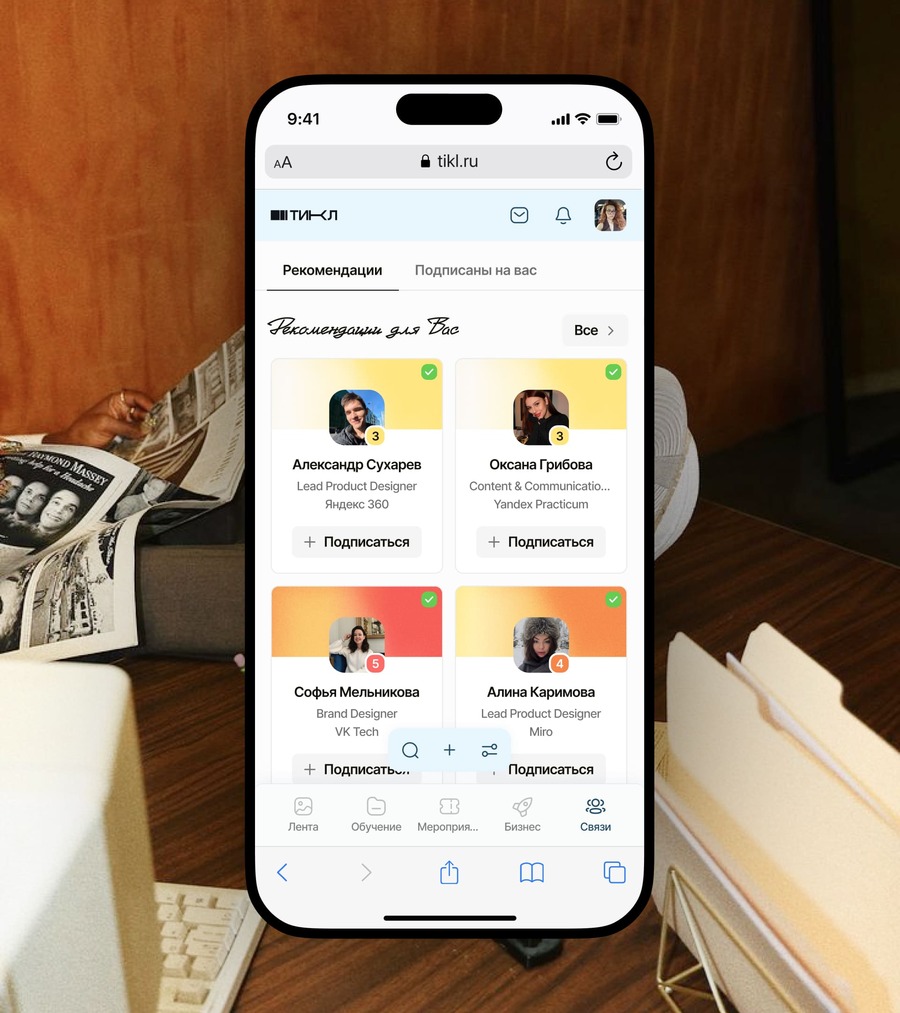
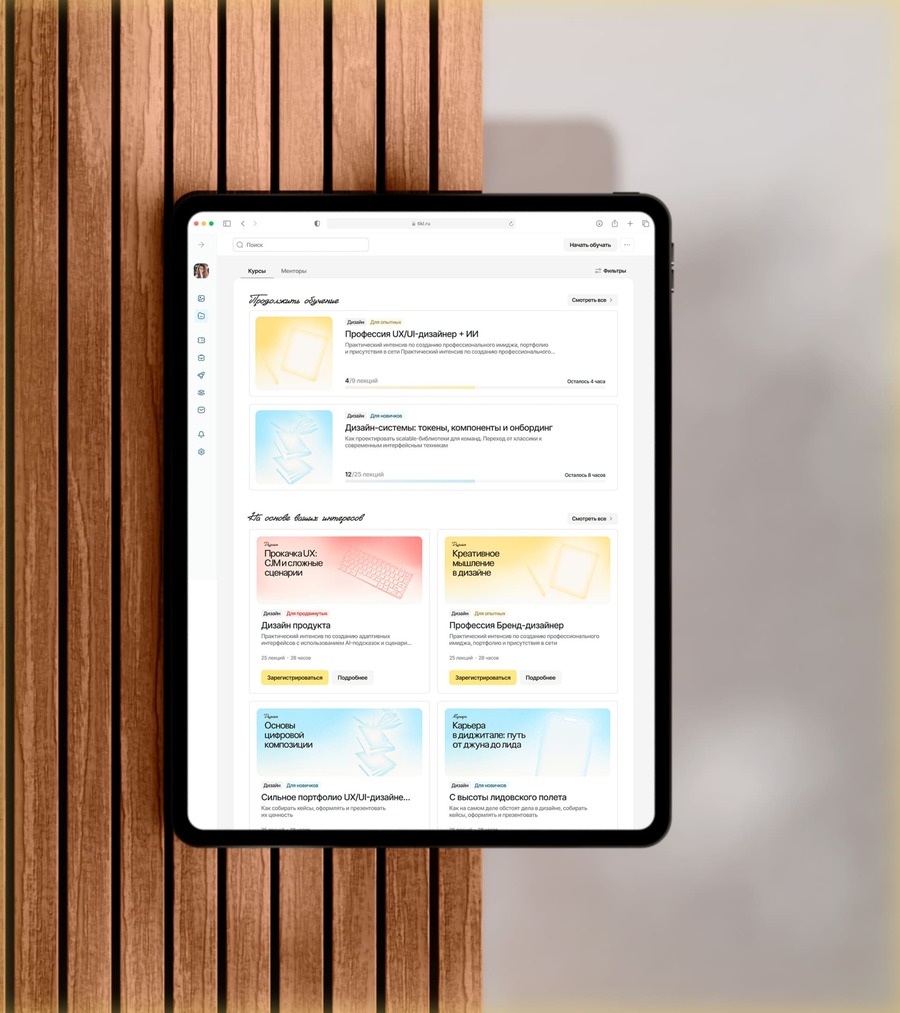
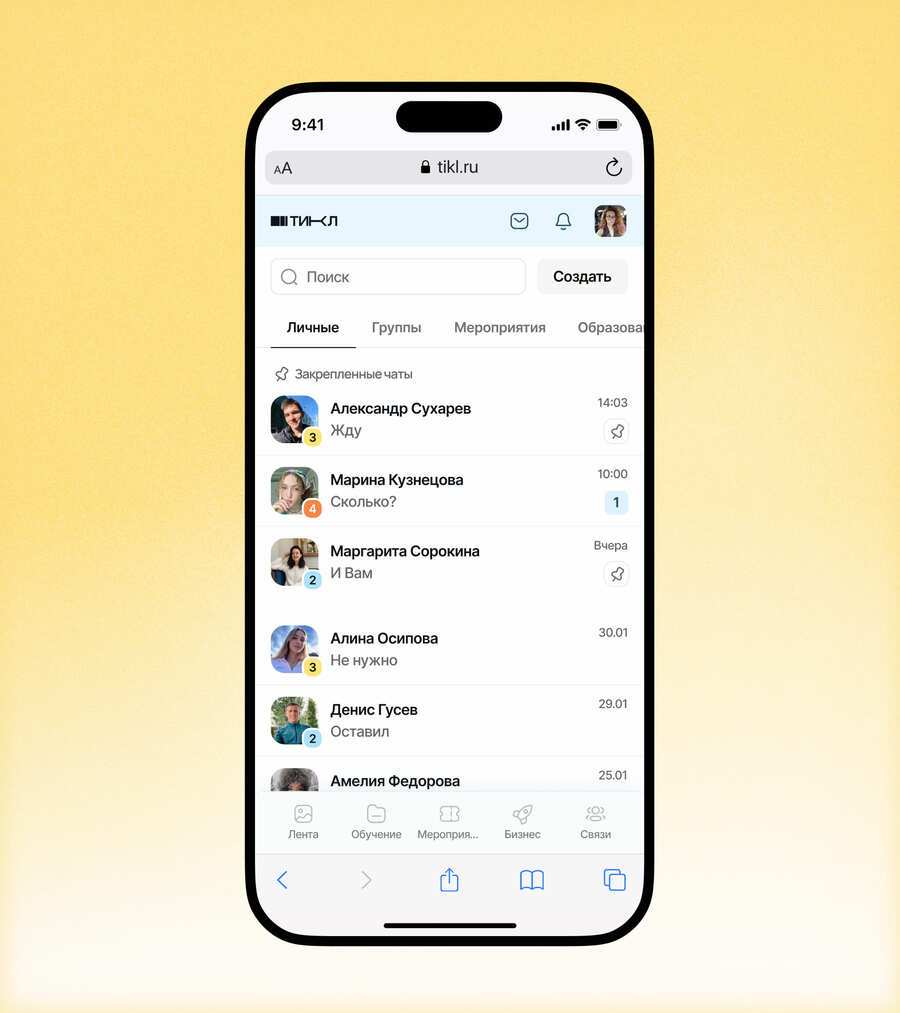
Интерфейс это отражение реальных потребностей пользователей на основе исследования.
Все построено вокруг проверенных связей, рекомендаций и карьерных шагов. Каждая функция — от уровней до бейджей — помогает расти, а не сравнивать. Вы сразу видите, кто перед вами, и как можно взаимодействовать.
Original size 3840x2160
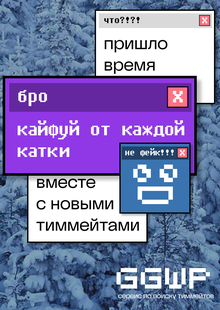
Лендинг
Это первая точка контакта с будущими пользователями. Объясняет концепцию проекта, подогревает ожидание через демонстрацию боли и решения. Собирает заявки на ранний доступ
We use cookies to improve the operation of the website and to enhance its usability. More detailed information on the use of cookies can be fo...
Show more
Press space bar to start a drag.
When dragging you can use the arrow keys to move the item around and escape to cancel.
Some screen readers may require you to be in focus mode or to use your pass through key
Press space bar to start a drag.
When dragging you can use the arrow keys to move the item around and escape to cancel.
Some screen readers may require you to be in focus mode or to use your pass through key
Press space bar to start a drag.
When dragging you can use the arrow keys to move the item around and escape to cancel.
Some screen readers may require you to be in focus mode or to use your pass through key
Press space bar to start a drag.
When dragging you can use the arrow keys to move the item around and escape to cancel.
Some screen readers may require you to be in focus mode or to use your pass through key
Press space bar to start a drag.
When dragging you can use the arrow keys to move the item around and escape to cancel.
Some screen readers may require you to be in focus mode or to use your pass through key
Press space bar to start a drag.
When dragging you can use the arrow keys to move the item around and escape to cancel.
Some screen readers may require you to be in focus mode or to use your pass through key
Press space bar to start a drag.
When dragging you can use the arrow keys to move the item around and escape to cancel.
Some screen readers may require you to be in focus mode or to use your pass through key
Press space bar to start a drag.
When dragging you can use the arrow keys to move the item around and escape to cancel.
Some screen readers may require you to be in focus mode or to use your pass through key
Press space bar to start a drag.
When dragging you can use the arrow keys to move the item around and escape to cancel.
Some screen readers may require you to be in focus mode or to use your pass through key
Press space bar to start a drag.
When dragging you can use the arrow keys to move the item around and escape to cancel.
Some screen readers may require you to be in focus mode or to use your pass through key