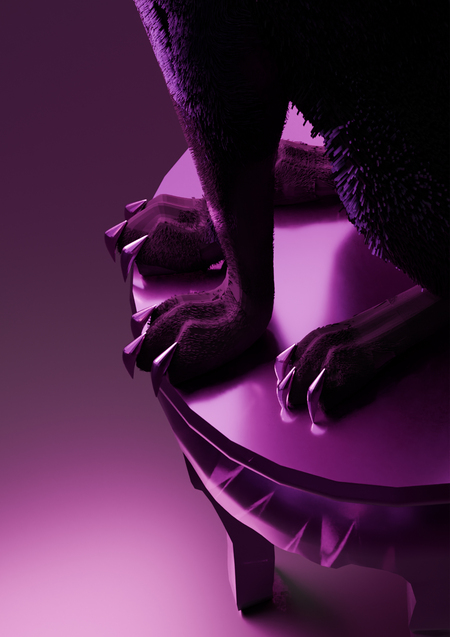
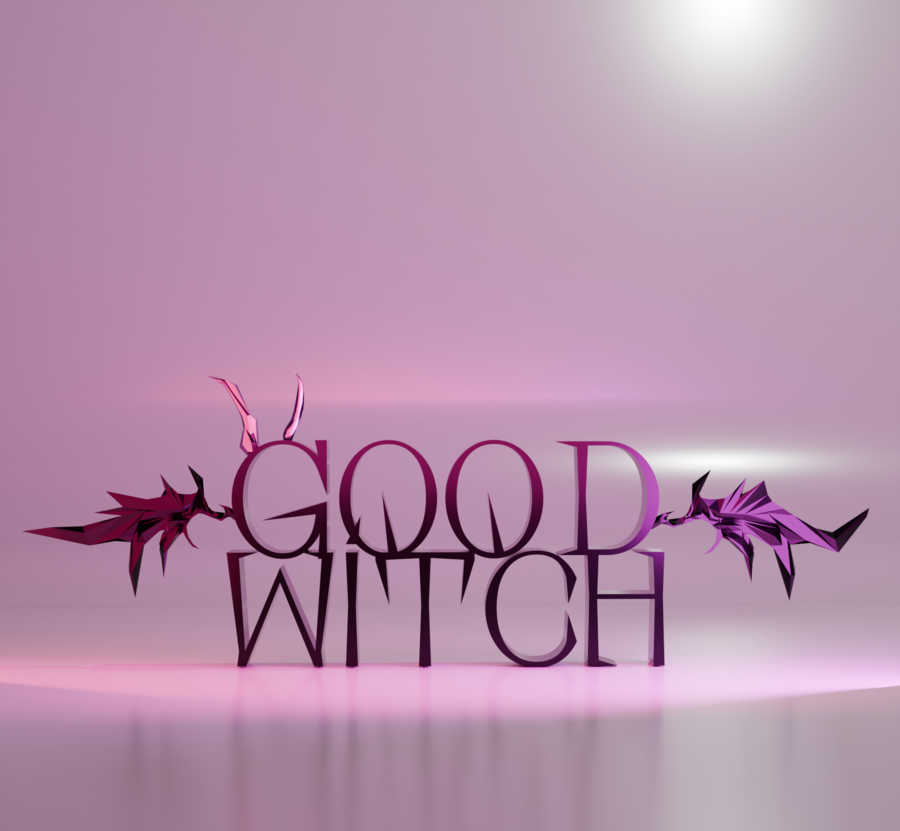
«Good Witch» — это место, где магия и реальность переплетаются. Магазин расположен в подземном переходе, который сам по себе становится частью волшебного мира. Здесь каждая деталь — про силу, интуицию и смелость идти своим путём. «Good Witch» — не сказка, а осознанный выбор взять магию в свои руки.
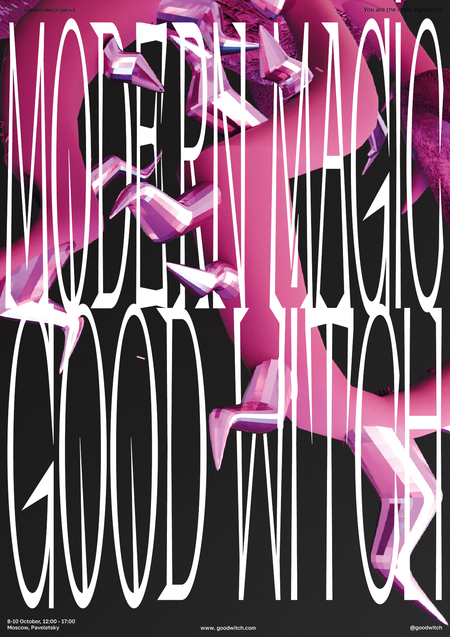
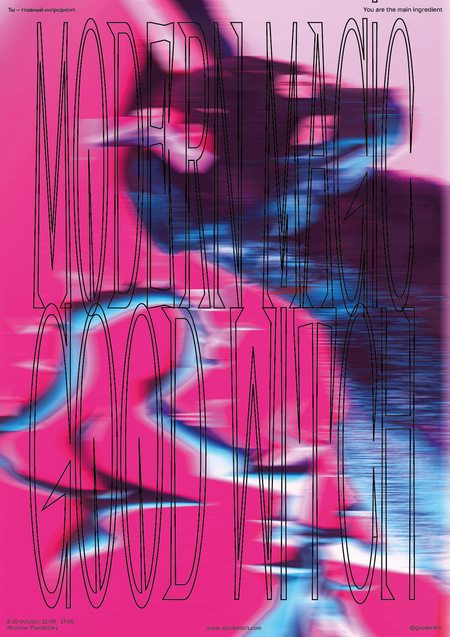
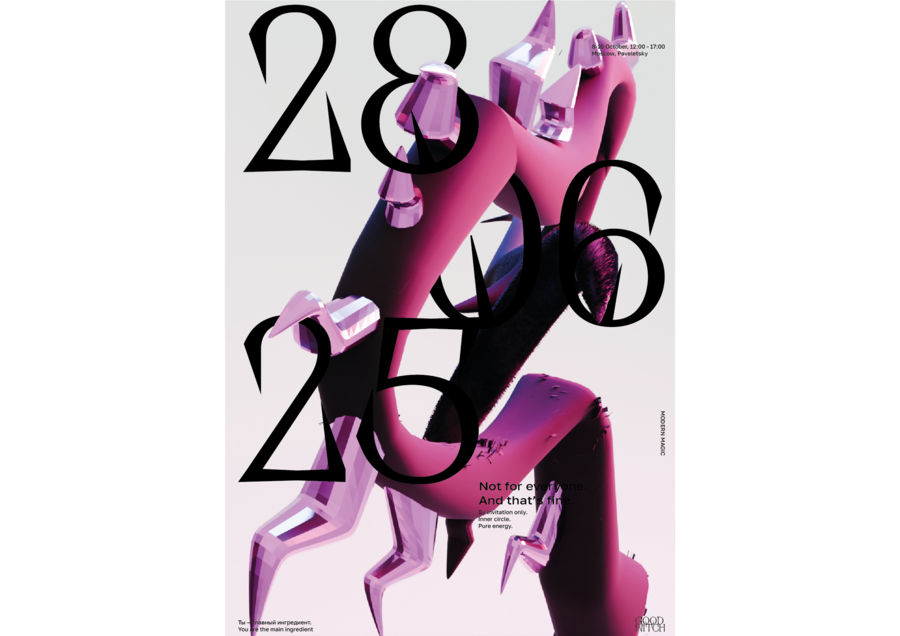
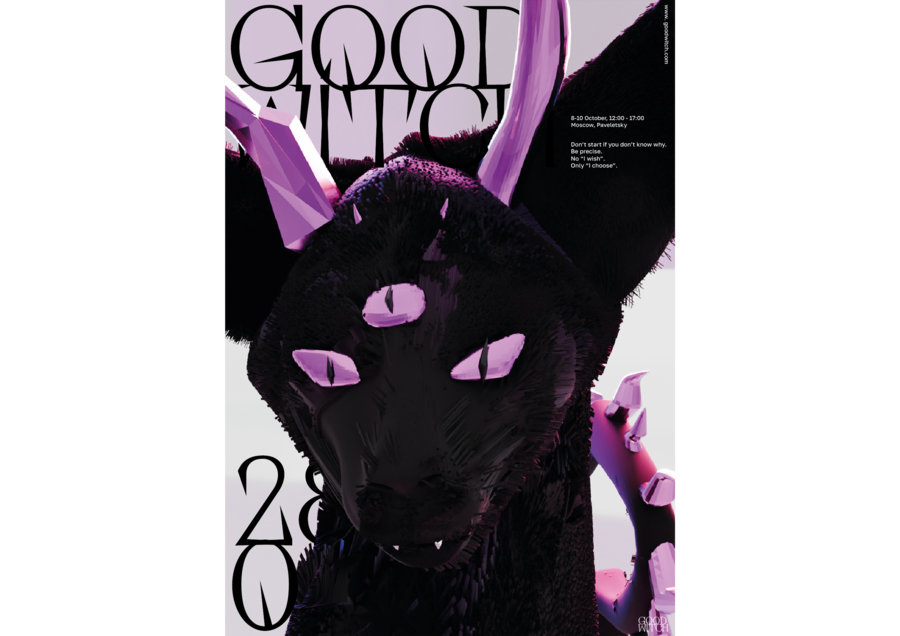
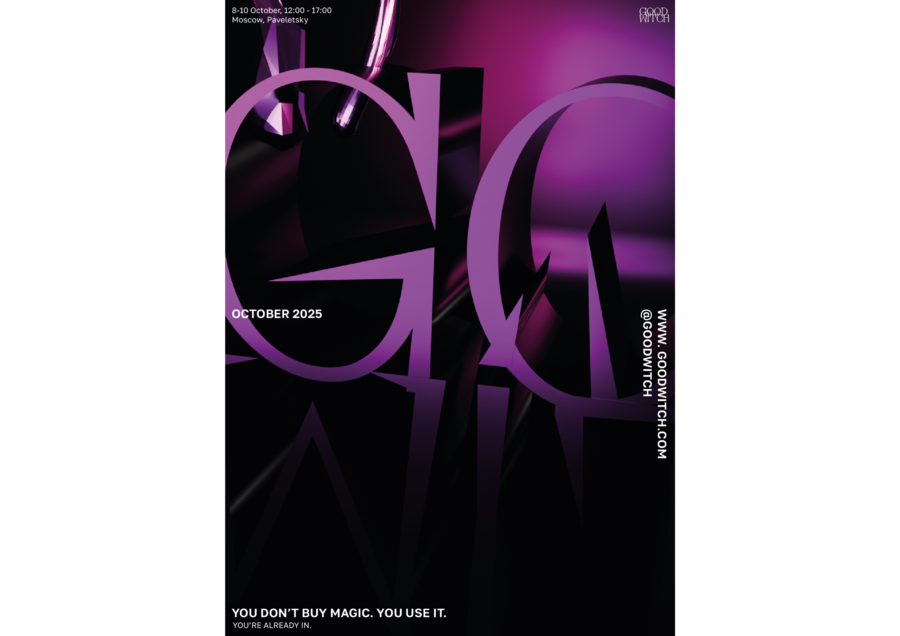
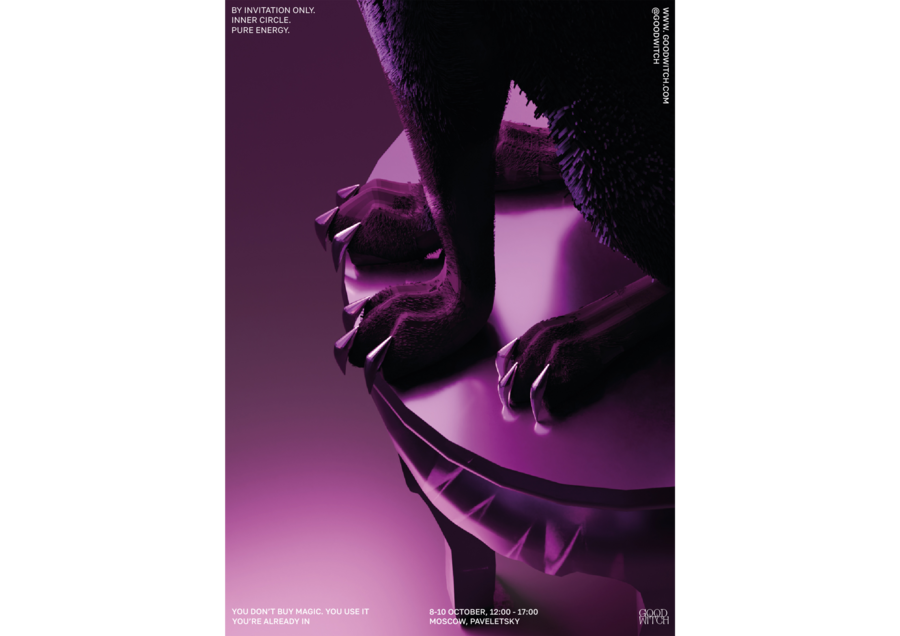
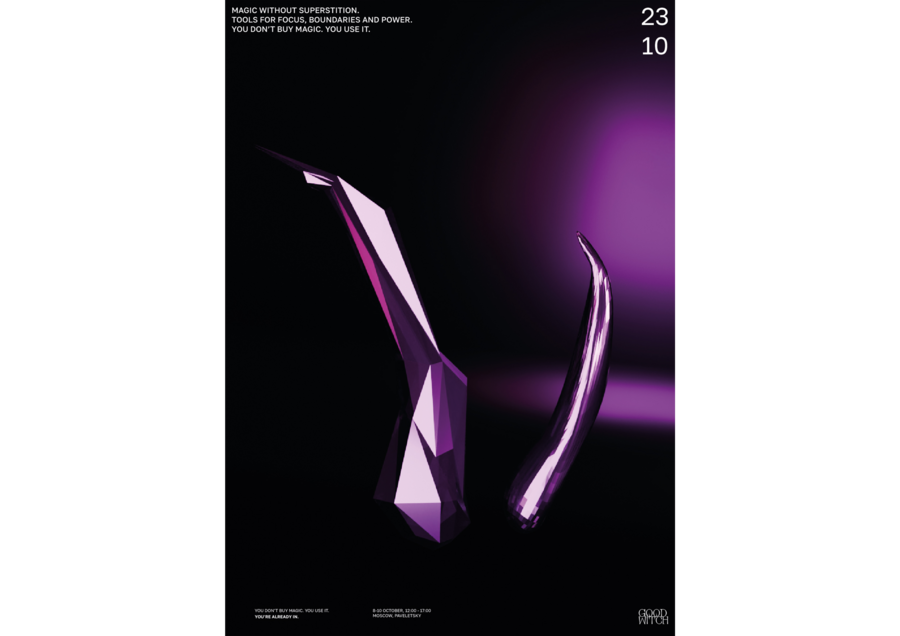
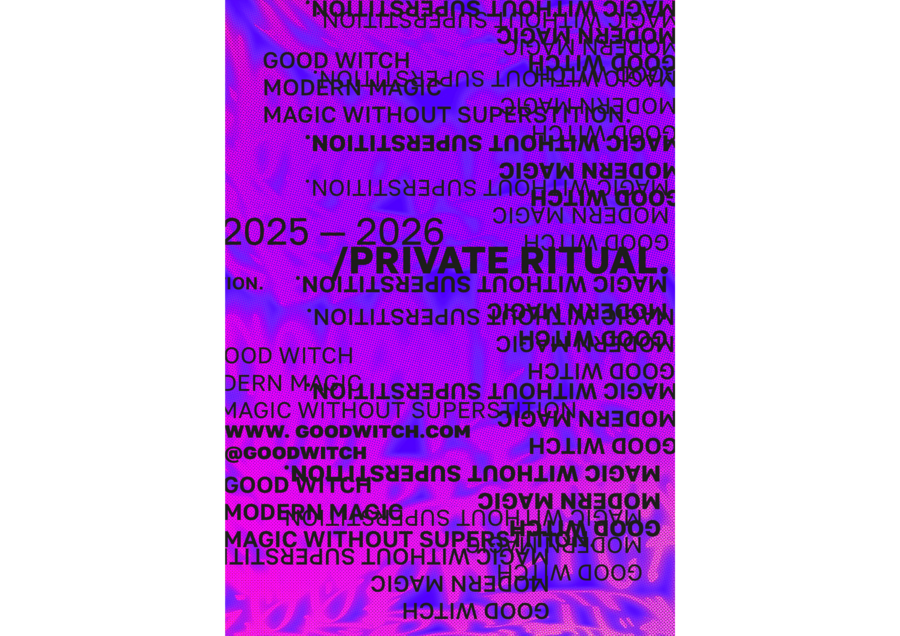
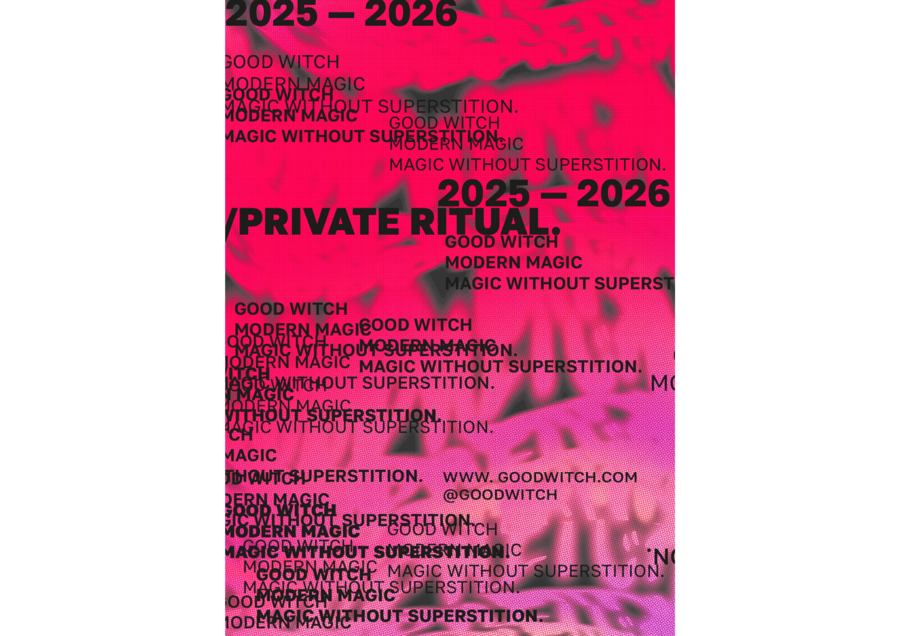
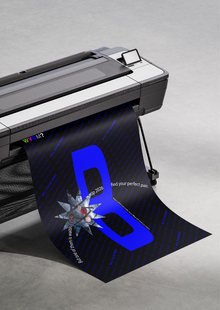
Постеры действуют как магический крючок — один взгляд и ты уже хочешь узнать, что скрыто внутри.
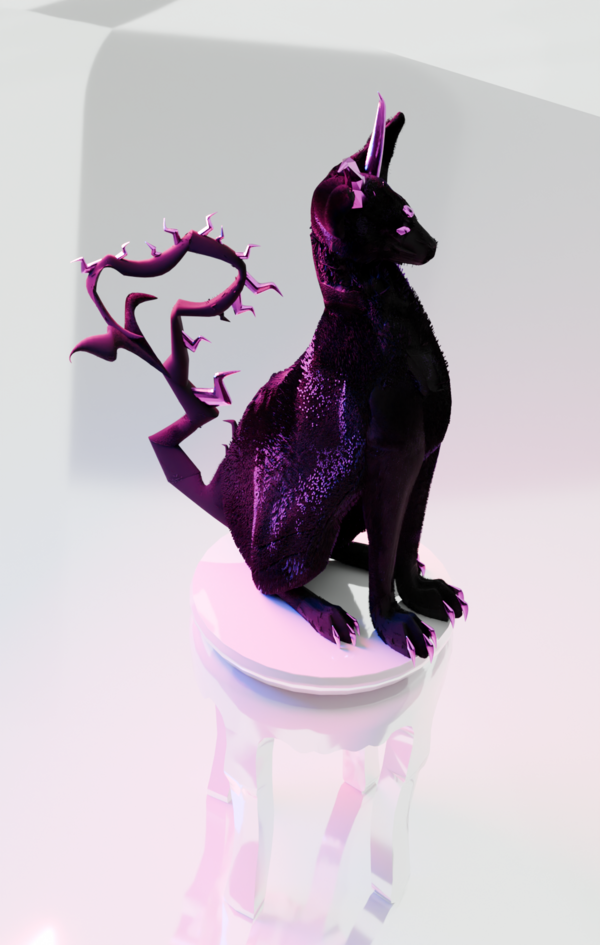
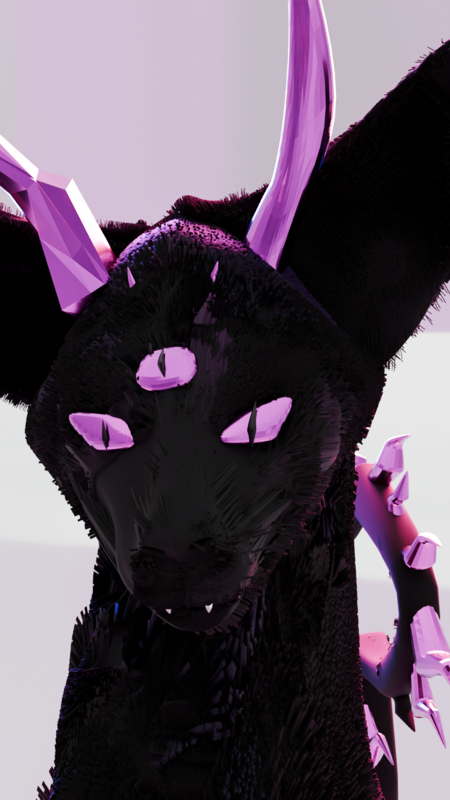
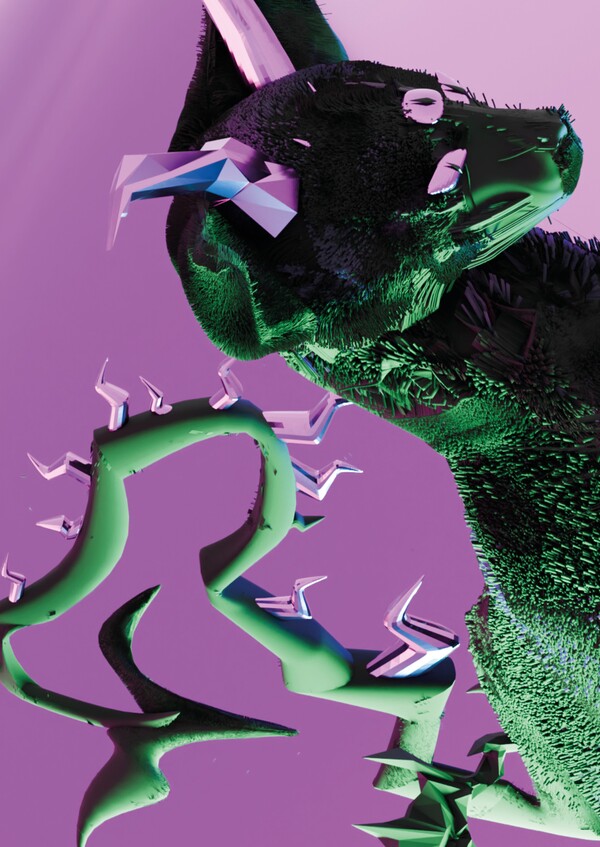
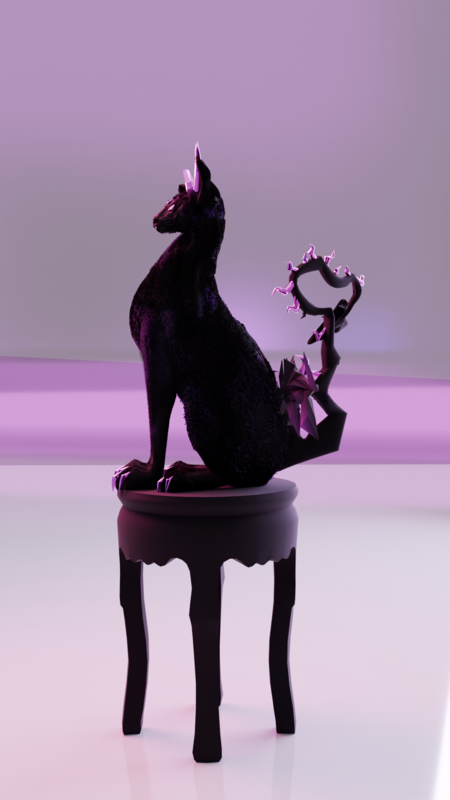
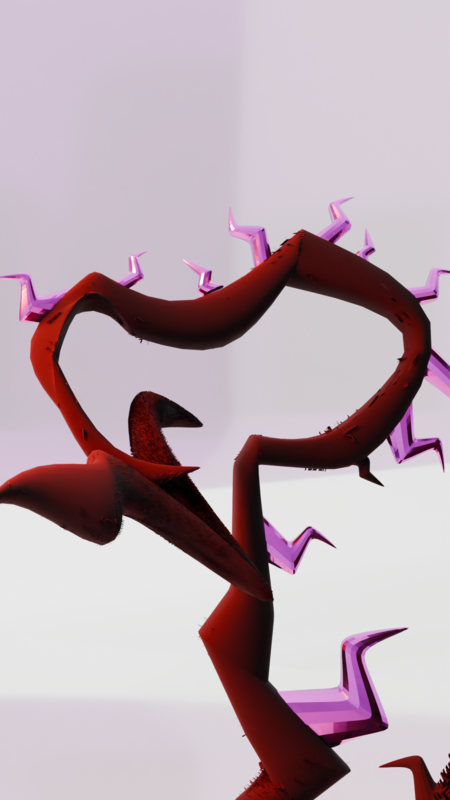
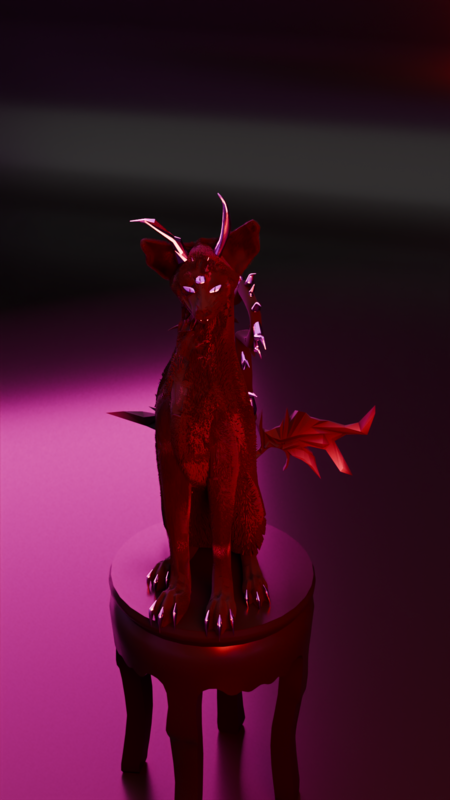
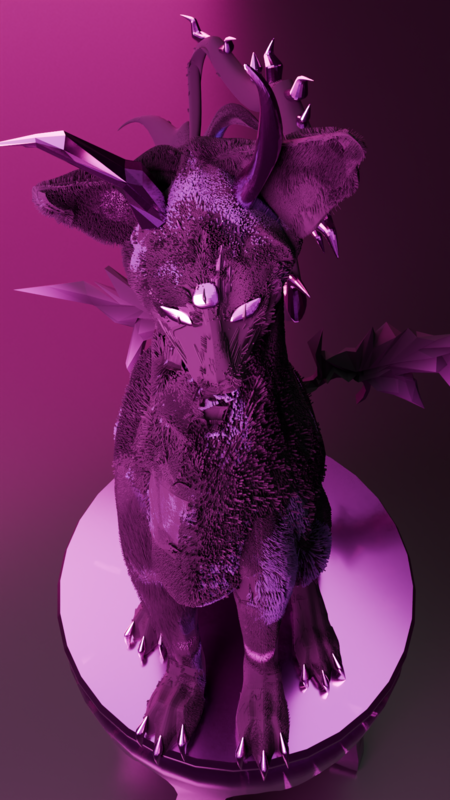
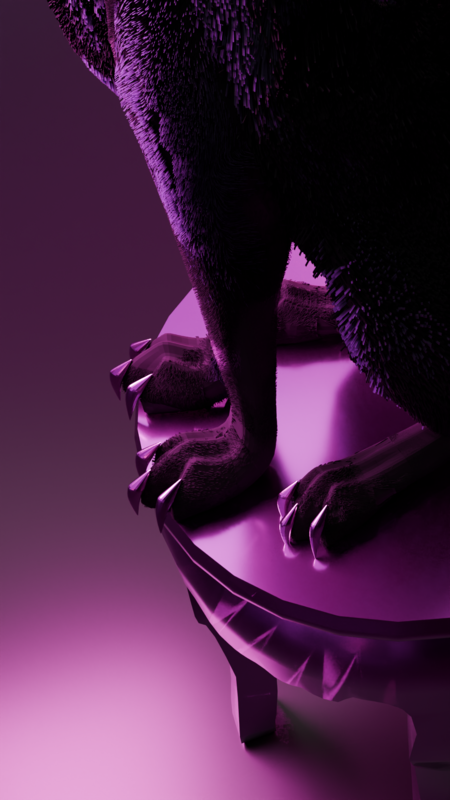
Кот с рогами, третьим глазом, крыльями и драконьим хвостом — визуальный символ философии бренда: магии, свободы, силы и уникальности. Он проводит в волшебный мир магазина, создавая яркую и запоминающуюся атмосферу.
We use cookies to improve the operation of the website and to enhance its usability. More detailed information on the use of cookies can be fo...
Show more
Press space bar to start a drag.
When dragging you can use the arrow keys to move the item around and escape to cancel.
Some screen readers may require you to be in focus mode or to use your pass through key
Press space bar to start a drag.
When dragging you can use the arrow keys to move the item around and escape to cancel.
Some screen readers may require you to be in focus mode or to use your pass through key
Press space bar to start a drag.
When dragging you can use the arrow keys to move the item around and escape to cancel.
Some screen readers may require you to be in focus mode or to use your pass through key
Press space bar to start a drag.
When dragging you can use the arrow keys to move the item around and escape to cancel.
Some screen readers may require you to be in focus mode or to use your pass through key
Press space bar to start a drag.
When dragging you can use the arrow keys to move the item around and escape to cancel.
Some screen readers may require you to be in focus mode or to use your pass through key
Press space bar to start a drag.
When dragging you can use the arrow keys to move the item around and escape to cancel.
Some screen readers may require you to be in focus mode or to use your pass through key
Press space bar to start a drag.
When dragging you can use the arrow keys to move the item around and escape to cancel.
Some screen readers may require you to be in focus mode or to use your pass through key
Press space bar to start a drag.
When dragging you can use the arrow keys to move the item around and escape to cancel.
Some screen readers may require you to be in focus mode or to use your pass through key