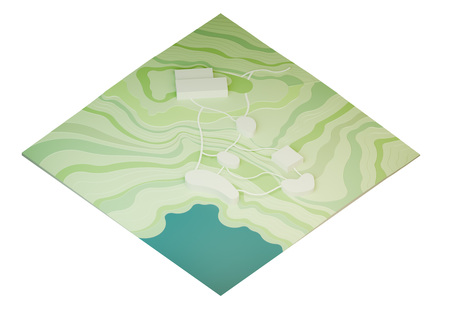
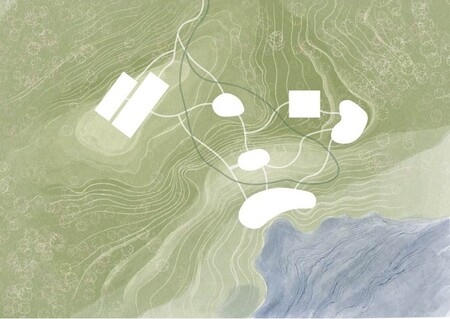
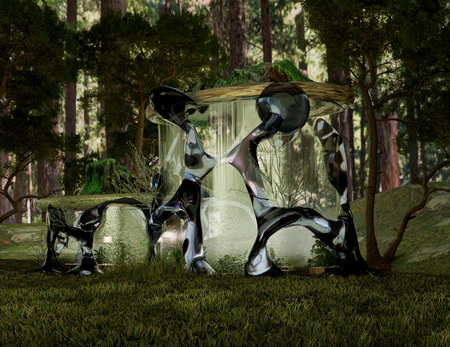
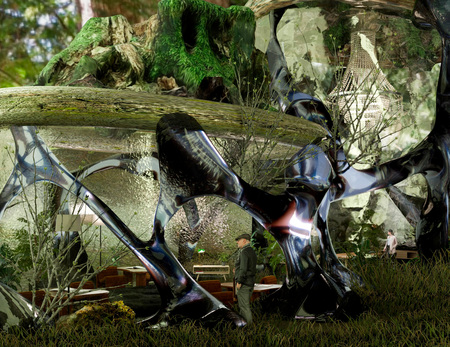
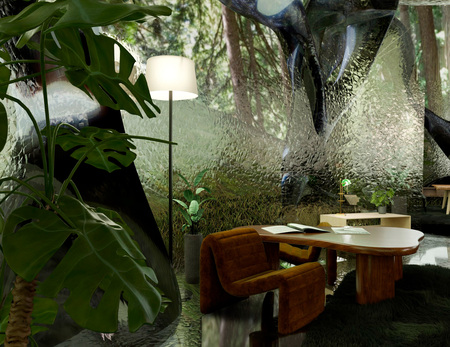
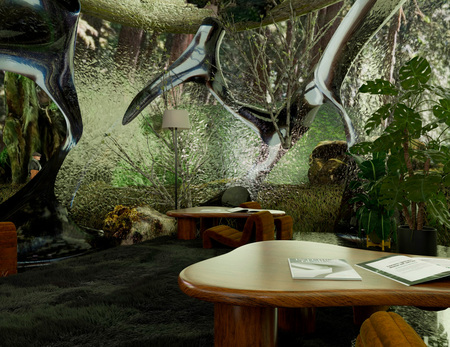
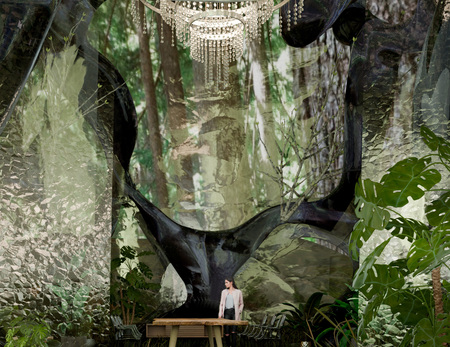
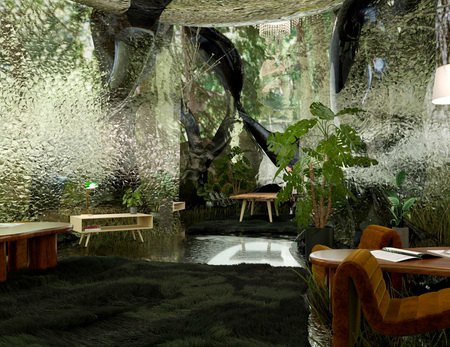
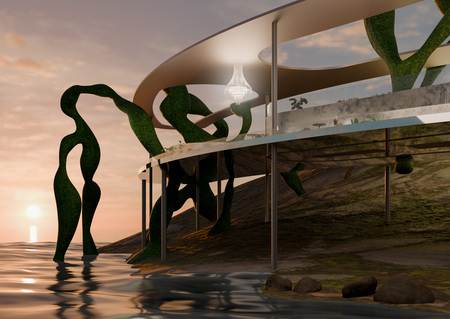
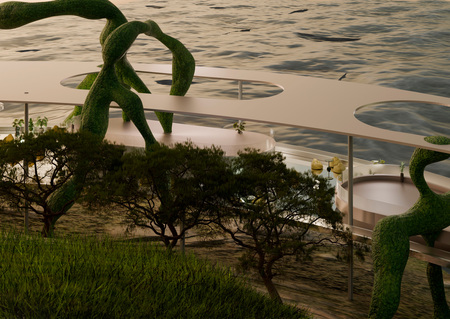
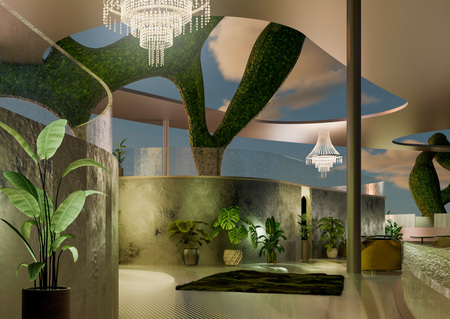
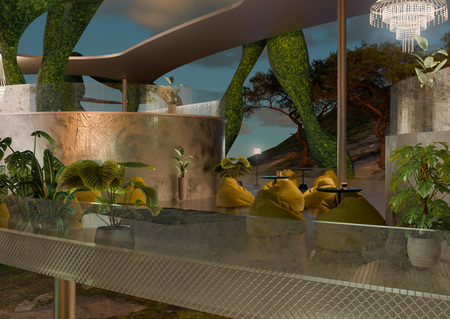
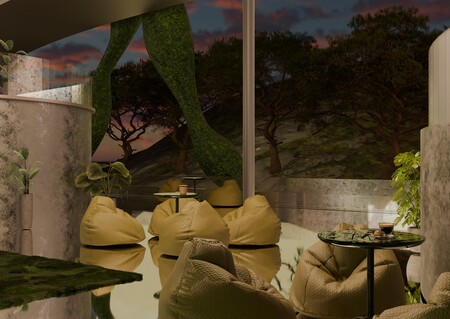
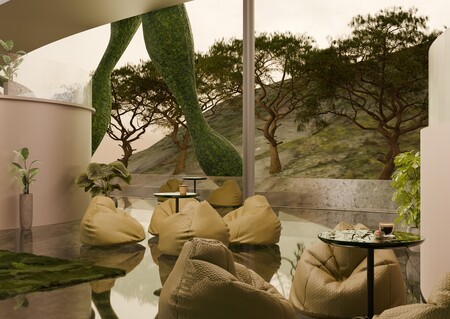
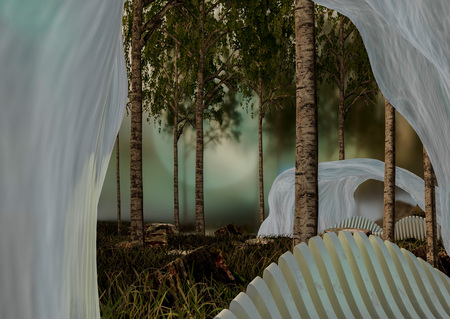
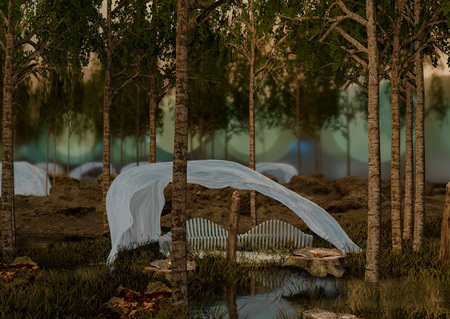
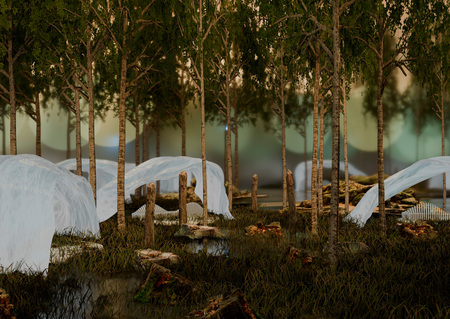
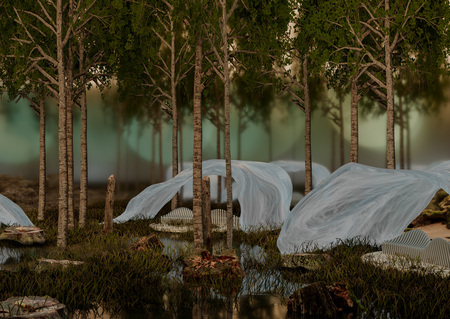
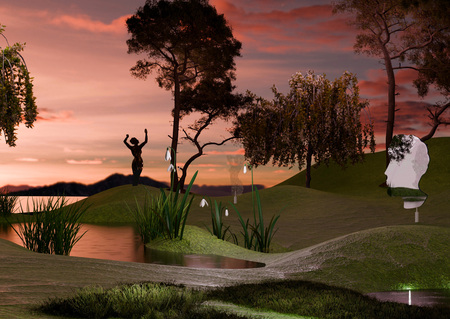
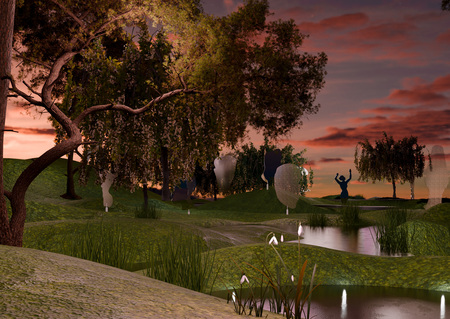
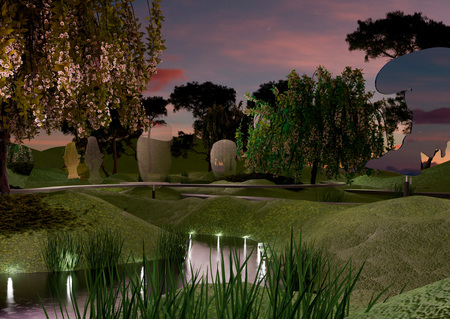
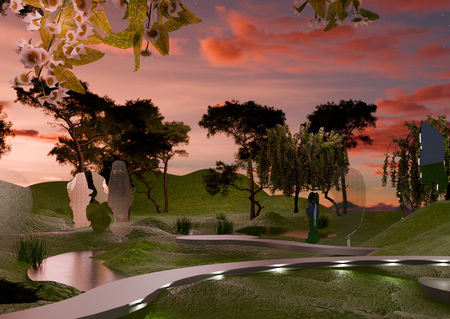
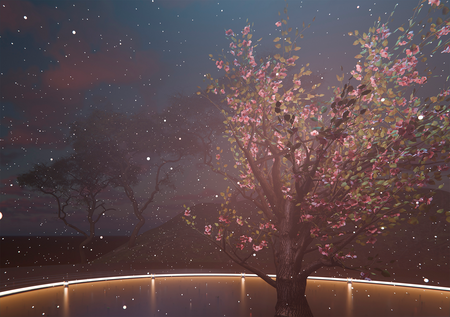
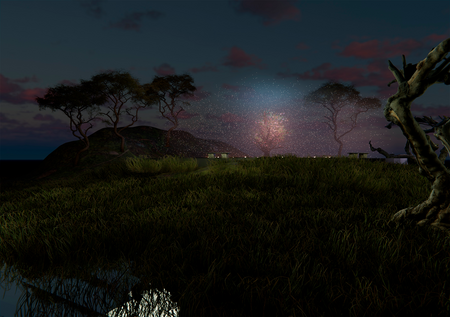
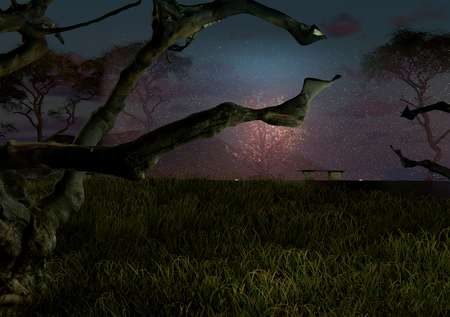
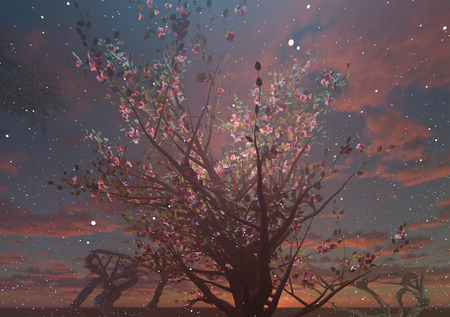
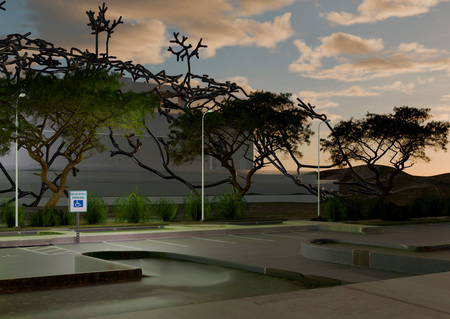
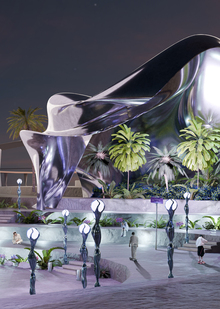
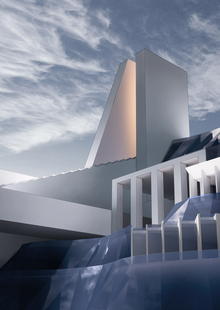
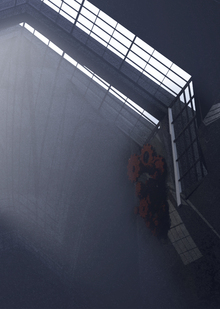
Идея оформления парка состоит в передаче настроения Франсиса Пикабиа. Решение пространства интерпретирует излюбленные принципы художника в написании картин и отсылки на определенные этапы жизни, что можно наблюдать в выборе материалов и форм различных арт-объектов и зданий. Сам парк состоит из различных зон, которые наполнены атмосферой картин художника, в особенности, его периодом прозрачности и импрессионизма.
Кристина Евтушенко создала проект «Прозрачные грезы», представляющий собой концепцию парка, вдохновлённого художником Франсисом Пикабиа. Проект включает в себя арт-объекты и зоны, интерпретирующие период прозрачности и импрессионизма в творчестве художника.
Диана Садыкова создала концепцию парка, посвящённого Умберто Боччони, где каждая зона отражает одно из пяти человеческих чувств. Проект включает в себя описание зон, таких как «Зрение», «Осязание» и «Слух», а также воздушную железную дорогу, соединяющую их.
Татьяна Федорова создала проект «Сопка сбывшихся одежд», представляющий собой архитектурный комплекс на Никольской сопке в Петропавловске-Камчатском. Проект включает в себя пять смотровых площадок, отсылающих к историческому памятнику — батарее Максутова.
Александр Воробьев создал музей-фабрику автоматонов в Иркутске, где представлены антропоморфные механизмы XVIII–XX веков. Проект включает в себя таинственный артефакт и механическое сердце последнего автоматона, найденные в лабиринте деревянных домов.
designschool.am
designschool.am — цифровая экосистема, объединяющая профессиональное портфолио для дизайнеров — студентов, выпускников и сотрудников программы «Коммуникационный дизайн» (совместный проект Российско-Армянского Университета и Школы дизайна НИУ ВШЭ), образовательную онлайн-платформу, площадку, агрегирующую международные онлайн-конкурсы в креативных индустриях и другие профессиональные инструменты.... Show more
We use cookies to improve the operation of the website and to enhance its usability. More detailed information on the use of cookies can be fo...
Show more
Press space bar to start a drag.
When dragging you can use the arrow keys to move the item around and escape to cancel.
Some screen readers may require you to be in focus mode or to use your pass through key
Press space bar to start a drag.
When dragging you can use the arrow keys to move the item around and escape to cancel.
Some screen readers may require you to be in focus mode or to use your pass through key
Press space bar to start a drag.
When dragging you can use the arrow keys to move the item around and escape to cancel.
Some screen readers may require you to be in focus mode or to use your pass through key
Press space bar to start a drag.
When dragging you can use the arrow keys to move the item around and escape to cancel.
Some screen readers may require you to be in focus mode or to use your pass through key
Press space bar to start a drag.
When dragging you can use the arrow keys to move the item around and escape to cancel.
Some screen readers may require you to be in focus mode or to use your pass through key
Press space bar to start a drag.
When dragging you can use the arrow keys to move the item around and escape to cancel.
Some screen readers may require you to be in focus mode or to use your pass through key
Press space bar to start a drag.
When dragging you can use the arrow keys to move the item around and escape to cancel.
Some screen readers may require you to be in focus mode or to use your pass through key
Press space bar to start a drag.
When dragging you can use the arrow keys to move the item around and escape to cancel.
Some screen readers may require you to be in focus mode or to use your pass through key
Press space bar to start a drag.
When dragging you can use the arrow keys to move the item around and escape to cancel.
Some screen readers may require you to be in focus mode or to use your pass through key
Press space bar to start a drag.
When dragging you can use the arrow keys to move the item around and escape to cancel.
Some screen readers may require you to be in focus mode or to use your pass through key
Press space bar to start a drag.
When dragging you can use the arrow keys to move the item around and escape to cancel.
Some screen readers may require you to be in focus mode or to use your pass through key
Press space bar to start a drag.
When dragging you can use the arrow keys to move the item around and escape to cancel.
Some screen readers may require you to be in focus mode or to use your pass through key
Press space bar to start a drag.
When dragging you can use the arrow keys to move the item around and escape to cancel.
Some screen readers may require you to be in focus mode or to use your pass through key
Press space bar to start a drag.
When dragging you can use the arrow keys to move the item around and escape to cancel.
Some screen readers may require you to be in focus mode or to use your pass through key
Press space bar to start a drag.
When dragging you can use the arrow keys to move the item around and escape to cancel.
Some screen readers may require you to be in focus mode or to use your pass through key