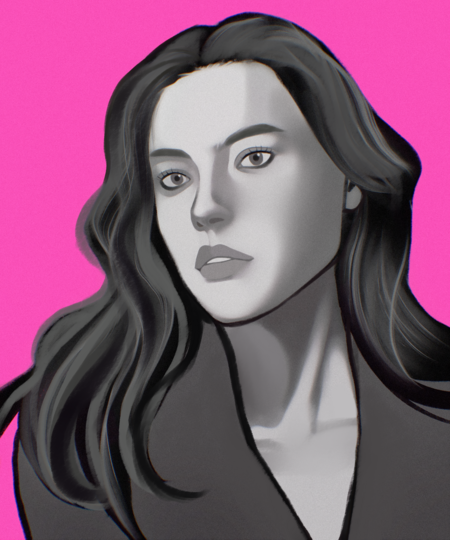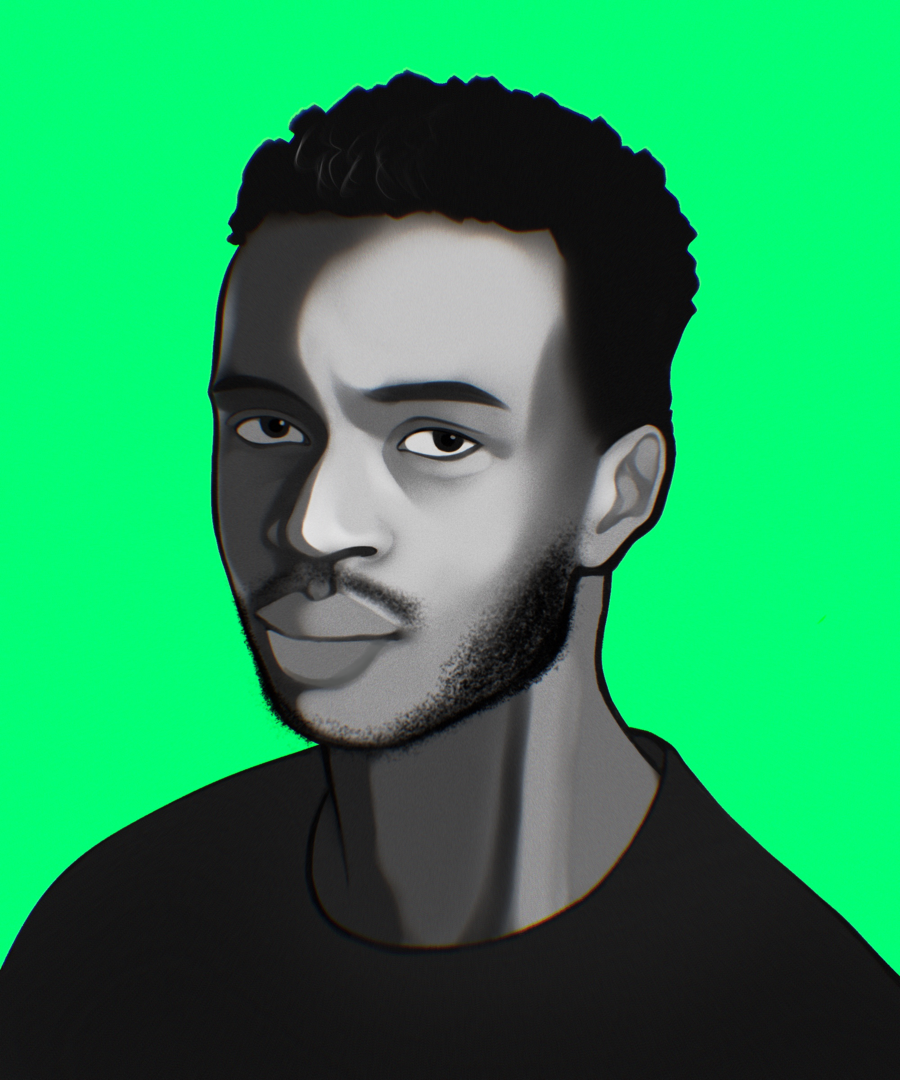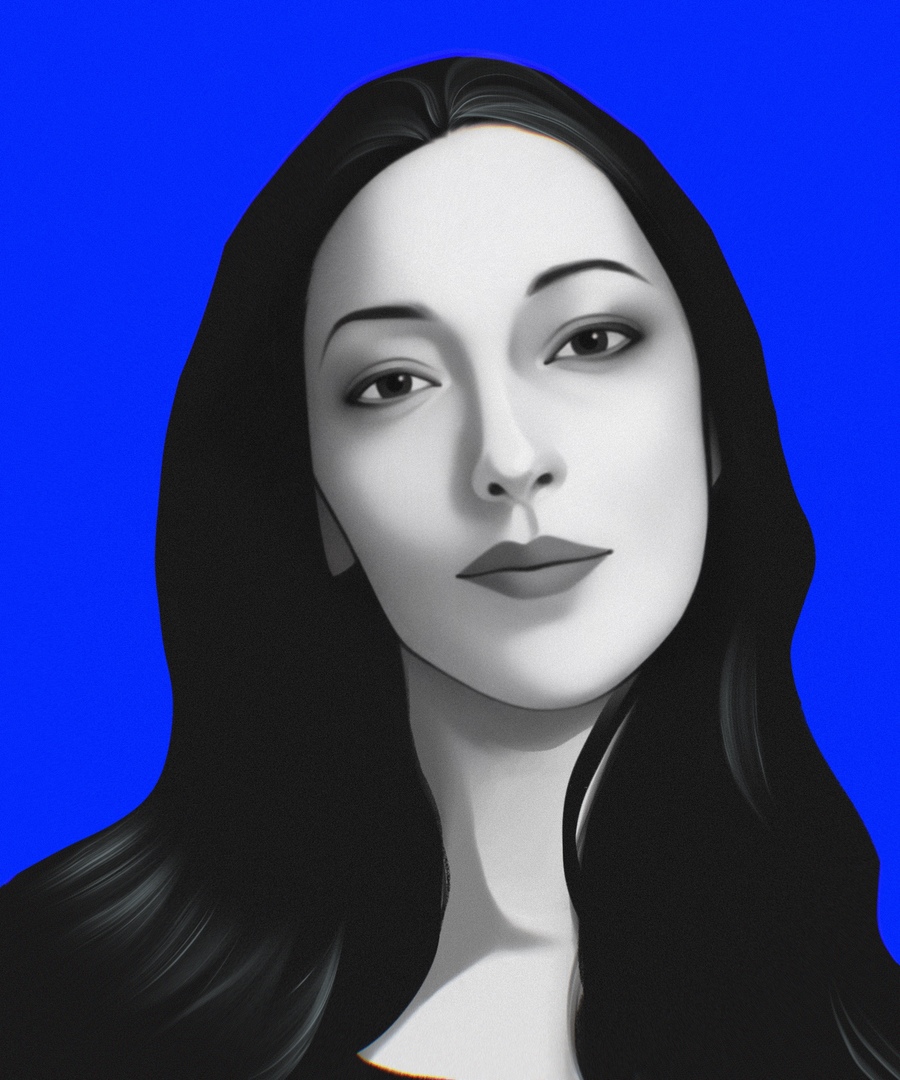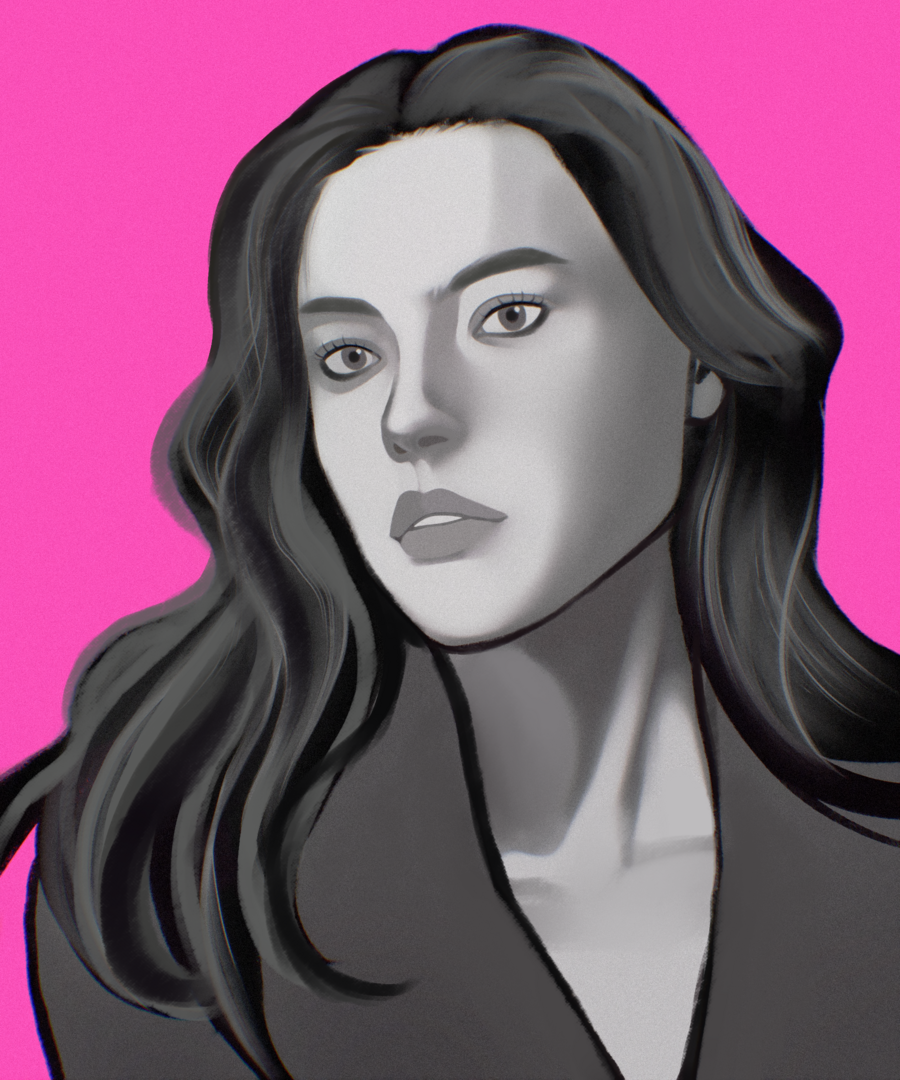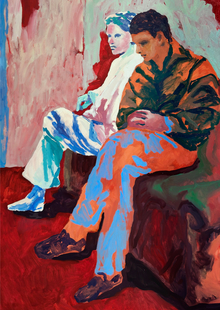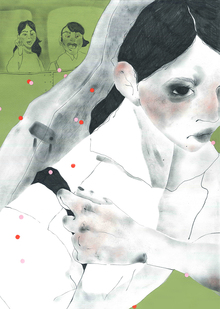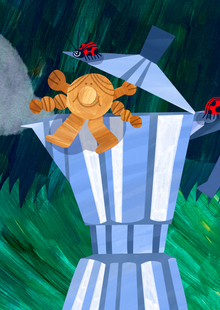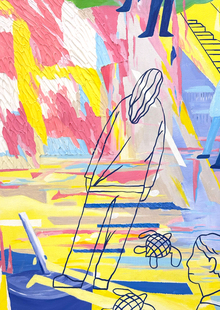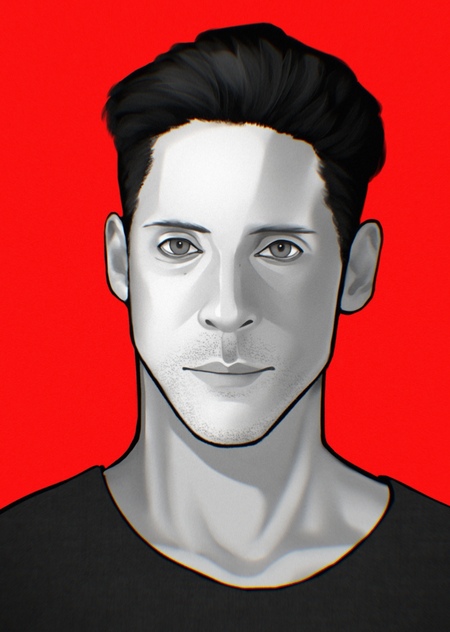
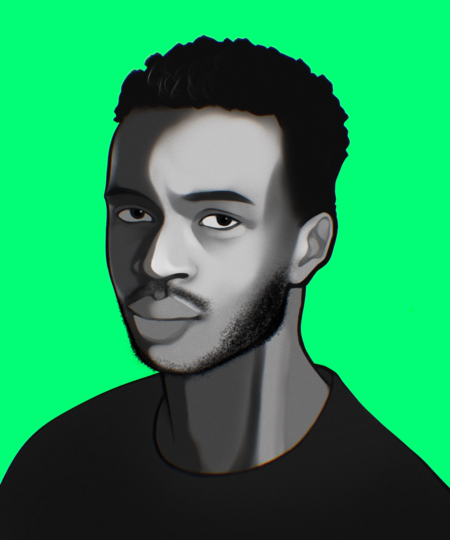
В данной части проекта нам нужно было создать серию авторских иллюстраций, посвященным знаменитостям. Мой выбор пал на актеров озвучки Baldur’s Gate 3. Цвета исполнения выбраны не случайно — черно-белые портреты ярко контрастируют с цветными фонами, покрашенными в тематические цвета персонажей актеров. Дополняет визуальный ряд хроматическая аберрация — она тоже не случайна. В игре все важные моменты сопровождались данным эффектом, и мне показалось, что его добавление в серию портретов будет актуально.
Портреты

Нил Ньюбон — актер озвучки вампира Астариона
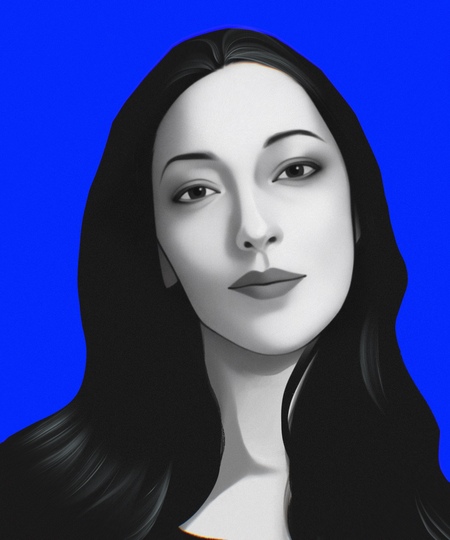
Амелия Тайлер — актриса озвучки Рассказчика

Саманта Беар — актриса озвучки огненного тифлинга Карлах
Мы используем файлы cookies для улучшения работы сайта и большего удобства его использования. Более подробную информац...
Показать больше
Press space bar to start a drag.
When dragging you can use the arrow keys to move the item around and escape to cancel.
Some screen readers may require you to be in focus mode or to use your pass through key
Press space bar to start a drag.
When dragging you can use the arrow keys to move the item around and escape to cancel.
Some screen readers may require you to be in focus mode or to use your pass through key
Press space bar to start a drag.
When dragging you can use the arrow keys to move the item around and escape to cancel.
Some screen readers may require you to be in focus mode or to use your pass through key
Press space bar to start a drag.
When dragging you can use the arrow keys to move the item around and escape to cancel.
Some screen readers may require you to be in focus mode or to use your pass through key
Press space bar to start a drag.
When dragging you can use the arrow keys to move the item around and escape to cancel.
Some screen readers may require you to be in focus mode or to use your pass through key
Press space bar to start a drag.
When dragging you can use the arrow keys to move the item around and escape to cancel.
Some screen readers may require you to be in focus mode or to use your pass through key
Press space bar to start a drag.
When dragging you can use the arrow keys to move the item around and escape to cancel.
Some screen readers may require you to be in focus mode or to use your pass through key