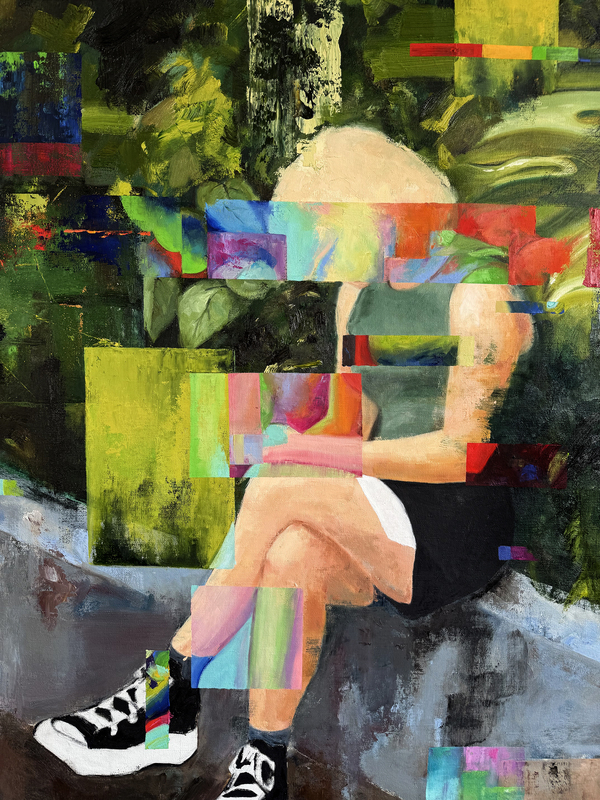
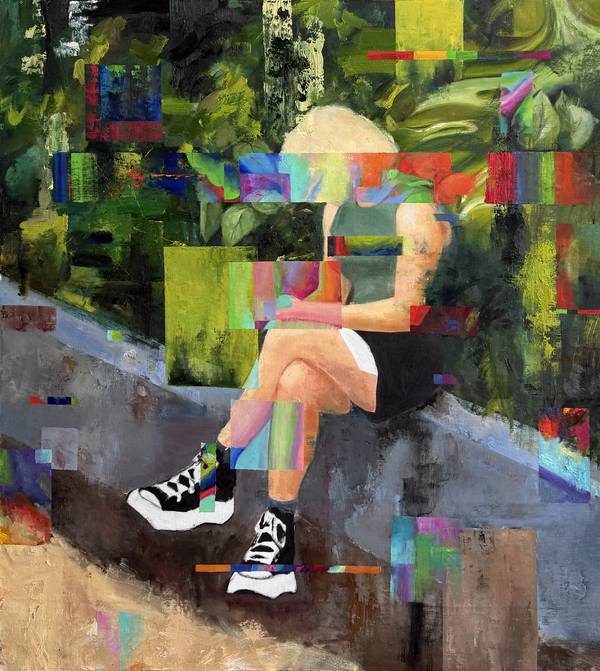
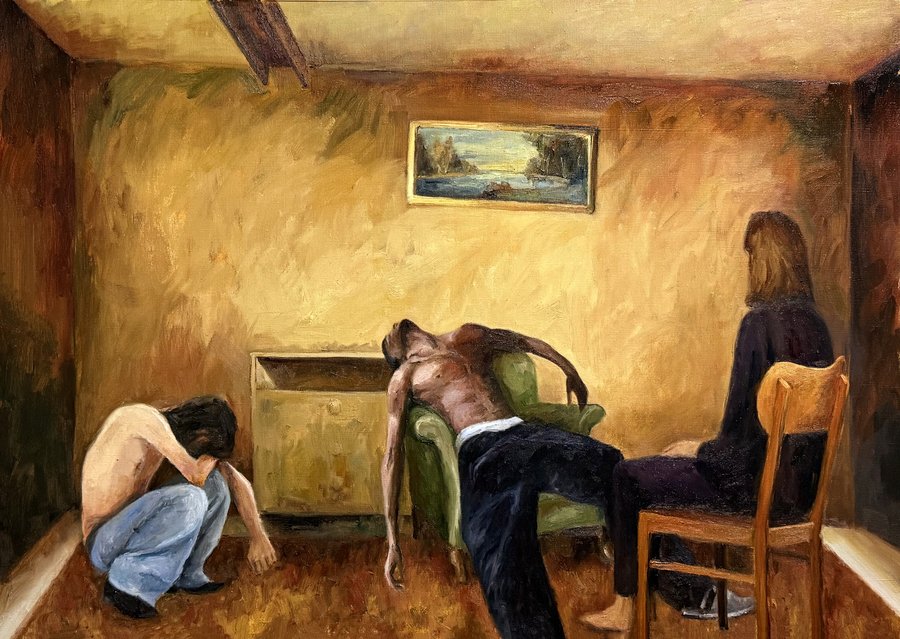
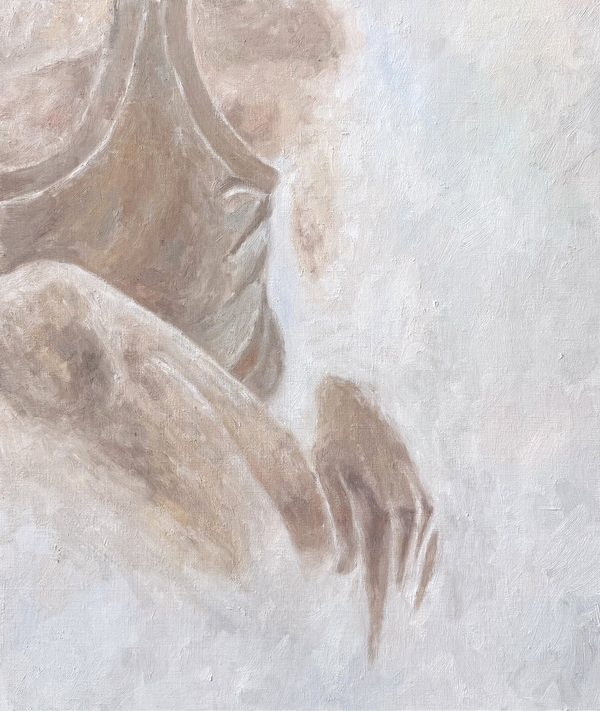
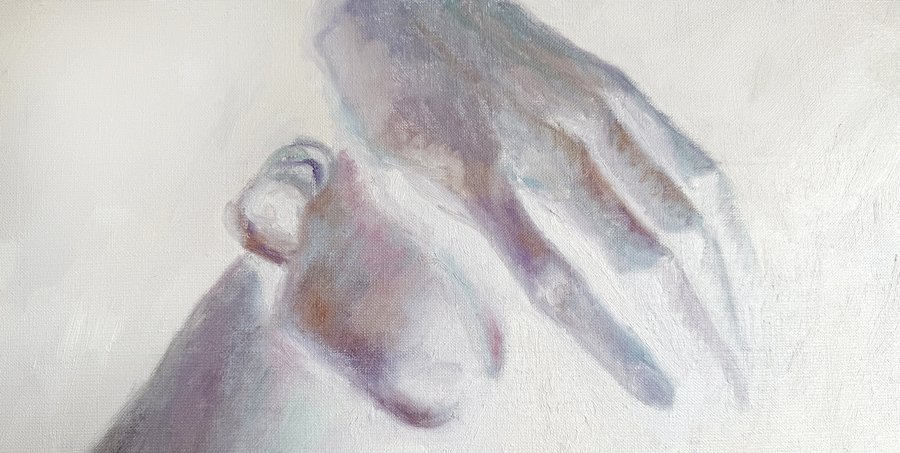
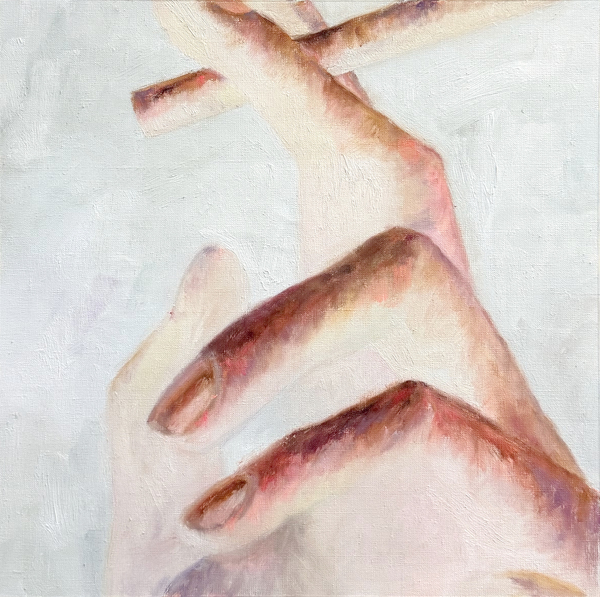
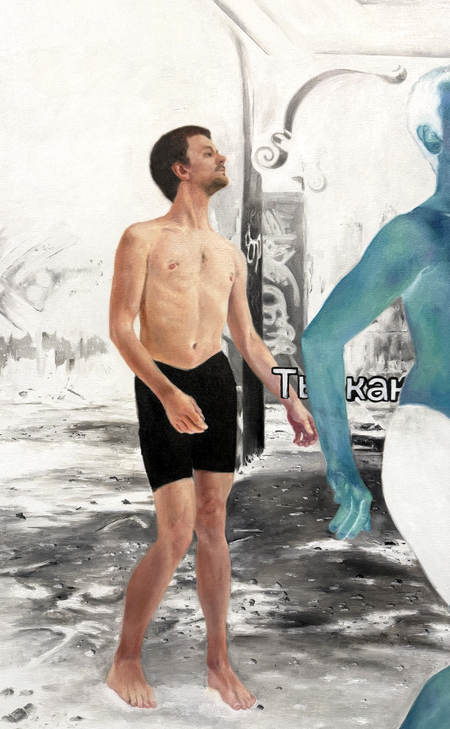
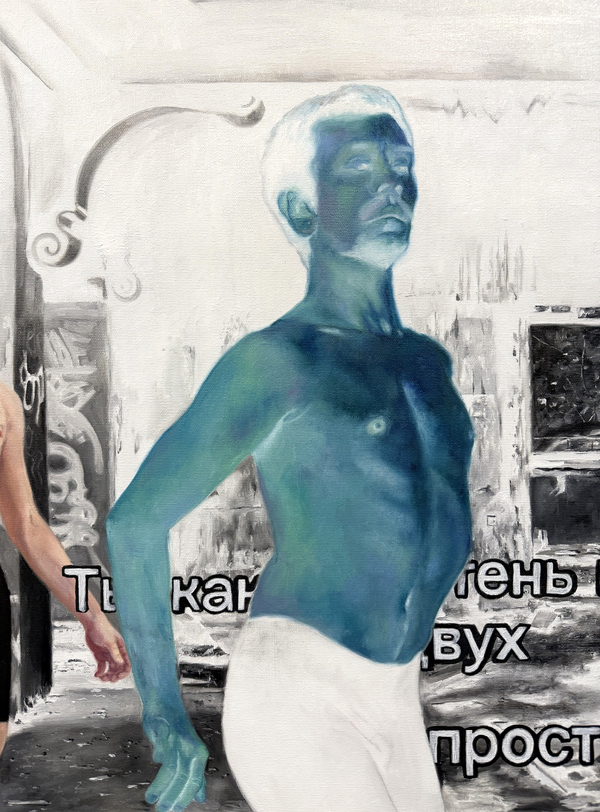
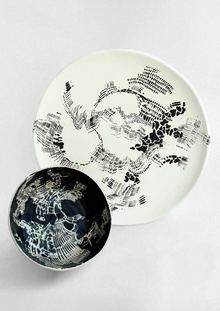
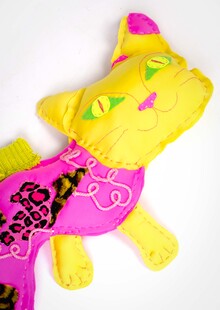
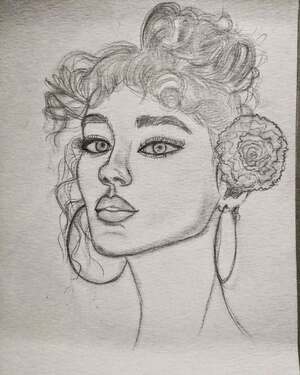
В третьем модуле первого курса работа в мастерской была сосредоточена на поиске идей и смыслов, которые становятся основой для дальнейших художественных высказываний. Через эксперименты в живописном и визуальном языке исследовались разные способы изображения и передачи настроения. Создавались эскизы на различные темы, позволяющие наметить направления будущих работ и расширить границы визуального поиска.
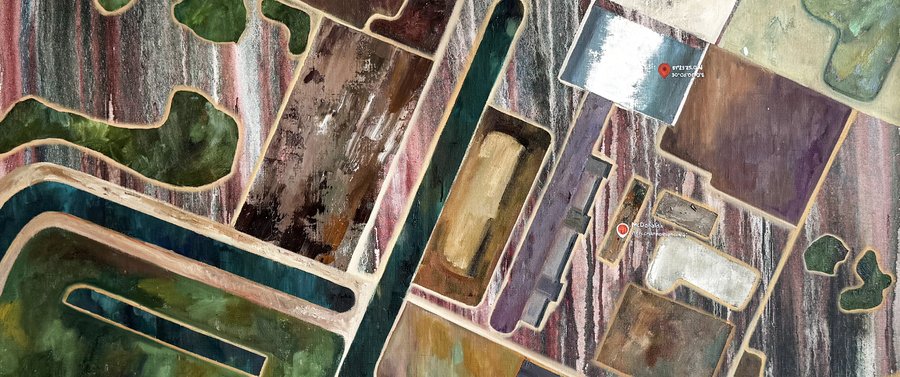
Мультивселенные, холст, масло, 110 на 97 см
Original size 3627x2577
Ситуация, холст, масло, 69 на 99 см
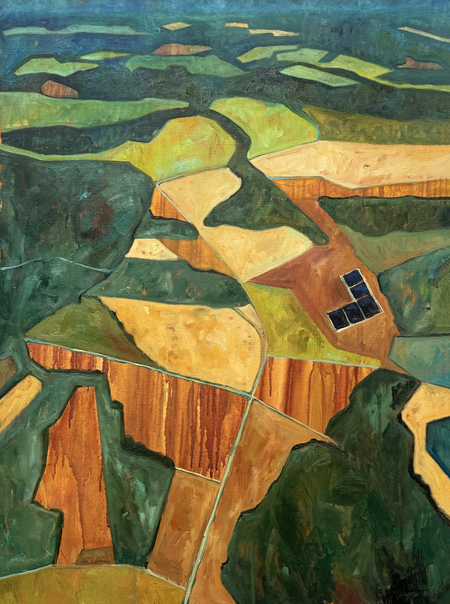
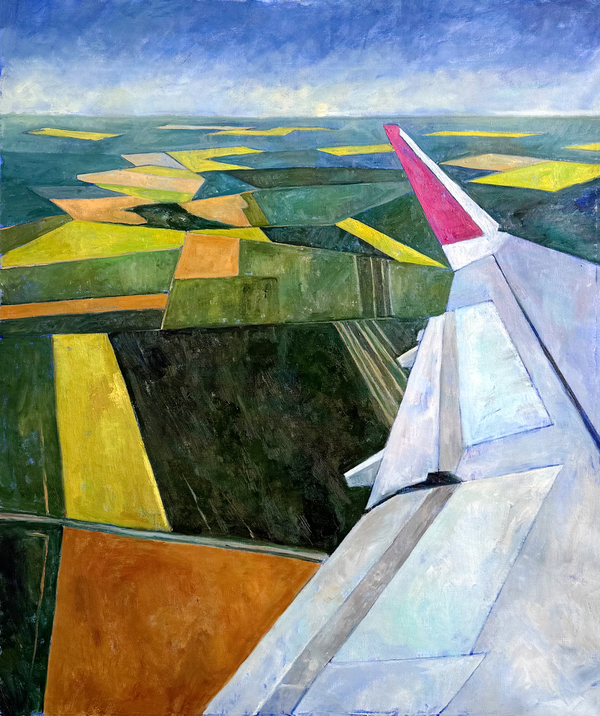
Левая: Пейзаж, холст, масло, 89 на 65 см, правая: Крыло, холст, масло, 110 на 93 см
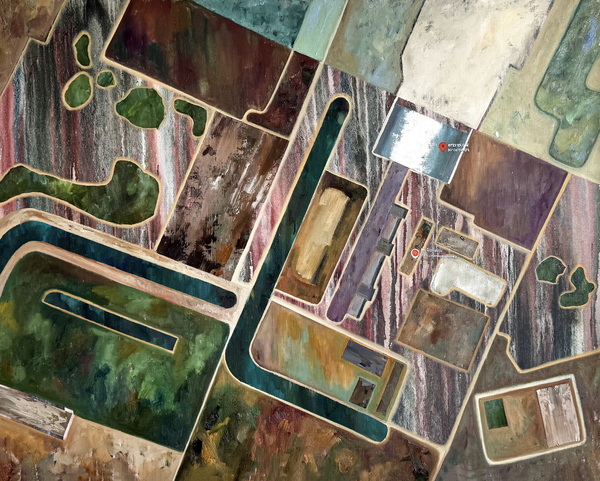
Метки, холст, масло, 81 на 100 см
Original size 3488x1460
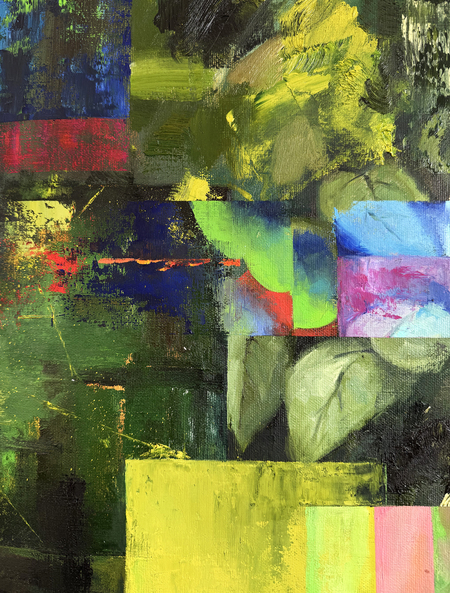
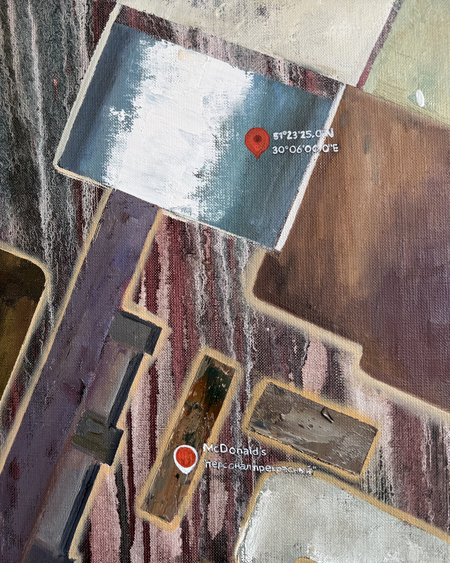
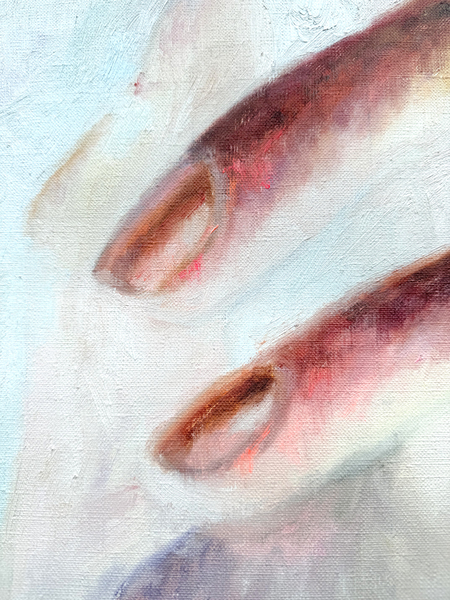
Метки, фрагмент
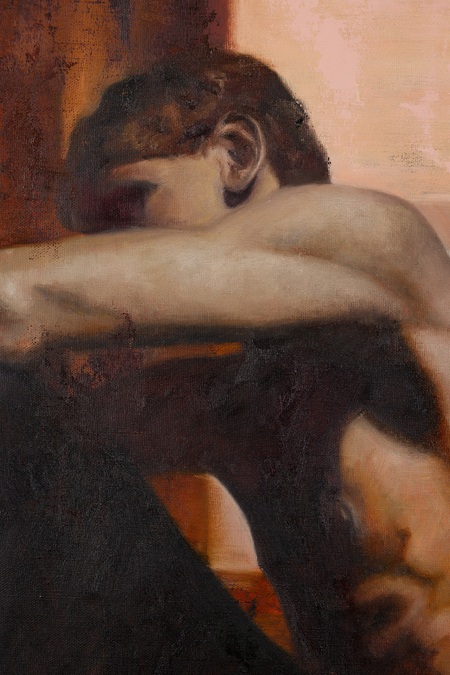
Бессонница, холст, масло, 65 на 73 см
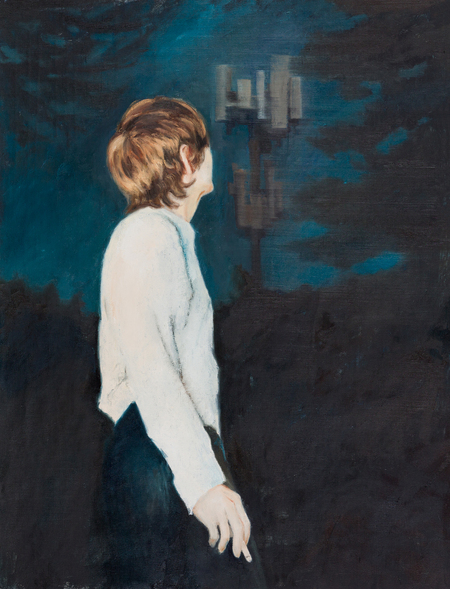
Прогулка, холст, масло, 84 на 65 см
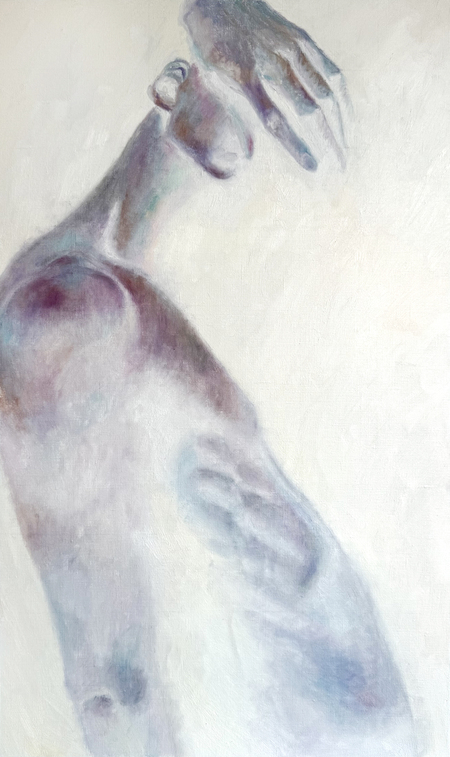
Левая: Молчание, холст, масло, 90 на 55 см, правая: Пауза, холст, масло, 66 на 56 см
designschool.am — цифровая экосистема, объединяющая профессиональное портфолио для дизайнеров — студентов, выпускников и сотрудников программы «Коммуникационный дизайн» (совместный проект Российско-Армянского Университета и Школы дизайна НИУ ВШЭ), образовательную онлайн-платформу, площадку, агрегирующую международные онлайн-конкурсы в креативных индустриях и другие профессиональные инструменты.... Show more
We use cookies to improve the operation of the website and to enhance its usability. More detailed information on the use of cookies can be fo...
Show more
Press space bar to start a drag.
When dragging you can use the arrow keys to move the item around and escape to cancel.
Some screen readers may require you to be in focus mode or to use your pass through key
Press space bar to start a drag.
When dragging you can use the arrow keys to move the item around and escape to cancel.
Some screen readers may require you to be in focus mode or to use your pass through key
Press space bar to start a drag.
When dragging you can use the arrow keys to move the item around and escape to cancel.
Some screen readers may require you to be in focus mode or to use your pass through key
Press space bar to start a drag.
When dragging you can use the arrow keys to move the item around and escape to cancel.
Some screen readers may require you to be in focus mode or to use your pass through key
Press space bar to start a drag.
When dragging you can use the arrow keys to move the item around and escape to cancel.
Some screen readers may require you to be in focus mode or to use your pass through key
Press space bar to start a drag.
When dragging you can use the arrow keys to move the item around and escape to cancel.
Some screen readers may require you to be in focus mode or to use your pass through key
Press space bar to start a drag.
When dragging you can use the arrow keys to move the item around and escape to cancel.
Some screen readers may require you to be in focus mode or to use your pass through key
Press space bar to start a drag.
When dragging you can use the arrow keys to move the item around and escape to cancel.
Some screen readers may require you to be in focus mode or to use your pass through key