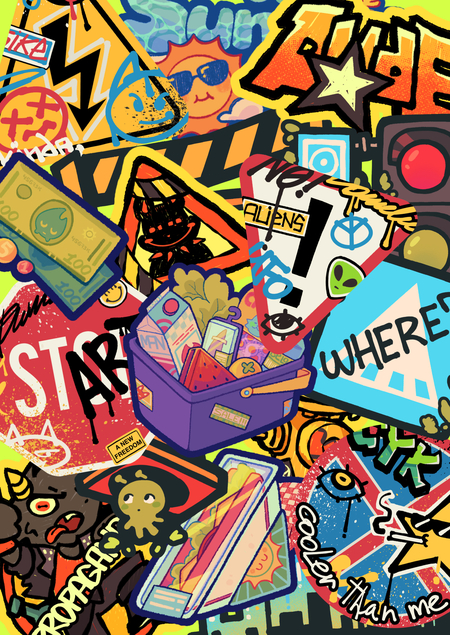
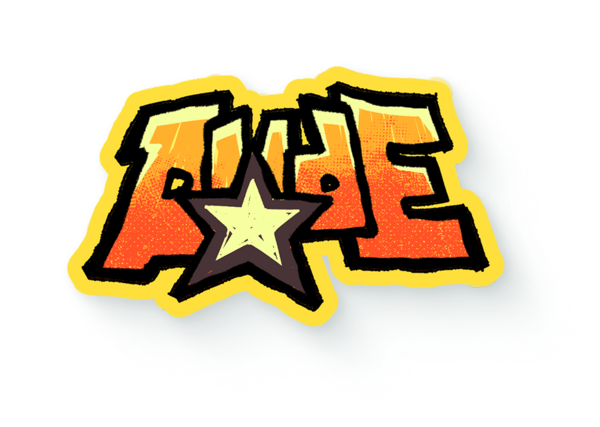
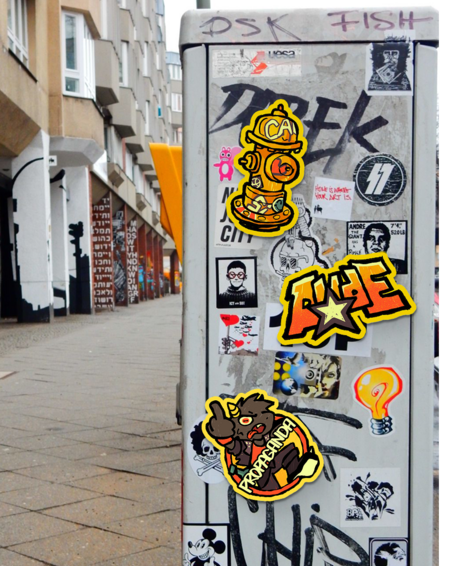
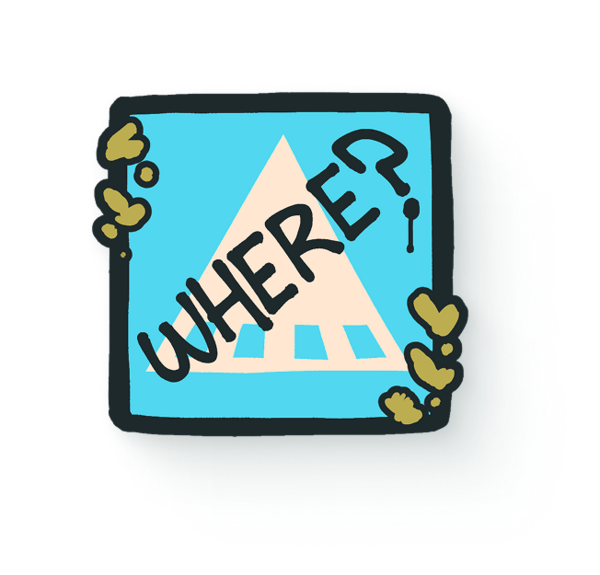
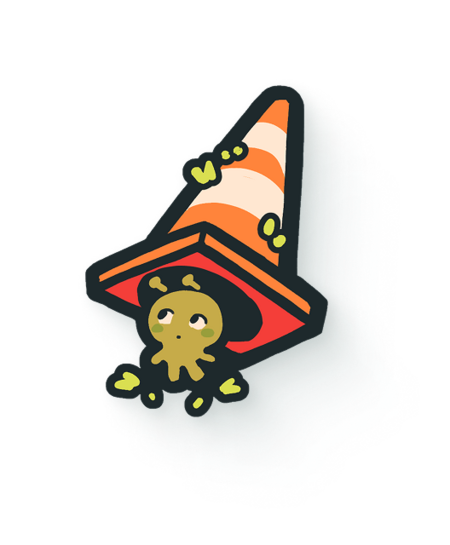
Часто на улицах мы видим столбы и знаки, обклеенные стикерами. Задача проекта создать несколько тематических паков наклеек, которые можно будет расклеить по городу или использовать в своих целях.
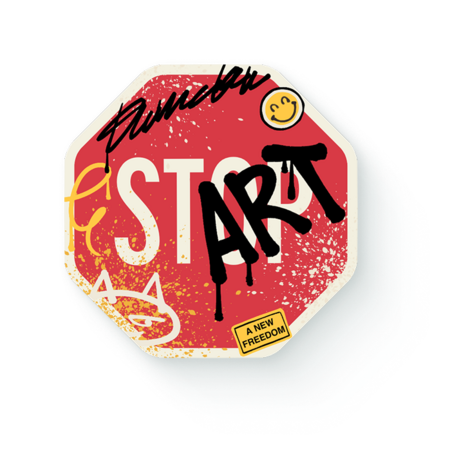
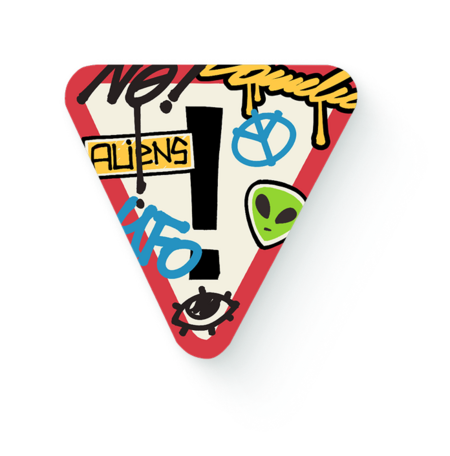
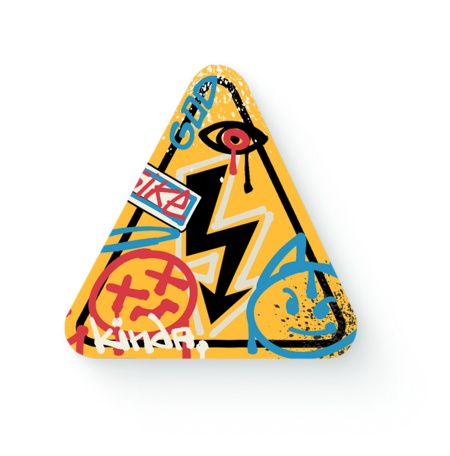
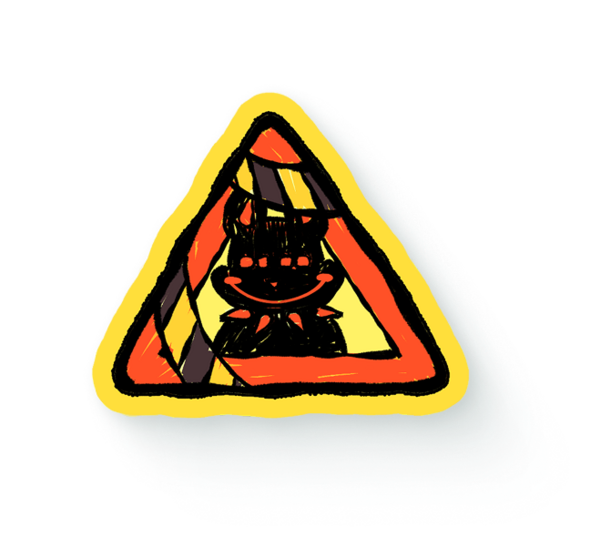
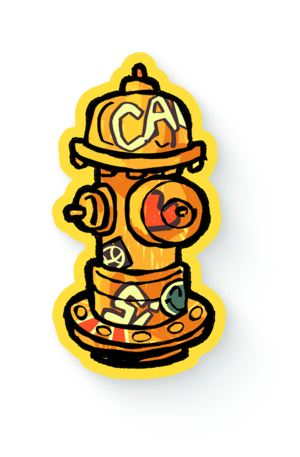
1 Сет. «Это знак!»
Ироничная серия, обычно стикеры клеят на знак, а тут знаки клеют на…знак? Возможно, это знак! Набор наклеек воплощает из себя привычные нам знаки, которые расписаны и так же обклеены стикерами
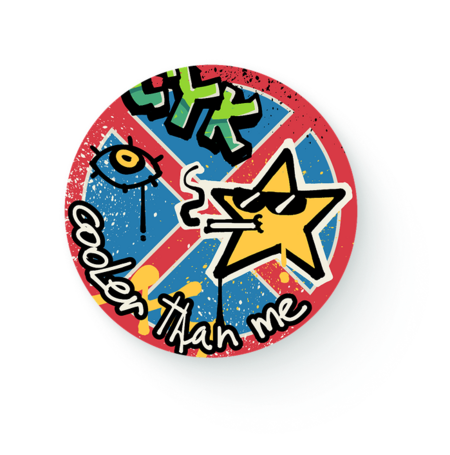
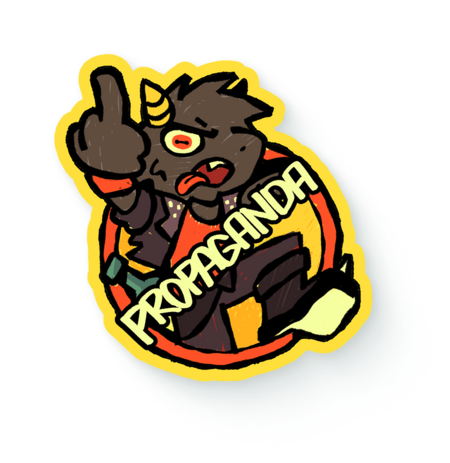
2 Сет. «Панк от рассвета до заката»
Выполненная в одной палитре серия, яркая, дерзкая. Неплохо будет смотреться и выделяться на серых поверхностях
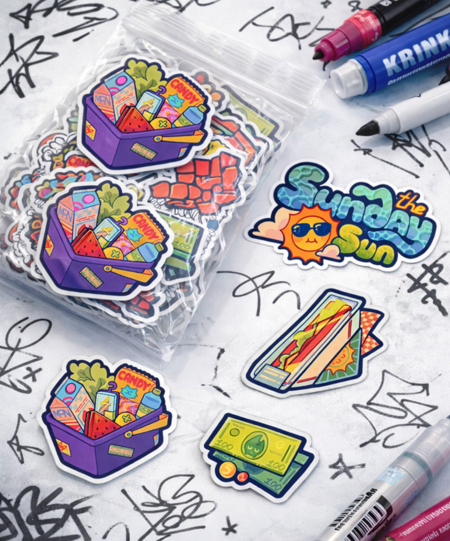
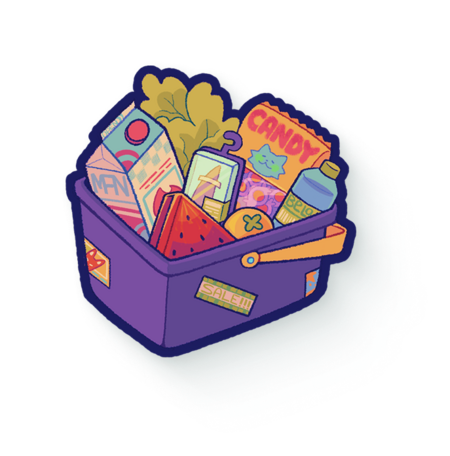
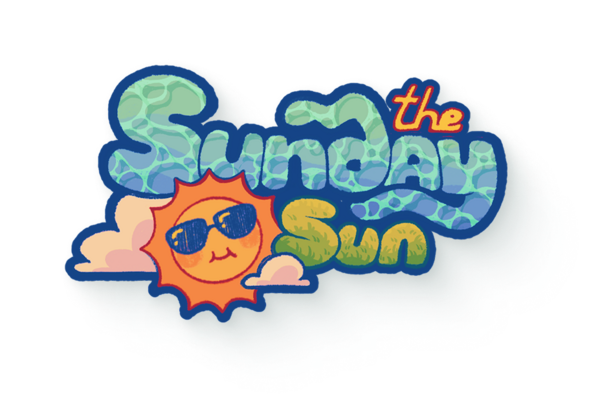
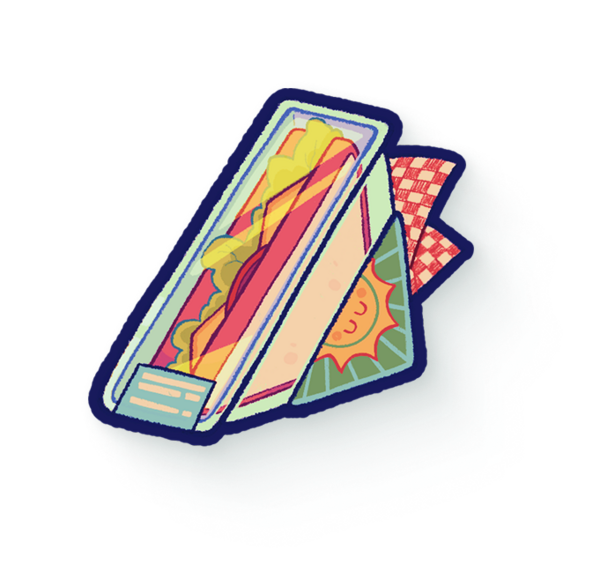
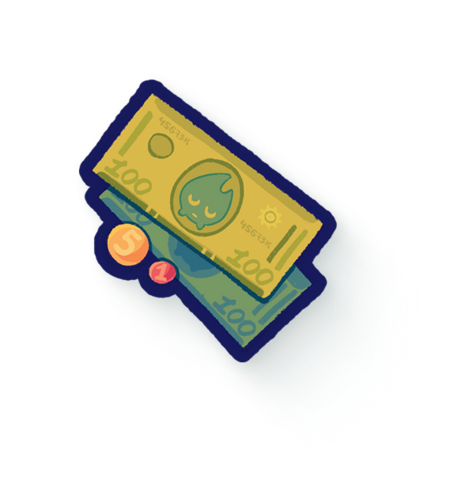
3 Сет. «В воскресенье за продуктами»
Серия посвящена выходным дням в гипермаркете. Теплая яркая палитра, насыщенные цвета и летний вайб.
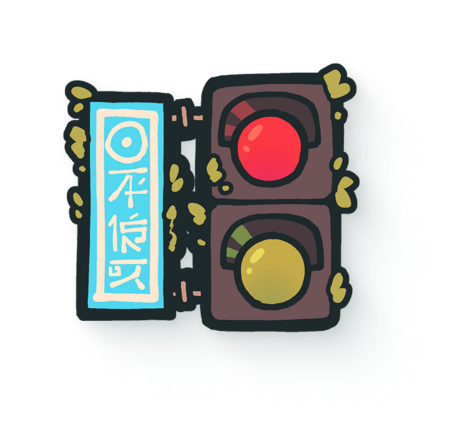
4 Сет. «Заброшенный город»
Серия с легким сюжетом — заброшенный город, человечки сбежали со своих знаков, все постепенно зарастает лозой. Хорошо подойдет для оформления скетчбуков, на ноутбуки
designschool.am — цифровая экосистема, объединяющая профессиональное портфолио для дизайнеров — студентов, выпускников и сотрудников программы «Коммуникационный дизайн» (совместный проект Российско-Армянского Университета и Школы дизайна НИУ ВШЭ), образовательную онлайн-платформу, площадку, агрегирующую международные онлайн-конкурсы в креативных индустриях и другие профессиональные инструменты.... Show more
We use cookies to improve the operation of the website and to enhance its usability. More detailed information on the use of cookies can be fo...
Show more
Press space bar to start a drag.
When dragging you can use the arrow keys to move the item around and escape to cancel.
Some screen readers may require you to be in focus mode or to use your pass through key
Press space bar to start a drag.
When dragging you can use the arrow keys to move the item around and escape to cancel.
Some screen readers may require you to be in focus mode or to use your pass through key
Press space bar to start a drag.
When dragging you can use the arrow keys to move the item around and escape to cancel.
Some screen readers may require you to be in focus mode or to use your pass through key
Press space bar to start a drag.
When dragging you can use the arrow keys to move the item around and escape to cancel.
Some screen readers may require you to be in focus mode or to use your pass through key
Press space bar to start a drag.
When dragging you can use the arrow keys to move the item around and escape to cancel.
Some screen readers may require you to be in focus mode or to use your pass through key
Press space bar to start a drag.
When dragging you can use the arrow keys to move the item around and escape to cancel.
Some screen readers may require you to be in focus mode or to use your pass through key
Press space bar to start a drag.
When dragging you can use the arrow keys to move the item around and escape to cancel.
Some screen readers may require you to be in focus mode or to use your pass through key
Press space bar to start a drag.
When dragging you can use the arrow keys to move the item around and escape to cancel.
Some screen readers may require you to be in focus mode or to use your pass through key
Press space bar to start a drag.
When dragging you can use the arrow keys to move the item around and escape to cancel.
Some screen readers may require you to be in focus mode or to use your pass through key