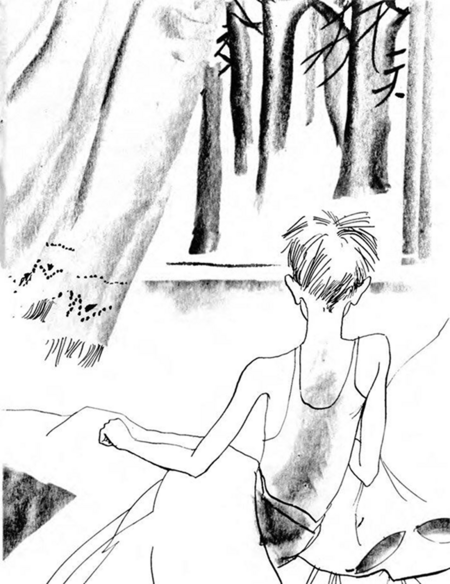
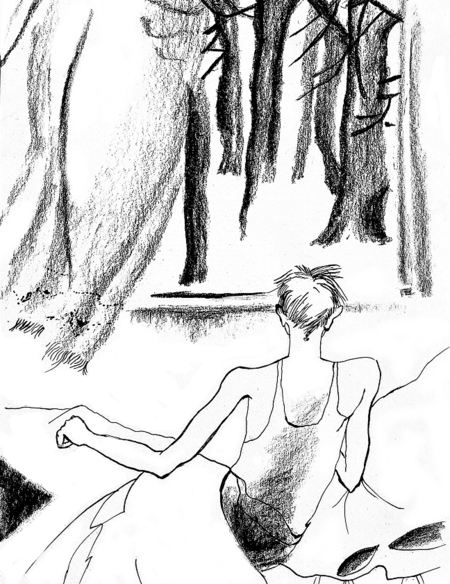
Проект состоит из двух частей: Иллюстрации
для музея технологий Императорского фарфорового завода и визуальное исследование
Императорский фарфоровый завод — это старейшее производство полного цикла. Благодаря кропотливому труду и мастерству скульпторов, формовщиков, отливщиков, обжигальщиков, художников и живописцев из смеси минералов рождаются изящные легкие изделия. Большинство технологических операций от массозаготовки до росписи выполняется вручную.
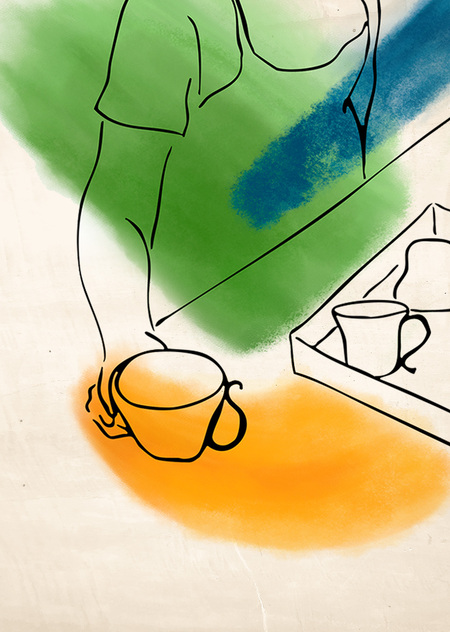
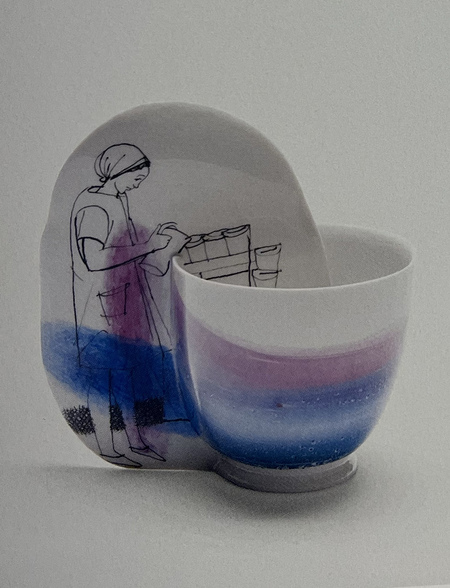
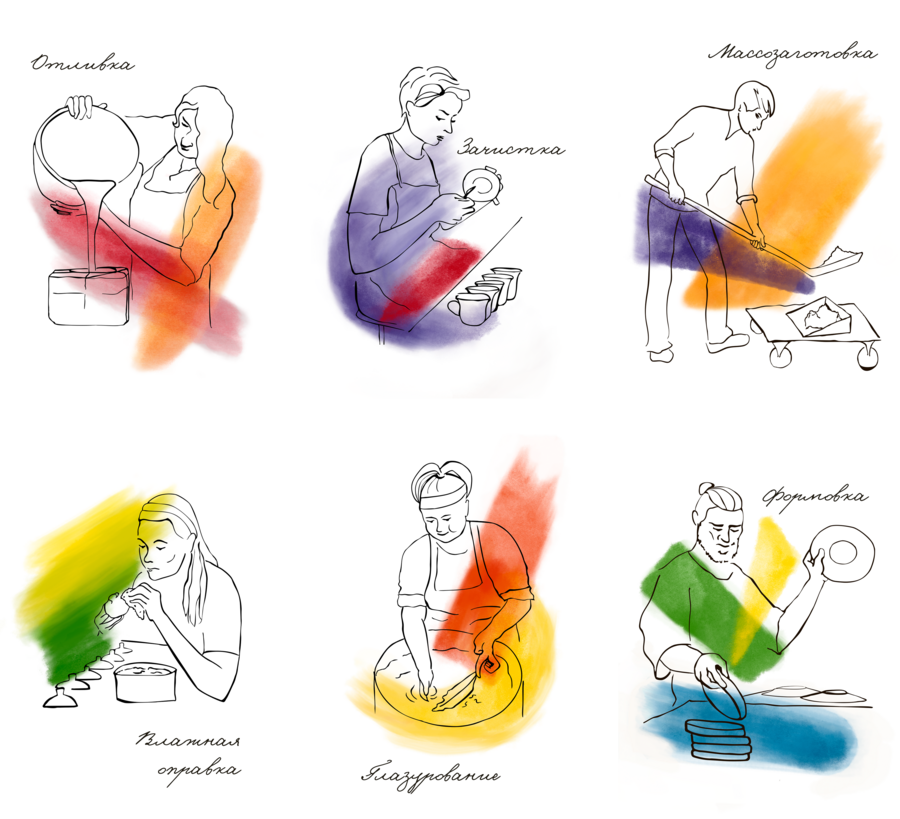
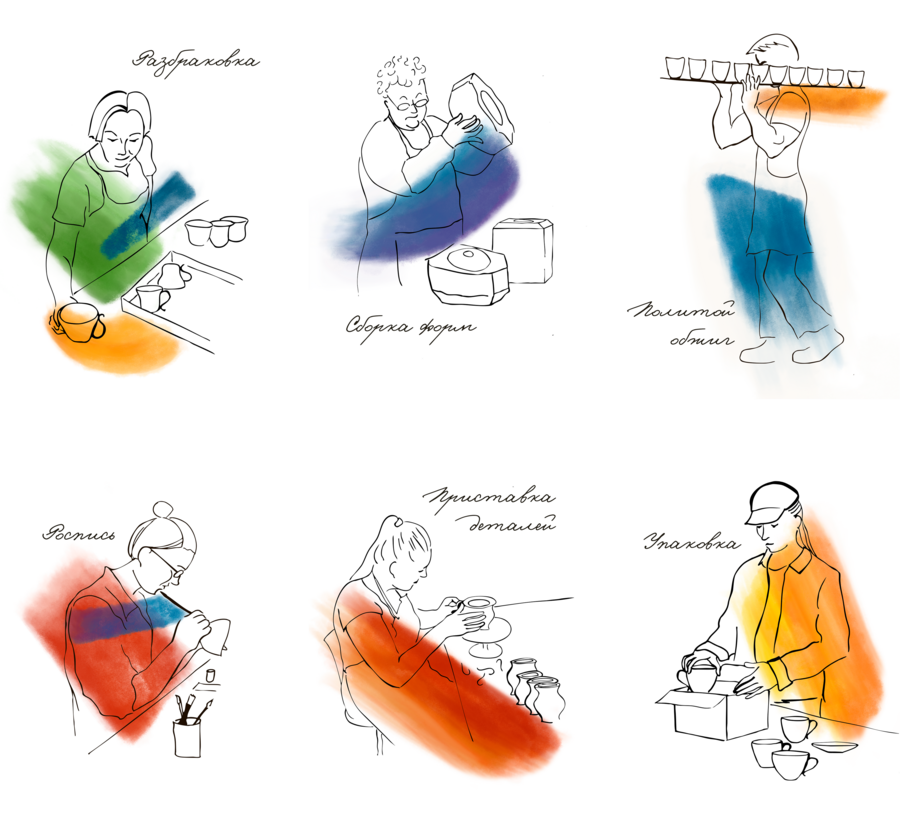
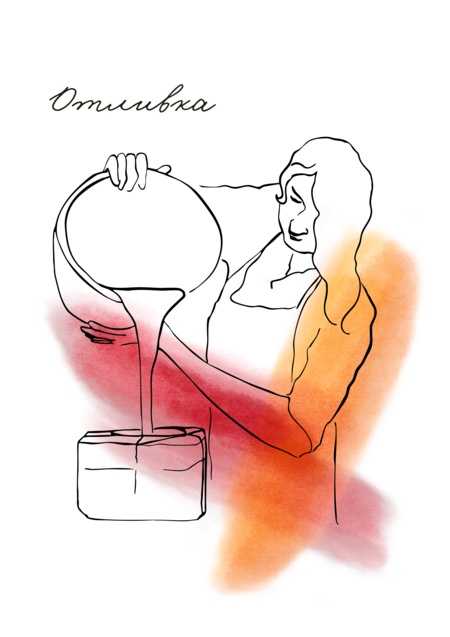
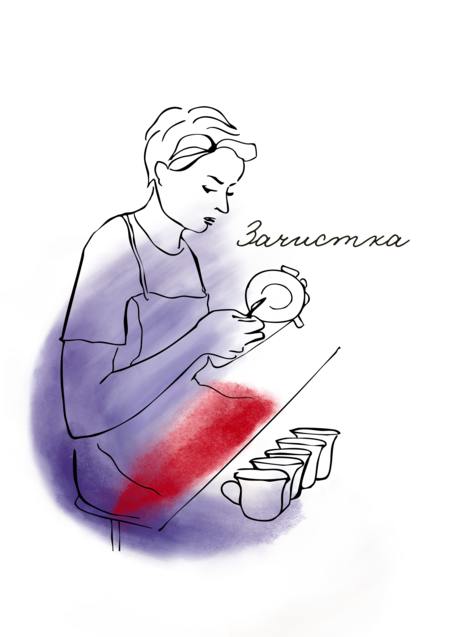
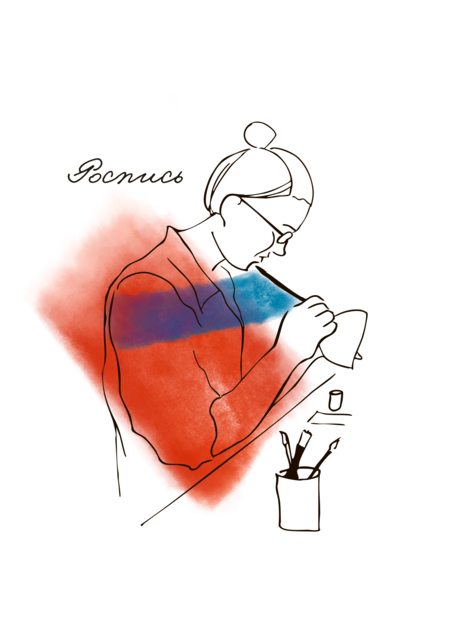
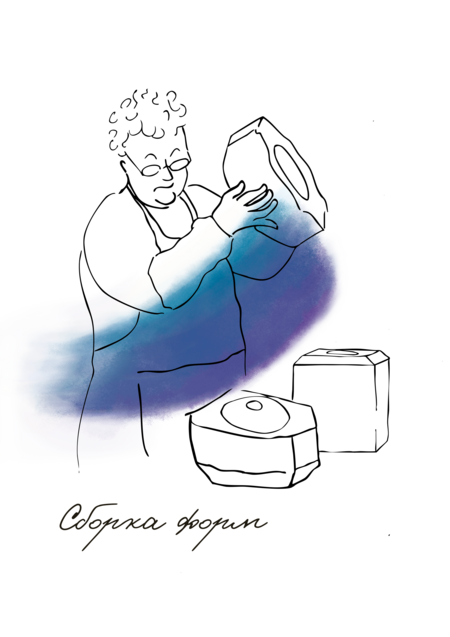
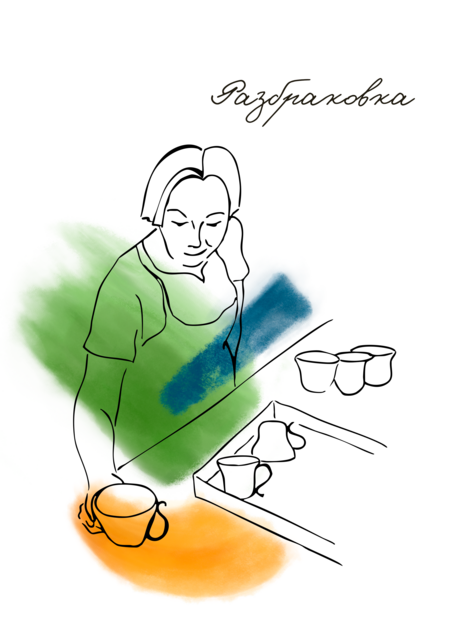
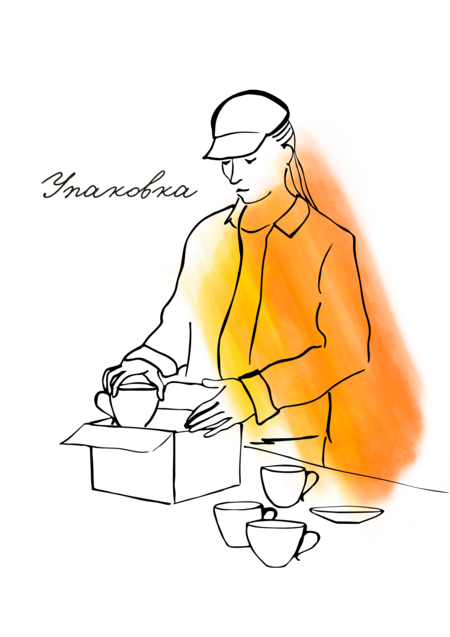
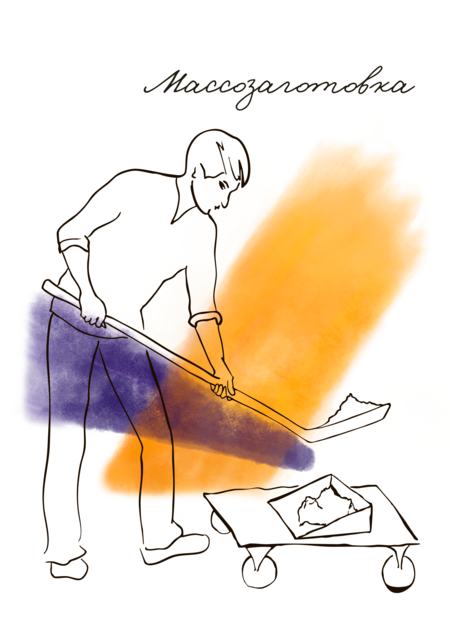
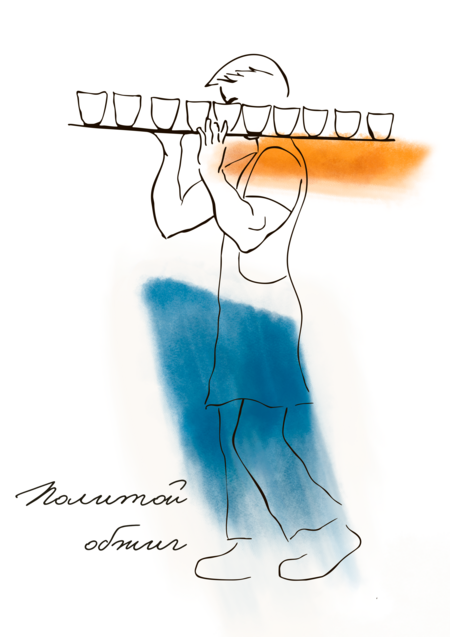
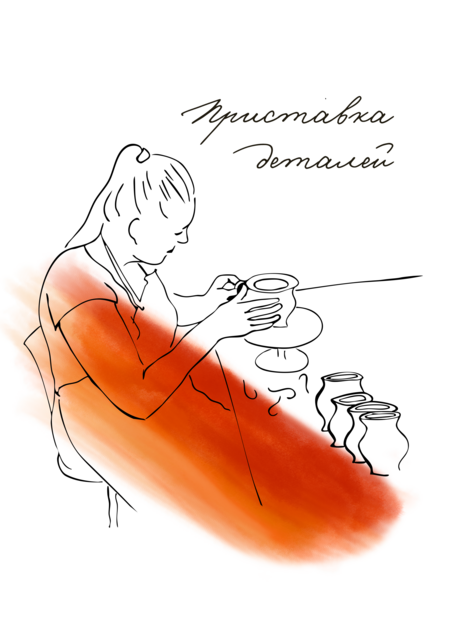
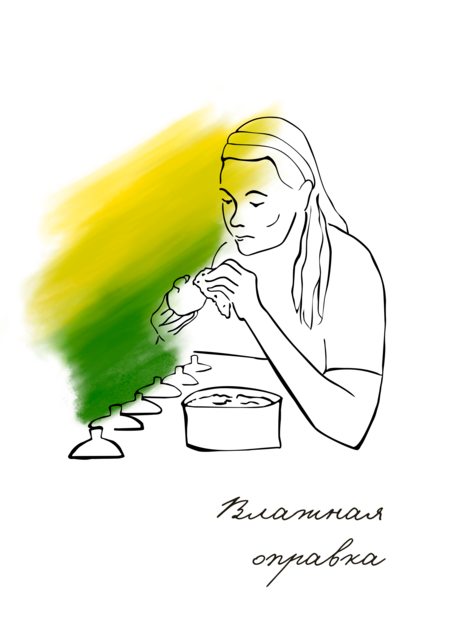
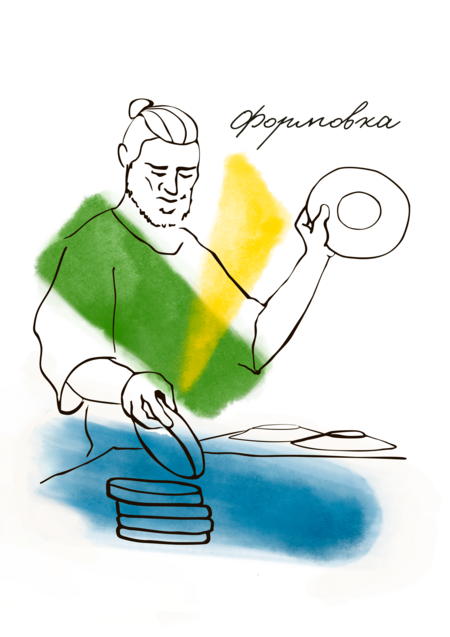
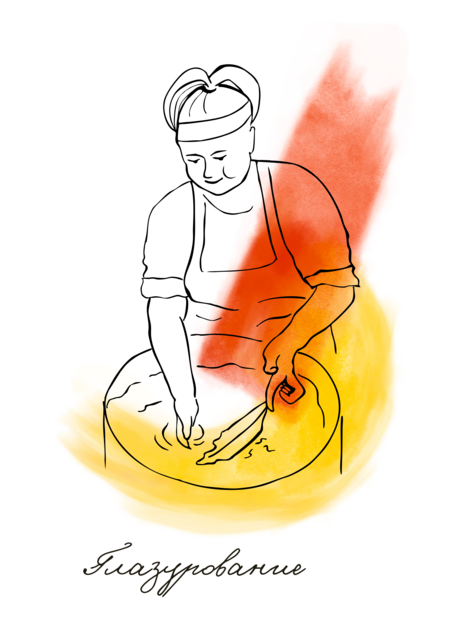
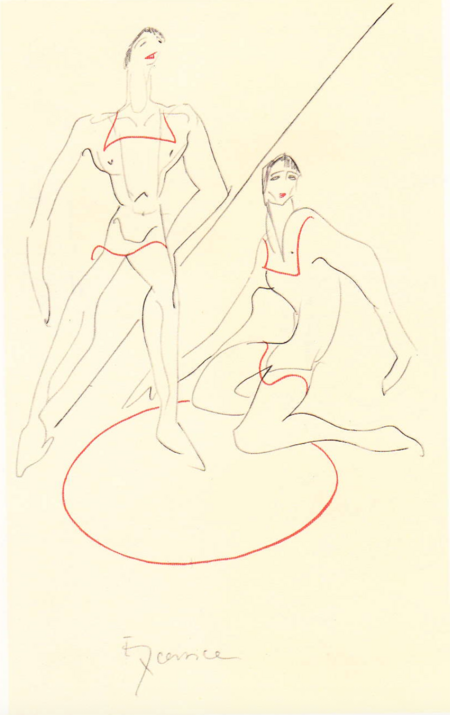
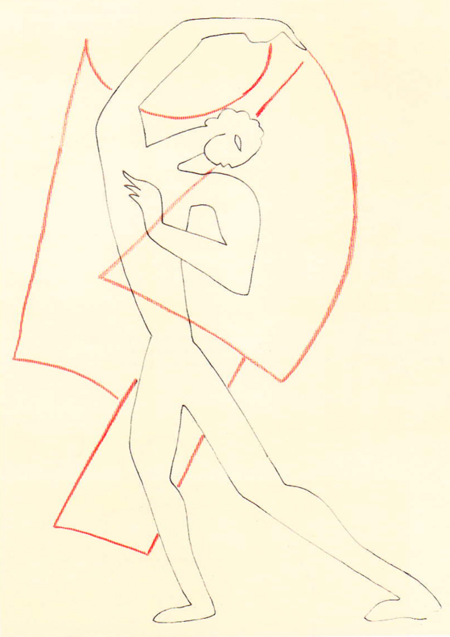
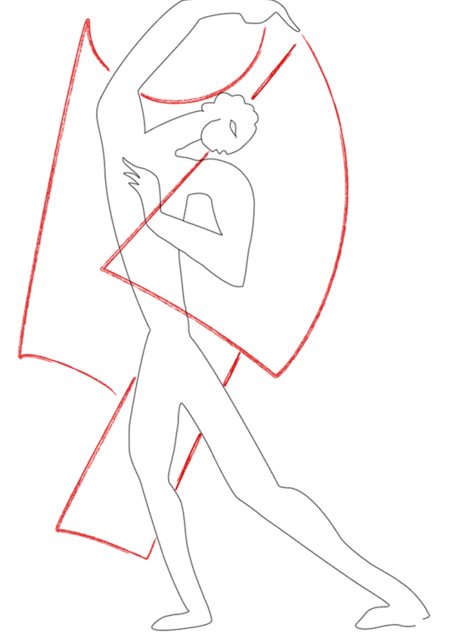
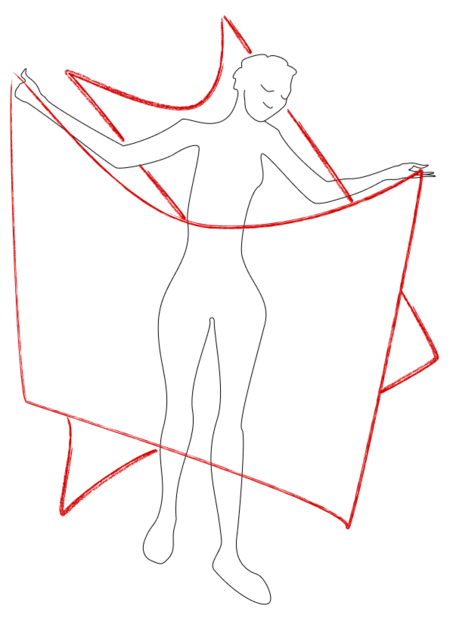
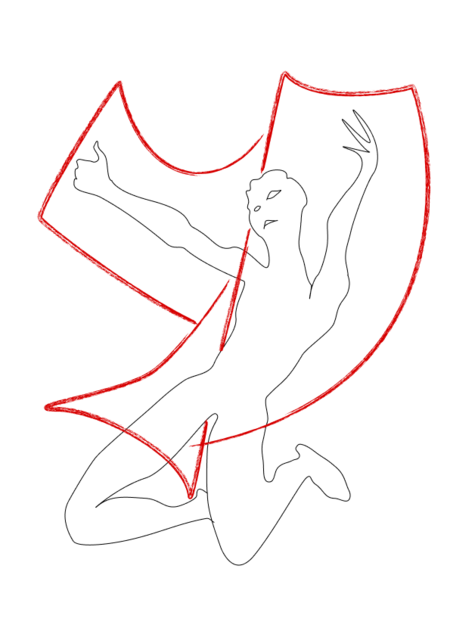
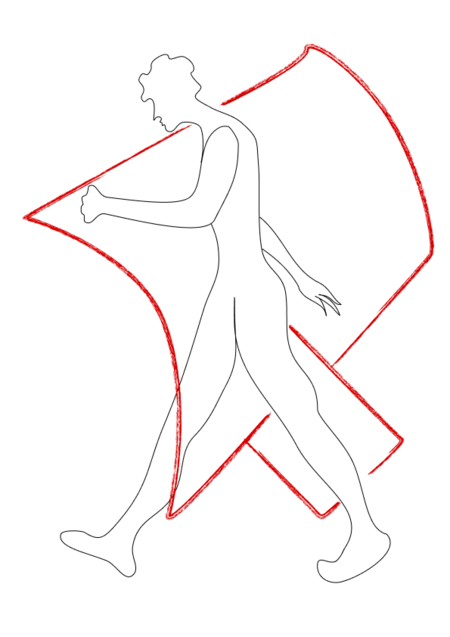
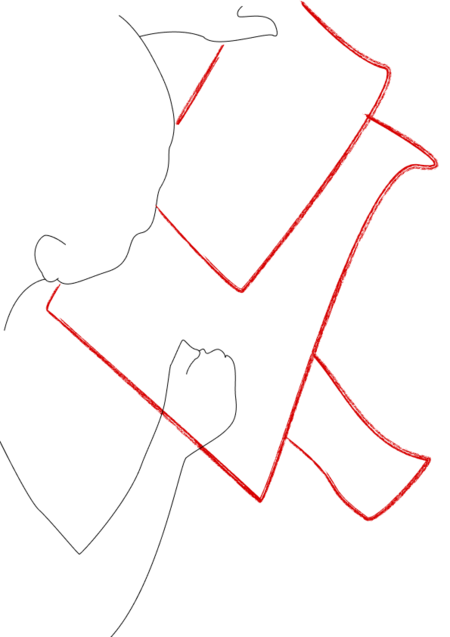
Иллюстрации для музея технологий ИФЗ поясняют профессиональные термины фарфорового производства в образах рабочих завода, каждый из которых по-своему прикладывает руку к изделию. Отдельные иллюстрации этапов изготовления фарфора складываются в общее панно для экспозиции и могут использоваться отдельно на разных носителях для сувенирной продукции музея. Серия отсылает к работам одного из художников ИФЗ Сергея Русакова, изобразившего профессии завода на фарфоре.
Вероника Бонохова создала иллюстрации для музея технологий Императорского фарфорового завода и визуальное исследование двух художников. Проект включает в себя панно, состоящее из отдельных иллюстраций этапов производства фарфора, которые могут использоваться для сувенирной продукции музея.
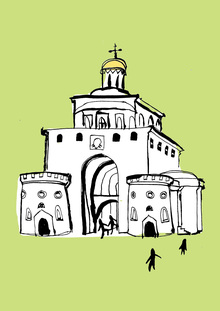
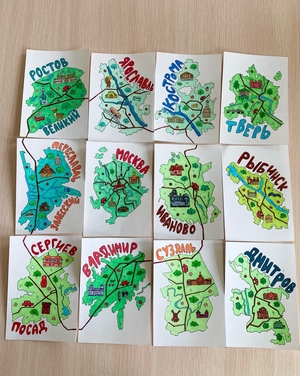
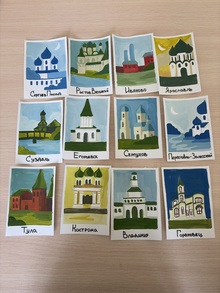
Яна Дегтярева создала серию открыток с активностями для путешествий по «Золотому кольцу» России. Каждая открытка содержит изображение достопримечательности и задание с квадратиком для отметки выполнения.
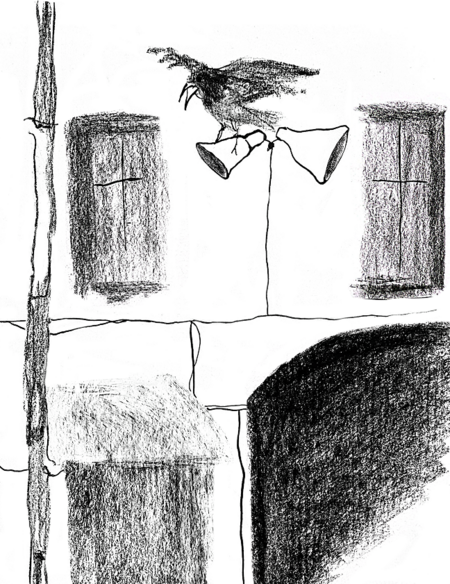
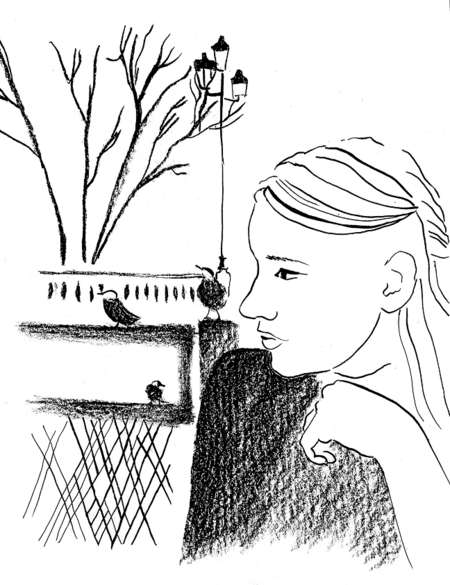
Анастасия Здобнова создала иллюстрации для бренда «Доктор Веб» и визуальное исследование двух художников. Проект включает коммерческие иллюстрации для образовательных поездок и анализ стилей Марка Шагала и Леонида Сойфертиса.
designschool.am — цифровая экосистема, объединяющая профессиональное портфолио для дизайнеров — студентов, выпускников и сотрудников программы «Коммуникационный дизайн» (совместный проект Российско-Армянского Университета и Школы дизайна НИУ ВШЭ), образовательную онлайн-платформу, площадку, агрегирующую международные онлайн-конкурсы в креативных индустриях и другие профессиональные инструменты.... Show more
We use cookies to improve the operation of the website and to enhance its usability. More detailed information on the use of cookies can be fo...
Show more
Press space bar to start a drag.
When dragging you can use the arrow keys to move the item around and escape to cancel.
Some screen readers may require you to be in focus mode or to use your pass through key
Press space bar to start a drag.
When dragging you can use the arrow keys to move the item around and escape to cancel.
Some screen readers may require you to be in focus mode or to use your pass through key
Press space bar to start a drag.
When dragging you can use the arrow keys to move the item around and escape to cancel.
Some screen readers may require you to be in focus mode or to use your pass through key
Press space bar to start a drag.
When dragging you can use the arrow keys to move the item around and escape to cancel.
Some screen readers may require you to be in focus mode or to use your pass through key
Press space bar to start a drag.
When dragging you can use the arrow keys to move the item around and escape to cancel.
Some screen readers may require you to be in focus mode or to use your pass through key
Press space bar to start a drag.
When dragging you can use the arrow keys to move the item around and escape to cancel.
Some screen readers may require you to be in focus mode or to use your pass through key
Press space bar to start a drag.
When dragging you can use the arrow keys to move the item around and escape to cancel.
Some screen readers may require you to be in focus mode or to use your pass through key
Press space bar to start a drag.
When dragging you can use the arrow keys to move the item around and escape to cancel.
Some screen readers may require you to be in focus mode or to use your pass through key
Press space bar to start a drag.
When dragging you can use the arrow keys to move the item around and escape to cancel.
Some screen readers may require you to be in focus mode or to use your pass through key
Press space bar to start a drag.
When dragging you can use the arrow keys to move the item around and escape to cancel.
Some screen readers may require you to be in focus mode or to use your pass through key
Press space bar to start a drag.
When dragging you can use the arrow keys to move the item around and escape to cancel.
Some screen readers may require you to be in focus mode or to use your pass through key
Press space bar to start a drag.
When dragging you can use the arrow keys to move the item around and escape to cancel.
Some screen readers may require you to be in focus mode or to use your pass through key